

Who this is for: Best for shoppers who want Roku alternatives with better search, more features, or a full TV upgrade.
Best Alternatives to Roku in 2026 — Cheaper, Better, or Both?
If you’re shopping for Roku alternatives, you’re probably frustrated by one of three things: rising prices, a menu system that feels too locked in, or missing features like better voice search, smarter recommendations, and stronger live TV options. The good news is that there are solid replacements that can be cheaper than Roku, more powerful than Roku, or simply a better fit for how you actually stream. Below, we break down the strongest options based on published specs, feature sets, and owner feedback patterns so you can choose with confidence.
Related Reviews
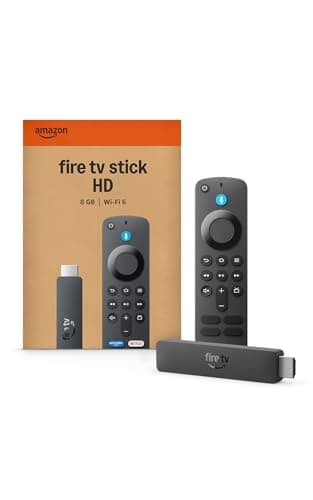
Amazon Fire TV Stick HD
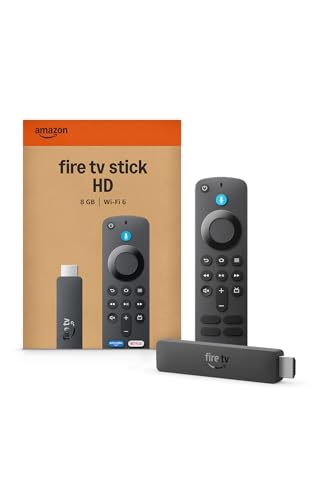
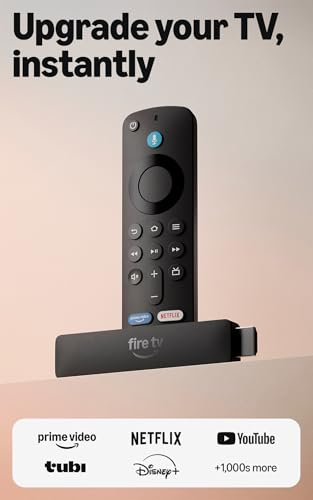

Amazon Fire TV Stick HD ✓ Prime is one of the easiest Roku alternatives if you want a familiar streaming-stick format with a more aggressive content-first interface. Compared with Roku, it leans harder into Alexa-powered search, free live TV, and Amazon ecosystem integration, which can be a plus if you already use Prime Video or Alexa devices. It also stands out for its “powered by the TV” setup, which simplifies installation and reduces cable clutter.
The tradeoff is that Fire TV can feel more promotional than Roku, with heavier emphasis on Amazon services and recommendations. Still, for shoppers who want a low-cost stick that does the basics well and adds stronger voice features, this is a practical pick.
Why it compares well to Roku
Fire TV Stick HD is a strong alternative for budget buyers who want quick setup, access to major apps, and a voice remote that can jump straight to shows faster. The 2026 Fire TV interface also adds a more modern layout and more personalized recommendations than many Roku users are used to.
✓ Fast, portable HD streaming stick with Wi-Fi 6 support
✓ Alexa+ search and voice navigation for faster content discovery
✓ Access to major apps plus free, ad-supported content
✓ Powered by the TV with included USB-C cable for simpler setup
✓ Thin profile helps avoid blocking nearby HDMI ports
✗ HD-only, so it won’t satisfy 4K TV owners who want higher resolution
✗ The interface can feel more Amazon-centric than Roku’s cleaner layout
✗ Best experience may lean toward users already in the Amazon ecosystem
Amazon Fire TV Stick 4K Select
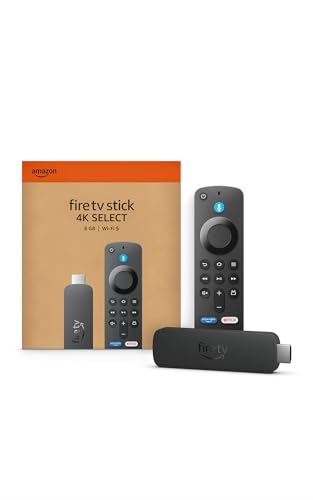
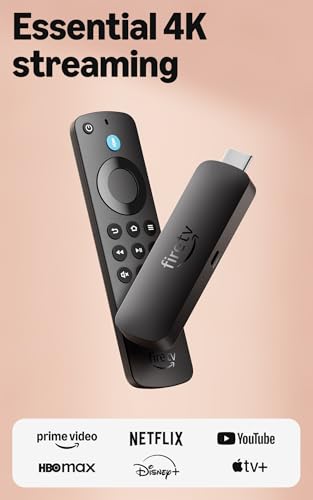
Amazon Fire TV Stick 4K Select ✓ Prime is the better Roku alternative if your TV supports 4K and you want a more future-proof streaming stick. It offers the same Fire TV content ecosystem, but with 4K Ultra HD and HDR10+ support, making it a more compelling upgrade than an HD-only streamer. For many buyers, this is the sweet spot between price and performance.
Against Roku, the biggest advantage is the richer search experience and the broader integration with Alexa+. It’s designed to help you spend less time digging through menus and more time watching, which is exactly what many people want from a streaming device.
Why it compares well to Roku
If you’re replacing a Roku stick and want something more capable without jumping to a premium device, Fire TV Stick 4K Select gives you a noticeable step up in picture support and smart features. It’s especially appealing for households that use multiple streaming services and want one place to search across them.
✓ 4K Ultra HD with HDR10+ support
✓ Modern Fire TV interface with AI-powered recommendations
✓ Broad app support including major streaming services
✓ Easy plug-in setup for quick installation
✓ Good value for 4K-capable TVs
✗ Still tied closely to Amazon’s content ecosystem
✗ Interface may feel busier than Roku’s simpler home screen
✗ Doesn’t offer the premium app-neutral feel some Roku fans prefer
INSIGNIA 50" Class F50 Series LED 4K UHD Smart Fire TV
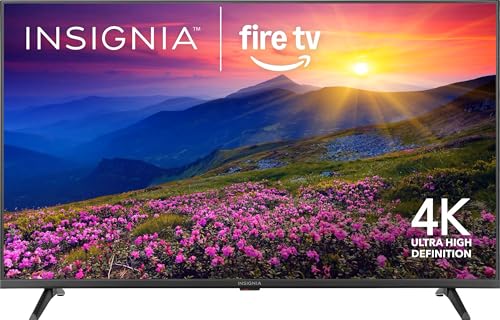


INSIGNIA 50" Class F50 Series LED 4K UHD Smart Fire TV ✓ Prime is the most “buy one device and be done” option in this roundup. Instead of acting as just a streaming stick, it replaces both your TV and Roku box in one shot, which makes it a strong alternative for anyone starting from scratch or upgrading an older television. Since Fire TV is built in, you get the same app ecosystem and Alexa support without needing a separate streamer.
Compared with Roku, the big win is convenience. You’re not just changing the interface—you’re getting a full 4K smart TV with free content access, voice control, and smart home features. For budget-conscious buyers who want a larger screen plus streaming, this is a compelling bundle.
Why it compares well to Roku
This model makes sense if you’re replacing an aging TV and don’t want to spend extra on a standalone Roku device. It offers a modern smart-TV experience, easy access to free and paid apps, and the kind of all-in-one simplicity many households prefer.
✓ 50-inch 4K UHD display with HDR support
✓ Fire TV built in, so no external streamer needed
✓ Alexa voice remote for hands-free control
✓ Smart home features and live camera feed support
✓ Access to free ad-supported apps and major streaming platforms
✗ Much larger purchase than a simple Roku stick
✗ Fire TV interface may still feel more promotional than Roku
✗ Picture quality is good for the price, but not premium-tier
Sony 65 Inch BRAVIA 8 II QD OLED 4K HDR Smart Google TV (K-65XR80M2)
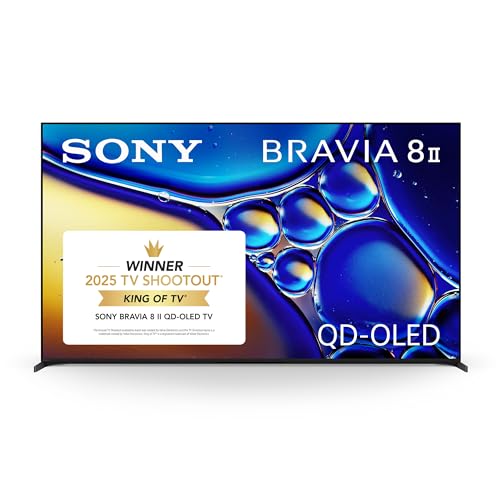


Sony 65 Inch BRAVIA 8 II QD OLED 4K HDR Smart Google TV (K-65XR80M2) ✓ Prime is the premium alternative for buyers who want to move far beyond Roku’s basic streaming-box experience. It’s not competing on price; it’s competing on picture quality, processing power, and the overall smart-TV experience. If Roku feels “good enough,” Sony is for shoppers who want the best screen in the room and are willing to pay for it.
Compared with Roku, this is the luxury route. You get Google TV, voice search via Google Assistant, and a high-end QD-OLED panel with excellent contrast and color. It’s the kind of upgrade that makes sense when streaming quality matters as much as interface simplicity.
Why it compares well to Roku
Roku is convenient, but it can’t compete with a premium OLED TV for image quality. If your main goal is to improve the actual viewing experience, Sony is in a different league entirely. It’s best for viewers who care about movie nights, gaming, and top-tier HDR performance.
✓ QD-OLED panel with pure blacks and high brightness
✓ Google TV offers broad app access in one place
✓ Powerful AI processing for better color and clarity
✓ Excellent choice for movie and premium streaming setups
✓ Strong voice-search convenience through Google Assistant
✗ Far more expensive than any Roku device
✗ Overkill if you only want a simple streaming interface
✗ Large TV purchase, not a compact streamer replacement
Roku vs. The Competition
| Product | Best For | Price Level | Strength vs Roku | Main Tradeoff |
|---|---|---|---|---|
| Amazon Fire TV Stick HD | Budget streaming and Alexa users | Low | Better voice search and free content discovery | HD only |
| Amazon Fire TV Stick 4K Select | 4K TV owners wanting value | Low-Mid | 4K support plus faster content search | Amazon-heavy interface |
| INSIGNIA 50" Class F50 Series LED 4K UHD Smart Fire TV | All-in-one TV buyers | Mid | No extra streamer needed; built-in smart TV | Bigger upfront purchase |
| Sony 65 Inch BRAVIA 8 II QD OLED 4K HDR Smart Google TV (K-65XR80M2) | Premium home theater | High | Best picture quality and processing | Very expensive |
Our Top Pick
Amazon Fire TV Stick 4K Select ✓ Prime is the best overall choice for most people looking for Roku alternatives in 2026. It hits the sweet spot between price, 4K capability, app support, and easier content discovery, while avoiding the bigger cost of a new TV. If you want a Roku replacement that feels modern without going overboard, this is the most balanced pick.
What pushes it ahead is the combination of 4K Ultra HD, HDR10+, Alexa+ search, and a clean plug-and-play setup. It’s the best match for shoppers who want more than basic streaming, but don’t want to spend premium-TV money.
Frequently Asked Questions
Is Fire TV better than Roku?
It depends on what you value. Fire TV is often better for Alexa users, free content discovery, and Amazon integration, while Roku is usually preferred for a simpler, more neutral interface.
What is the cheapest Roku alternative?
Among the products here, the Amazon Fire TV Stick HD is the most budget-friendly alternative for replacing a Roku stick without spending much more.
Which Roku alternative is best for 4K TVs?
The Amazon Fire TV Stick 4K Select is the best fit for 4K TV owners who want a streaming device with stronger search features and HDR support.
Should I buy a Fire TV stick or a smart TV instead?
Buy a Fire TV stick if you already have a decent TV and just want a better interface. Buy a smart TV like the INSIGNIA 50" Class F50 Series LED 4K UHD Smart Fire TV if you want an all-in-one upgrade.
What is the best premium alternative to Roku?
The Sony 65 Inch BRAVIA 8 II QD OLED 4K HDR Smart Google TV (K-65XR80M2) is the premium pick if your main goal is top-tier picture quality rather than just streaming convenience.
Pros
- + Fire TV options are easy to set up
- + Alexa search can speed up content discovery
- + Built-in smart TV and premium TV options expand the lineup
- + Good value choices for HD and 4K buyers
- + Strong app support across major streaming services
Cons
- – Fire TV interfaces can feel more Amazon-centric than Roku
- – The HD stick is not ideal for 4K TVs
- – Premium TV options are much more expensive than Roku
- – Some buyers may prefer Roku's simpler interface
Frequently asked questions
- Is Fire TV better than Roku?
- It depends on what you value. Fire TV is often better for Alexa users, free content discovery, and Amazon integration, while Roku is usually preferred for a simpler, more neutral interface.
- What is the cheapest Roku alternative?
- Among the products here, the Amazon Fire TV Stick HD is the most budget-friendly alternative for replacing a Roku stick without spending much more.
- Which Roku alternative is best for 4K TVs?
- The Amazon Fire TV Stick 4K Select is the best fit for 4K TV owners who want a streaming device with stronger search features and HDR support.
- Should I buy a Fire TV stick or a smart TV instead?
- Buy a Fire TV stick if you already have a decent TV and just want a better interface. Buy a smart TV like the INSIGNIA 50" Class F50 Series LED 4K UHD Smart Fire TV if you want an all-in-one upgrade.
- What is the best premium alternative to Roku?
- The Sony 65 Inch BRAVIA 8 II QD OLED 4K HDR Smart Google TV (K-65XR80M2) is the premium pick if your main goal is top-tier picture quality rather than just streaming convenience.
Score breakdown
- value
- 8.0
- usability
- 8.0
- durability
- 8.0
- performance
- 8.0
- buyerFeedback
- 8.0
Get the Full Tech Buyer's Guide
Join our free newsletter — we'll send our latest Tech picks, specs and verdicts straight to your inbox.
Free. No spam. Unsubscribe anytime.
Was this review helpful?
Be the first to share your feedback on this review.
Sign in to vote and let us know what you think.
Discussion (0)
No comments yet. Be the first to start the discussion.
Related Reviews
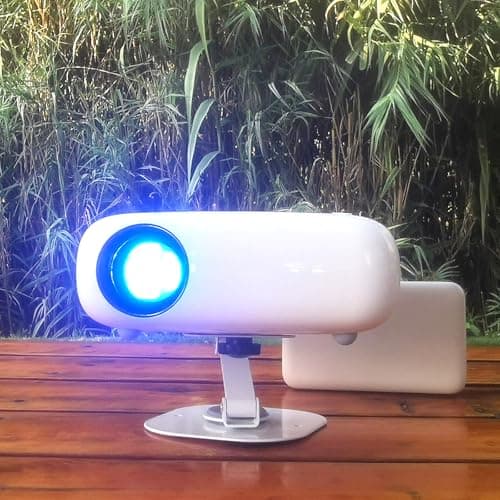
What is Lumens Explained for Projectors? A Complete 2026 Guide
If you’ve been trying to understand lumens explained for projectors , you’re probably stuck comparing specs that don’t clearly tell you how bright an image will look in real life. The short answer: lumens measure a projector’s light output, and the right number depends on your room, screen size, and
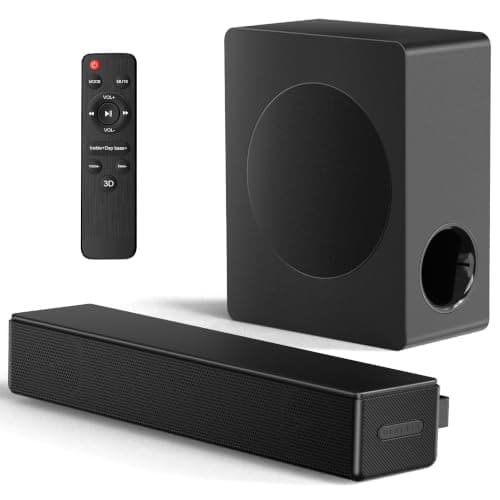
Best Dolby Atmos Soundbars Under $500 for Every Budget in 2026: Ranked by Price & Performance
If you’re shopping for the best Dolby Atmos soundbars under $500 , the hard part is figuring out which models actually improve movie immersion without wasting money on inflated specs. At this price ceiling, the smartest buys are usually the ones that balance real-world dialogue clarity, bass output,
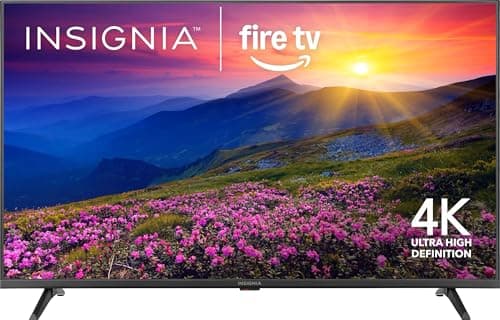
INSIGNIA 50" Class F50 Series LED 4K UHD Smart Fire TV Review (2026): Specs, Pros & Cons, and Who It's For
If you’re searching for a tv brightness nits measurement test because you want to know whether a budget TV can look good in real rooms, the INSIGNIA 50" Class F50 Series is a sensible place to start. This research-based review looks at published specs, retailer details, and owner feedback patterns t