

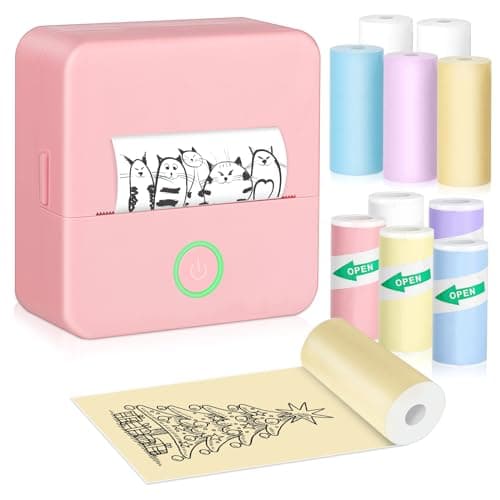
Who this is for: Best for home buyers who want the right printer for documents, schoolwork, photos, or labels without overspending.
Check PriceHow to Choose the Best Home Printer in 2026: Complete Buying Guide
Choosing the right home printer can save you money, reduce daily frustration, and keep you from buying a machine that does the wrong job well. The most common mistake buyers make is focusing only on the sticker price and ignoring ink costs, connectivity, and whether they actually need print-only, all-in-one, or photo features. If you’re researching how to choose a home printer, this guide breaks down the features that matter, the red flags to avoid, and the best options for different home use cases.
Related Reviews
Key Features to Look For
1) Print type: inkjet, all-in-one, or thermal
This is the first decision because it determines what the printer can realistically do. Inkjet and all-in-one models are best for documents, schoolwork, and occasional photos, while thermal mini printers are better for labels, journaling, stickers, and quick creative prints. If you need scanning and copying, choose an all-in-one; if you only need simple printing, a basic printer may be enough.
2) Cost per page and ink replacement
The cheapest printer is often the most expensive to own. Look at whether it uses standard ink cartridges, a subscription ink program, or inkless thermal paper. For families printing homework and documents, low running costs matter more than a low upfront price. If you print only occasionally, you may prefer a model with easy-to-find cartridges or an inkless option for light-duty tasks.
3) Wireless connectivity and app support
Wi-Fi, Bluetooth, and mobile app printing make a huge difference in daily convenience. A printer that works smoothly from phones and laptops is much easier to live with than one that requires cables or complicated setup. This matters especially in homes where multiple people need to print from different devices.
4) Print speed
Speed matters if you print homework packets, forms, or multi-page documents. Faster print speeds reduce waiting and make the printer feel less annoying to use. If you only print labels or a few photos at a time, speed is less important than ease of use and compact size.
5) Print quality and resolution
For text-heavy documents, you want crisp black text. For photos, crafts, and stickers, look for clearer image handling and decent resolution. Mini thermal printers can be great for creative use, but they typically print in black and white only, so they are not a replacement for a true color printer.
6) Duplex printing and paper handling
Automatic two-sided printing saves paper and is especially useful for schoolwork, handouts, and home office tasks. Also check tray capacity and paper loading style. A bigger input tray means fewer refills, while a simple back-feed tray may be fine for basic light use but less convenient for frequent printing.
7) Ease of setup and daily maintenance
A printer should be easy to install, easy to connect, and easy to keep running. Simple setup, intuitive screens, and straightforward cartridge replacement can save a lot of frustration. This is one of the biggest quality-of-life factors for families who do not want to troubleshoot printers every week.
What to Avoid
1) Buying based only on the sale price
A low upfront price can hide expensive ink, limited features, or poor reliability. Before buying, compare long-term costs, not just the headline discount.
2) Choosing a printer that does not match your actual use
Many buyers overbuy photo features they never use or underbuy and end up with a printer that cannot scan, copy, or handle schoolwork efficiently. Match the printer to your real needs: documents, photos, labels, crafts, or all of the above.
3) Ignoring ink or paper availability
If replacement supplies are hard to find or overpriced, ownership becomes annoying fast. Make sure the printer uses common cartridges or affordable paper formats before you commit.
4) Assuming all wireless printers are easy to set up
Some printers connect smoothly, while others can be frustrating on home Wi-Fi. Look for models with strong app support, dual-band Wi-Fi, or simple Bluetooth setup if you want less hassle.
5) Expecting a mini printer to replace a full-size home printer
Sticker printers and thermal pocket printers are fun and useful, but they are not substitutes for a printer that can handle homework, forms, and color documents. Buy them for the right job.
Our Top Picks
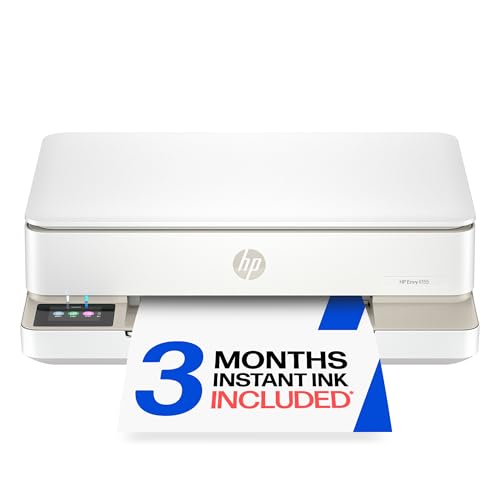 HP Envy 6155 Wireless All-in-One Color Inkjet Printer $79.99 ✓ Prime 50% OFF — Was $159.99
This is the strongest all-around pick for families who want one printer for homework, documents, scanning, copying, and the occasional borderless photo. It adds auto two-sided printing, a 100-sheet tray, and dual-band Wi-Fi, which makes it a practical choice for shared homes.
Why it stands out: It balances everyday color printing with useful home-office features, and the included Instant Ink trial may help reduce early running costs.
- ✓ Print, scan, and copy in one machine
- ✓ Auto 2-sided printing saves paper
- ✓ Dual-band Wi-Fi helps with connectivity issues
- ✓ Easy-to-use touchscreen
- ✓ Good fit for homework and everyday color documents
- ✗ Ink subscription may not suit everyone after the trial
- ✗ Not the best choice if you only need a simple print-only device
- ✗ Faster and more specialized printers exist for heavy-duty use
 Canon PIXMA TS3720 Wireless All-in-One Printer for Basic Home Printing $54.00 ✓ Prime 38% OFF — Was $86.99
This is a smart budget-friendly pick for households that want basic printing, copying, and scanning without paying for extra bells and whistles. It is especially appealing if you want a simple setup and a compact all-in-one for light home use.
Why it stands out: It covers the essentials at a lower price than many all-in-one rivals, making it a practical entry-level home printer.
- ✓ Print, copy, and scan
- ✓ Easy setup for first-time buyers
- ✓ Simple LCD screen for basic control
- ✓ Lower price than many full-featured home printers
- ✓ Good for occasional home printing
- ✗ Single-sided printing only
- ✗ Slower than some higher-end models
- ✗ Not ideal for heavy household printing
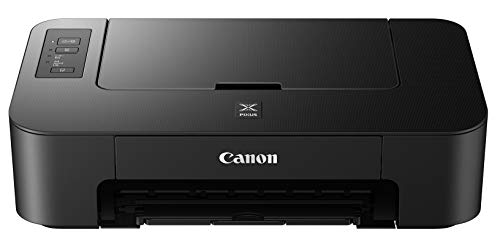 Canon Color Printer A4 Inkjet PIXUS TS203 USB Connection Model $31.55 ✓ Prime
This is a no-frills choice for buyers who want the lowest entry price and only need straightforward printing. It is best for someone who values simplicity over features and does not need scanning, copying, or wireless setup.
Why it stands out: It is an inexpensive, easy-to-understand printer for basic print-only tasks.
- ✓ Very affordable upfront price
- ✓ Simple to use
- ✓ Good for basic printing needs
- ✓ Compact enough for a small home setup
- ✗ No copy or scan function
- ✗ USB-only connection is less convenient than wireless
- ✗ No automatic double-sided printing
 Gloryang JD-23 Sticker Printer $22.09 ✓ Prime 15% OFF — Was $25.99
This is the best fit for journaling, labels, crafts, and fun home organization projects. If your “home printer” needs are really about stickers, notes, QR codes, and creative printing from a phone, this compact thermal model makes a lot of sense.
Why it stands out: It is tiny, ink-free, app-driven, and built for creative or organizational printing rather than standard documents.
- ✓ Ink-free thermal printing
- ✓ Very compact and portable
- ✓ Strong app features for labels, notes, and DIY projects
- ✓ Includes starter rolls
- ✓ Good for students, planners, and craft users
- ✗ Not a replacement for a full-size document printer
- ✗ Limited to thermal-style output
- ✗ Best for small-format printing only
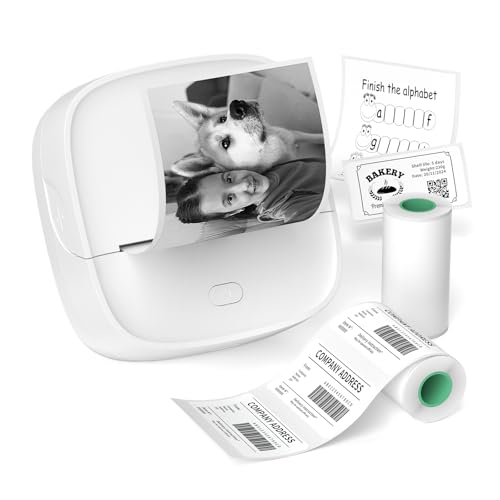
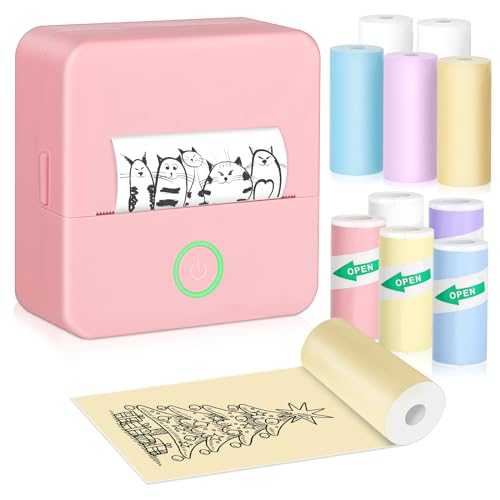 Bakoor Sticker Printer $24.99 ✓ Prime
This is another strong mini printer option for people who want stickers, journals, to-do lists, and quick black-and-white prints from a phone. It is especially appealing if you want creative templates and a lightweight printer you can carry around easily.
Why it stands out: It comes with multiple paper rolls and a broad creative feature set, making it useful for DIY and organization.
- ✓ Portable and lightweight
- ✓ Bluetooth printing from Android and iOS
- ✓ Includes multiple paper rolls
- ✓ Good for labels, journals, and photos in black and white
- ✓ Handy for travel or desk organization
- ✗ Only prints black and white
- ✗ Not suitable for standard home-office document needs
- ✗ Small-format output only
Budget Guide: What You Get at Each Price Point
Under $30
At this level, you are usually looking at mini thermal printers or ultra-basic print-only models. You can expect portability, fun app features, and low upfront cost, but not full home-office capability. This is the right range for labels, journaling, stickers, and occasional lightweight printing.
$30 to $60
This is the sweet spot for simple home printing. You may find basic color inkjet models or entry-level all-in-ones that can print, copy, and scan. These printers are often ideal for households with light schoolwork, forms, and occasional document printing.
$60 to $100
In this range, you start getting better convenience features like wireless printing, easier setup, duplex printing, and more polished app support. This is often the best value zone for families who want a dependable all-purpose printer without jumping to a premium model.
$100 and up
Higher-priced home printers typically offer better connectivity, more features, and stronger day-to-day convenience. You may see better paper handling, more advanced ink systems, faster performance, and more useful all-in-one functionality. If you print often, the upfront cost can be worth it.
Frequently Asked Questions
1) What is the best type of printer for home use?
For most homes, an all-in-one inkjet printer is the best choice because it can print, scan, and copy. If you only need labels or stickers, a mini thermal printer may be enough.
2) Is a wireless printer worth it?
Yes, for most buyers. Wireless printing is much more convenient for households with multiple devices, and it makes printing from phones and laptops far easier than using USB-only connections.
3) Should I buy a printer with an ink subscription?
It can be worth it if you print regularly and want predictable ink delivery. If you print only occasionally, a subscription may not save you enough to justify the ongoing cost.
4) Are cheap printers expensive to own?
Sometimes, yes. A low purchase price can be offset by costly ink, limited features, or poor reliability. Always check the long-term cost before buying.
5) What should I choose if I only print occasionally?
If you print very little, a basic all-in-one or simple print-only printer can work well. If your printing is creative rather than document-based, a compact thermal sticker printer may be the better fit.
Pros
- + All-in-one printers fit most home needs
- + Wireless printing improves convenience
- + Thermal mini printers are great for labels and crafts
- + Budget options exist for light use
- + Duplex printing can save paper
Cons
- – Cheap printers can hide high ink costs
- – Mini printers can't replace full-size models
- – USB-only models are less convenient
- – Some printers require ongoing subscriptions
- – Single-sided printing is less efficient
Frequently asked questions
- What is the best type of printer for home use?
- For most homes, an all-in-one inkjet printer is the best choice because it can print, scan, and copy. If you only need labels or stickers, a mini thermal printer may be enough.
- Is a wireless printer worth it?
- Yes, for most buyers. Wireless printing is much more convenient for households with multiple devices, and it makes printing from phones and laptops far easier than using USB-only connections.
- Should I buy a printer with an ink subscription?
- It can be worth it if you print regularly and want predictable ink delivery. If you print only occasionally, a subscription may not save you enough to justify the ongoing cost.
- Are cheap printers expensive to own?
- Sometimes, yes. A low purchase price can be offset by costly ink, limited features, or poor reliability. Always check the long-term cost before buying.
- What should I choose if I only print occasionally?
- If you print very little, a basic all-in-one or simple print-only printer can work well. If your printing is creative rather than document-based, a compact thermal sticker printer may be the better fit.
Score breakdown
- value
- 8.0
- usability
- 8.0
- durability
- 7.0
- performance
- 8.0
- buyerFeedback
- 8.0
Get the Full Home Buyer's Guide
Join our free newsletter — we'll send our latest Home picks, specs and verdicts straight to your inbox.
Free. No spam. Unsubscribe anytime.
Was this review helpful?
Be the first to share your feedback on this review.
Sign in to vote and let us know what you think.
Discussion (0)
No comments yet. Be the first to start the discussion.
Related Reviews
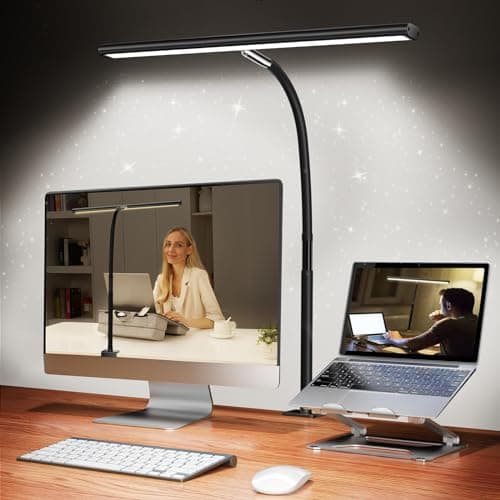
Desk Lamp Lux and Flicker Test Review (2026): Specs, Pros & Cons, and Who It's For
Check Price on Amazon →
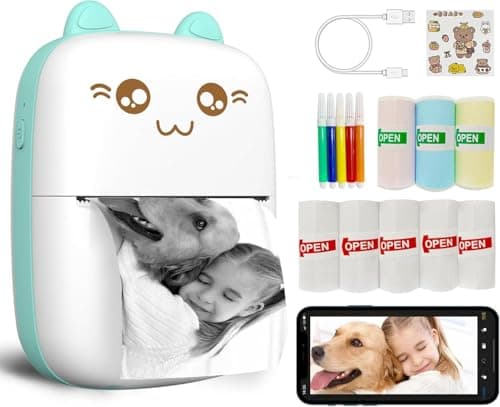
Best Cheapest Printer to Run Cost Per Page for Every Budget in 2026: Ranked by Price & Performance
If you’re searching for the cheapest printer to run cost per page , the sticker price only tells part of the story—ink, toner, and paper format can make or break the real cost over time. That’s why this guide focuses on the lowest-running-cost options across budget tiers, so you can match the right
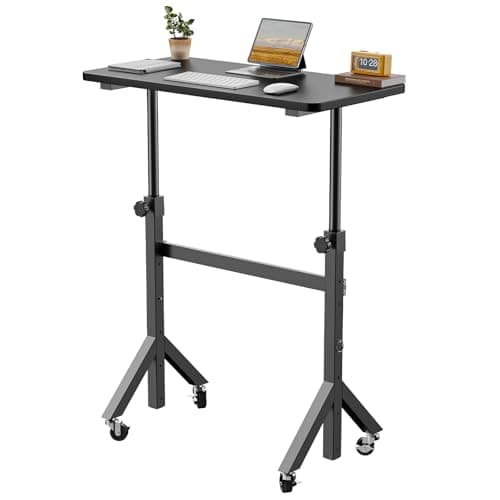
What is How to Set Up an Ergonomic Desk? A Complete 2026 Guide
If you’re dealing with neck pain, wrist strain, back discomfort, or that “tired by 2 p.m.” feeling, your desk setup may be the problem. Learning how to set up an ergonomic desk is really about arranging your chair, monitor, keyboard, mouse, and desk height so your body can work in a neutral, low-str