

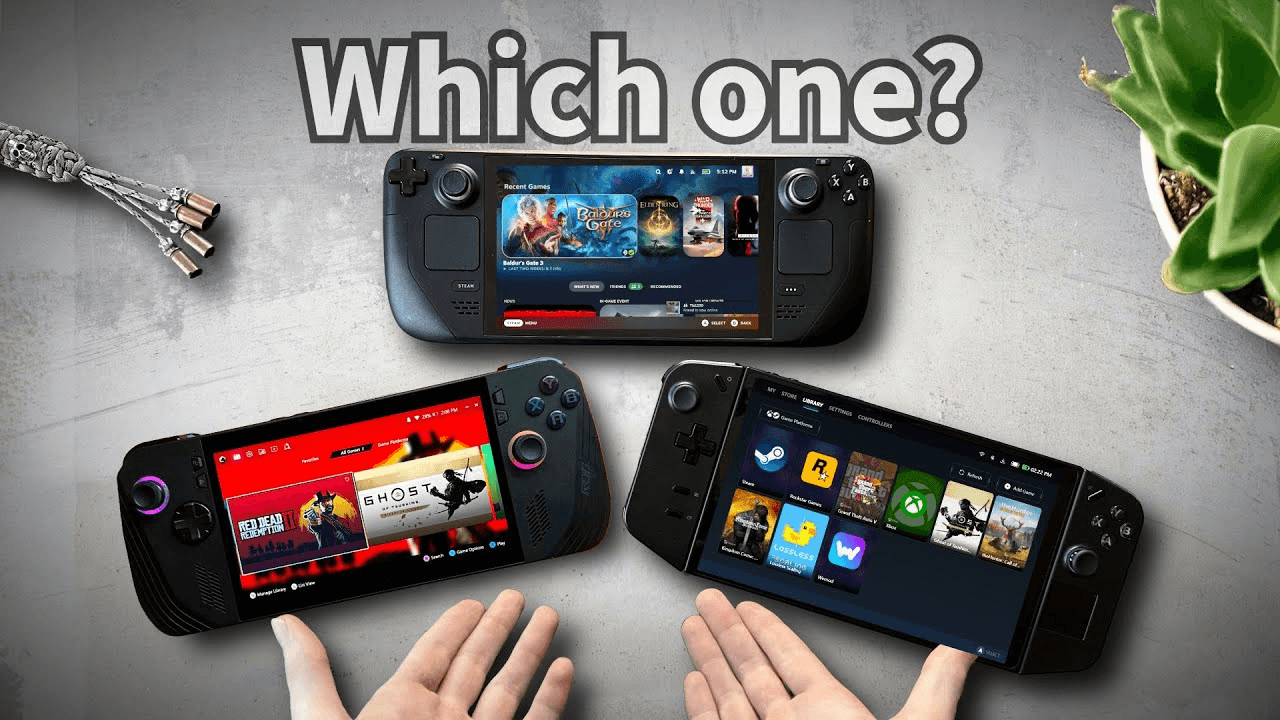
TL;DR
Steam Deck OLED: La mejor relación calidad-precio general + batería + ajustes de la comunidad; perfecta para la biblioteca de Steam y la diversión plug-and-play.
ROG Ally X: El mejor rendimiento bruto por libra más pantalla de 120Hz; ideal si quieres la flexibilidad de Windows con menos concesiones.
Legion Go 2: La mejor pantalla grande + mandos desmontables y sensación tipo escritorio; genial para estrategia/indies y juego conectado a una base.
Specs That Actually Matter (at a glance)
Feature | Steam Deck OLED | ROG Ally X | Legion Go 2 |
Screen | 7.4" OLED, 90/120Hz, ~800p | 7" IPS, 120Hz, 1080p | 8.8" IPS, 120Hz, 1600p (scales well) |
CPU/GPU | Custom AMD APU (RDNA3-class), highly optimized | Latest AMD APU tuned for higher clocks | AMD APU with higher TDP headroom |
RAM/Storage | 16GB LPDDR5; 512GB–1TB NVMe | 24GB LPDDR5X; 1TB NVMe | 16–32GB LPDDR5X; up to 1–2TB NVMe |
Battery | Excellent efficiency; great standby | Bigger pack than original Ally; good at 120Hz with tweaks | Large battery; bigger screen = higher draw |
Weight | Lightest feel | Light | Heaviest (big screen & controllers) |
OS | SteamOS (Linux), console-like UX | Windows 11 with Armoury Crate SE | Windows 11 with Legion Space |
Controls | Hall-effect sticks, touchpads, rear buttons | Hall-effect sticks, good ergonomics | Detachable controllers, mouse mode |
(Exact configs vary; focus on experience and priorities.)
Performance & Playability
Steam Deck OLED
Valve’s tuning + Proton means “it just works” for a massive chunk of your Steam library.
The OLED panel + HDR makes indie and story games pop; 90Hz mode is smooth without murdering battery.
Best for: RPGs, indies, platformers, AA titles at 30–45 fps with smart presets.
ROG Ally X
Highest per-watt performance at similar sizes; 1080p 120Hz sweet for esports/retro upscaling.
Windows compatibility = Game Pass, launchers, mods—more freedom, more settings to wrangle.
Best for: Action and competitive titles with 60 fps targets and aggressive tuning.
Legion Go 2
Huge 8.8" display = desktop-like workspace for tactics/strategy and docked play.
Detachable controllers + “mouse” mode make menus and emulators easier.
Best for: Visual novels, city builders, RTS, emulation, couch dock sessions.
Battery, Heat & Noise
Steam Deck OLED: La más eficiente en general; gran modo de espera, muy silenciosa en escenarios de escritorio equivalentes a 30–40W.
ROG Ally X: Batería más grande que la Ally original; 120Hz + TDP alto consumen más—usa perfiles de 15–20W en movimiento para equilibrar.
Legion Go 2: La capacidad es sólida, pero el panel más grande y la carga de Windows hacen que quieras un perfil equilibrado de 15–20W para sesiones largas.
Quick win: Limita la tasa de fotogramas a 40–60 fps, activa FSR/XeSS/FSR2 cuando esté disponible, y usa perfiles de TDP por juego.
Controls & Ergonomics
Steam Deck OLED: Los sticks Hall + los trackpads = mejor control del cursor en SteamOS, genial para juegos que usan mucho el ratón.
ROG Ally X: Empuñaduras cómodas, gatillos responsivos, formato limpio de 7" para sesiones largas.
Legion Go 2: Los mandos desmontables son increíbles para ciertos juegos y bandejas de viaje; más pesada en modo portátil.
Software Experience
SteamOS: Sencillez de consola, suspensión/reanudación instantánea, guardados en la nube fluidos, potentes herramientas comunitarias.
Windows (Ally/Legion): Compatibilidad total (EA/Ubisoft/Mods/Launchers), pero espera tener que lidiar con drivers/overlays y algún que otro problema puntual.
Emulation: Las tres pueden hacerlo; la interfaz de Deck y los scripts de la comunidad son los menos engorrosos de serie.
Docking & Peripherals
Todas admiten docks USB-C para salida HDMI/DP, Ethernet y mandos.
Legion Go 2 brilla conectada a una base gracias a la gran resolución nativa y los paneles desmontables.
ROG Ally X combina bien con monitores 120Hz; considera un dock 2.5GbE para la sincronización en la nube.
Steam Deck OLED se integra perfectamente con Big Picture de Steam y el cooperativo en sofá.
Which One Should You Buy? (Personas)
“I want plug-and-play fun + best battery.” → Steam Deck OLED
“I want Windows flexibility + 120Hz speed.” → ROG Ally X
“I want a big screen, docked play, emulation & menus made easy.” → Legion Go 2
Buyer’s Checklist (Copy/Paste)
Library fit: Steam-first (Deck) vs all launchers/Game Pass (Windows)
Screen: OLED contrast vs 1080p/120Hz vs big 8.8" canvas
Battery: Aim for 15–20W profiles on the go; carry a 65W+ USB-C PD charger
Storage: At least 1TB NVMe if you play AAA; microSD as overflow
Controls: Need touchpads (Deck) or detachable controllers (Legion)?
Dock plan: Desk/TV setup, keyboard/mouse, Ethernet
FAQ
Can these replace a gaming laptop?
For indie/AA and many AAA with tuned settings, yes. For ultra settings at 1440p/4K, a laptop/desktop still wins.
Do I need 120Hz on a handheld?
It’s great for responsiveness and retro/esports. If you mostly cap at 40–60 fps, OLED + lower refresh (Deck) can save battery.
How big should storage be?
1TB is the sweet spot for 3–6 big games plus indies. You can upgrade the NVMe later on all three.
Is Windows too much hassle?
It’s more flexible but requires patience. If you prefer console-like simplicity, get the Deck.
Final Verdict
Best overall experience & battery: Steam Deck OLED
Best performance + Windows ecosystem: ROG Ally X
Best big-screen versatility & docked play: Legion Go 2
Ready to check live pricing?👉 See today’s best offers:
Consigue la guía de compra completa de Tecnología
Únete a nuestro boletín gratuito: te enviaremos nuestras últimas recomendaciones de Tecnología, con fichas y veredictos, directo a tu correo.
Gratis. Sin spam. Cancela cuando quieras.
Was this review helpful?
Be the first to share your feedback on this review.
Sign in to vote and let us know what you think.
Discussion (0)
No comments yet. Be the first to start the discussion.
Reseñas relacionadas
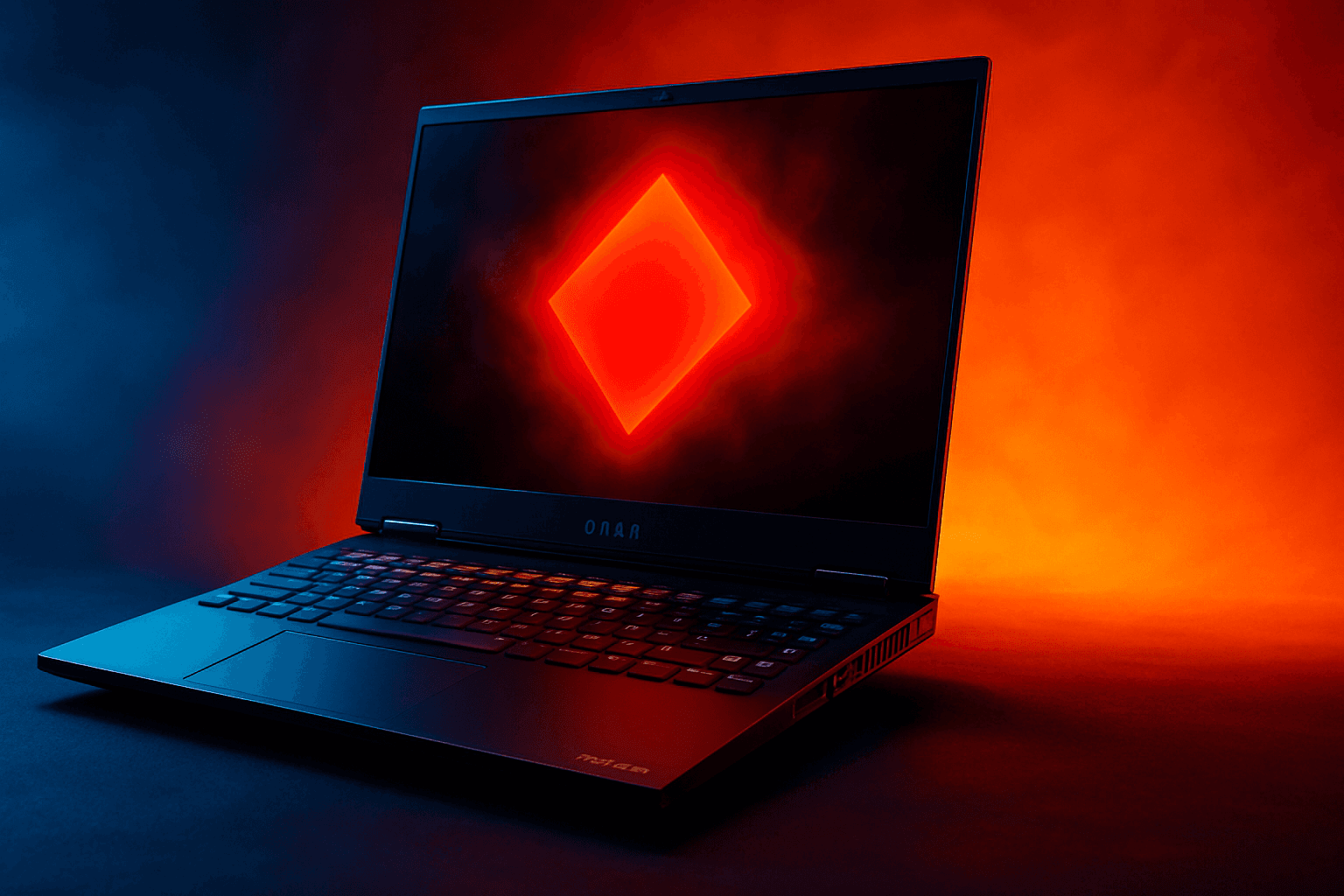
HyperX OMEN Gaming Laptop 15-gb0xxx: Lo probé
Por fin probé el portátil gaming HyperX OMEN 15-gb0xxx del que todo el mundo habla... y sí, me sorprendió para bien.

Mejores alternativas a cheap PS5: ¿más baratas o mejores?
Si buscas alternativas a cheap PS5, probablemente intentas resolver uno de tres problemas: la consola sigue siendo cara, el modelo digital se queda corto o quieres mejor valor por tu dinero. La buena noticia es que hay varias opciones de PS5 que pueden superar el
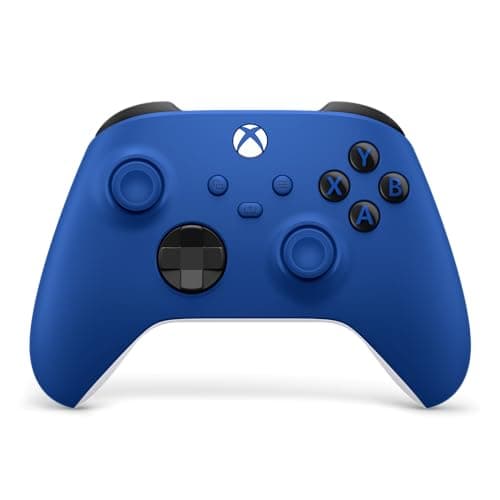
8 mejores mandos Xbox 2026: comodidad y precisión
Si buscas los mejores mandos Xbox 2026, seguramente quieres un mando que se sienta bien, responda al instante y no arruine tus partidas con drift. La buena noticia es que las mejores opciones de este año cubren todo tipo de jugador, desde quienes buscan ahorrar hasta gamers competitivos y modelos personalizados.