

What is SSD vs HDD laptop which is better? A Complete 2026 Guide
If your laptop feels slow, takes forever to boot, or struggles when you open multiple apps, the real bottleneck may be your storage drive. The debate over SSD vs HDD laptop which is better usually comes down to speed, durability, capacity, and price. In this guide, you’ll learn how each drive works, what matters when buying, and which upgrade is the smarter choice for most laptop users in 2026.
Related Reviews
How It Works
An HDD, or hard disk drive, stores data on spinning magnetic platters and reads it with a moving mechanical arm. Because it has physical moving parts, it is slower to start up, load files, and open programs, especially compared with modern solid-state storage. An SSD, or solid state drive, stores data on flash memory chips with no moving parts, which is why it is much faster, quieter, and more resistant to bumps and drops.
Think of an HDD like a record player that has to physically move to find information, while an SSD works more like instant-access memory for your files. That difference is why SSDs dramatically improve boot times, app launches, and overall system responsiveness. For laptop users, that speed boost is often the single biggest upgrade you can make.
Key Benefits & Use Cases
Why SSDs are usually better for laptops
For most people, an SSD is the better choice in a laptop because it makes everyday tasks feel faster right away. Windows or macOS boots quicker, programs open with less delay, and file transfers finish sooner. SSDs also use less power than HDDs, which can help extend battery life in portable devices.
When an HDD can still make sense
An HDD may still be useful if you need very large storage at a lower cost and speed is not your top priority. Some users keep an HDD for bulk media storage, backups, or older laptops where budget matters more than performance. But if the question is which is better for a primary laptop drive, SSD wins in most real-world cases.
Best use cases for SSDs
- Daily work, school, and office laptops
- Gaming laptops where load times matter
- Content creation and editing workflows
- Older laptops that need a noticeable performance boost
- Travel-friendly laptops that benefit from shock resistance
What to Look For When Buying
1. Storage capacity
Choose enough space for your operating system, apps, documents, photos, and games. For light users, 256GB may be enough, but many people are happier with 512GB or more.
2. Speed
Look at read/write speeds, especially if you want fast boot times and quick file access. SATA SSDs are much faster than HDDs, though not as fast as NVMe drives.
3. Form factor and compatibility
Make sure the drive fits your laptop’s bay and interface. Many older laptops use 2.5-inch SATA drives, while newer systems may support different storage standards.
4. Durability and reliability
SSDs are generally more durable than HDDs because they have no moving parts. If you carry your laptop around often, shock resistance is a major advantage.
5. Warranty and support
A good warranty can make a big difference, especially for storage devices that hold important files. Look for brands that offer clear support, warranty coverage, and proven reliability features.
Top Recommended Products
Below are three SSD options that fit the “SSD vs HDD laptop which is better” question from a practical upgrade perspective: they all offer the performance benefits that make SSDs the smarter laptop choice.
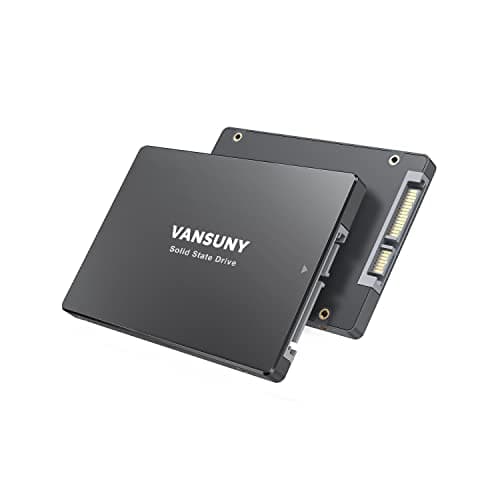
Vansuny 128GB SATA III SSD Internal Solid State Drive 4.6★ (Prime eligible) ✓ Prime 20% OFF — Was $33.99
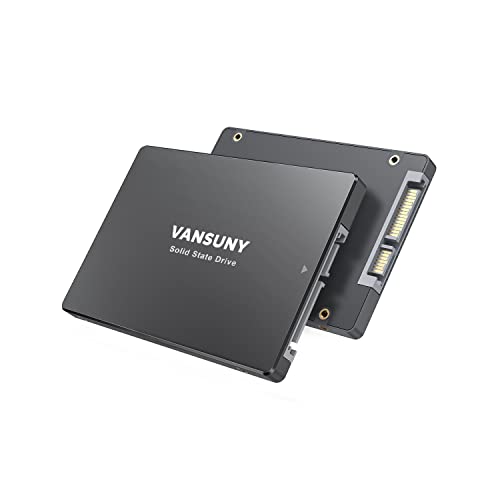


This Vansuny 128GB SATA III SSD is a straightforward upgrade for anyone replacing a slow hard drive in a basic laptop or desktop. With up to 450MB/s read speeds, it is designed to improve startup times and app loading without making installation complicated. It is a practical entry-level choice for users who want the SSD advantage at a lower price.
- ✓ Up to 450/330MB/s read/write speeds for faster startup and data transfer
- ✓ 3D NAND flash design for improved performance and stability
- ✓ Shockproof and silent compared with a traditional HDD
- ✓ Wide compatibility with most laptops and PCs using 2.5-inch SATA
- ✓ Lower power use can help with longer working or gaming sessions
- ✗ 128GB may feel small for modern Windows installations and large apps
- ✗ SATA speed is good, but not as fast as higher-end SSD standards
- ✗ Best for budget upgrades rather than heavy storage needs
TEAMGROUP AX2 256GB 3D NAND TLC 2.5 Inch SATA III Internal Solid State Drive SSD 4.7★ (Prime eligible) ✓ Prime 11% OFF — Was $54.99
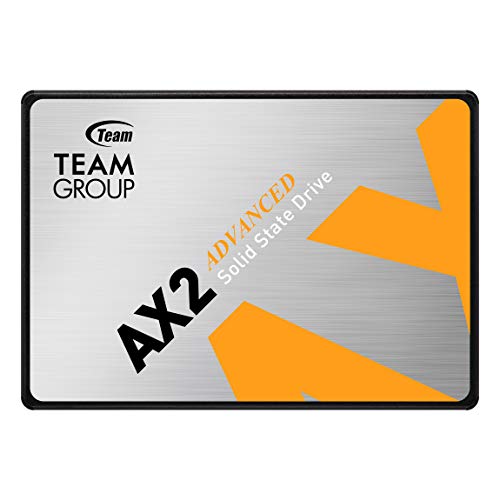


The TEAMGROUP AX2 256GB 3D NAND TLC SSD is a stronger all-around pick for a laptop upgrade because it offers more capacity and faster SATA performance. With up to 520MB/s read speed, it is built for users who want a smoother daily experience, better responsiveness, and a more future-proof storage size. It is especially appealing if you want a dependable replacement for an aging HDD.
- ✓ Up to 520/430 MB/s speeds for faster boot and application response
- ✓ 256GB capacity is more comfortable for everyday laptop use
- ✓ Includes wear-leveling, ECC, S.M.A.R.T., and TRIM support
- ✓ Lower power use and quiet operation compared with HDDs
- ✓ 3-year or TBW limited warranty with technical support
- ✗ Still a SATA drive, so it is not the fastest SSD type available
- ✗ More expensive than very small budget SSDs
- ✗ Heavy media or game libraries may need larger capacity
XiShuo SATA III SSD 2.5" Internal Solid State Drive 4.8★ (Prime eligible) ✓ Prime
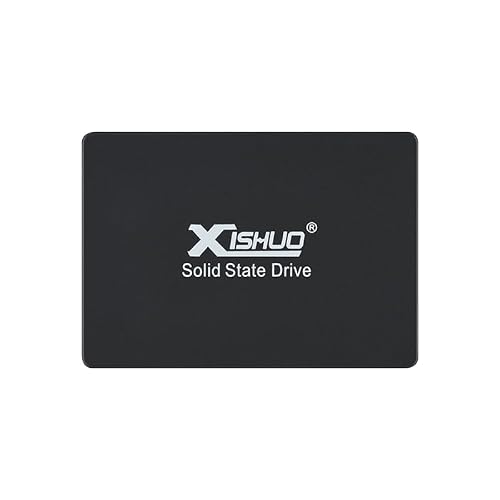


The XiShuo SATA III SSD 2.5" Internal Solid State Drive is aimed at users who need much more storage while still wanting SSD speed. Its 2TB capacity makes it a strong fit for creators, heavy multitaskers, and anyone who wants to keep large files on a laptop without relying on an HDD. If your priority is both speed and space, this is the most storage-rich option in the list.
- ✓ 2TB capacity for large apps, media libraries, and project files
- ✓ Faster than a traditional hard drive for booting and loading
- ✓ Designed for smoother gaming and reduced load times
- ✓ Lower power consumption and better stability than conventional drives
- ✓ Shock-resistant durability for added data protection
- ✗ Much higher price than smaller-capacity SSDs
- ✗ SATA interface limits speed compared with newer SSD categories
- ✗ May be overkill for users who only need basic storage
Common Mistakes to Avoid
One common mistake is buying a drive based only on capacity and ignoring speed. A large HDD may store more files, but it will not make your laptop feel fast the way an SSD will. If your main goal is better everyday performance, prioritize SSD speed over raw storage size.
Another mistake is not checking compatibility before buying. Laptops vary in supported drive size, connector type, and available space, so you should confirm whether your system uses a 2.5-inch SATA slot or another storage format. It is also smart to think about how much storage you actually need, because a too-small SSD can fill up quickly and slow your workflow.
Finally, don’t assume all SSDs are the same. SATA SSDs are excellent upgrades from HDDs, but there are performance differences between models, warranties, and capacities. Reading the drive specs helps you choose the right balance of price, speed, and longevity.
Frequently Asked Questions
1. Is SSD better than HDD for a laptop?
Yes, for most users an SSD is better than an HDD in a laptop because it is much faster, quieter, more durable, and more power-efficient. The difference is especially noticeable when booting the system and opening apps.
2. How much faster is SSD vs HDD laptop which is better for everyday use?
For everyday use, an SSD can feel several times faster than an HDD because it accesses data instantly instead of waiting for moving parts. That speed improvement is why many people say an SSD makes an old laptop feel new again.
3. Should I replace my HDD with an SSD in my laptop?
If your laptop supports it, replacing an HDD with an SSD is usually one of the best upgrades you can make. It improves responsiveness, reduces noise, and often extends battery life.
4. Is a 256GB SSD enough for a laptop?
A 256GB SSD can be enough for basic use like web browsing, office work, and school tasks. If you install many games, large creative apps, or store lots of media, a larger capacity like 512GB or 1TB is usually more comfortable.
5. Do SSDs last longer than HDDs in laptops?
SSDs often last well in normal laptop use because they have no moving parts and handle bumps better than HDDs. Their actual lifespan depends on usage, but for most laptop owners, SSDs are the more reliable choice.
Cons
- – 128GB may feel small for modern Windows installations and large apps
- – SATA speed is good, but not as fast as higher-end SSD standards
- – Best for budget upgrades rather than heavy storage needs
- – Still a SATA drive, so it is not the fastest SSD type available
- – More expensive than very small budget SSDs
- – Heavy media or game libraries may need larger capacity
- – Much higher price than smaller-capacity SSDs
- – SATA interface limits speed compared with newer SSD categories
Frequently asked questions
- 1. Is SSD better than HDD for a laptop?
- Yes, for most users an SSD is better than an HDD in a laptop because it is much faster, quieter, more durable, and more power-efficient. The difference is especially noticeable when booting the system and opening apps. 2. How much faster is SSD vs HDD laptop which is better for everyday use?
- 2. How much faster is SSD vs HDD laptop which is better for everyday use?
- For everyday use, an SSD can feel several times faster than an HDD because it accesses data instantly instead of waiting for moving parts. That speed improvement is why many people say an SSD makes an old laptop feel new again. 3. Should I replace my HDD with an SSD in my laptop?
- 3. Should I replace my HDD with an SSD in my laptop?
- If your laptop supports it, replacing an HDD with an SSD is usually one of the best upgrades you can make. It improves responsiveness, reduces noise, and often extends battery life. 4. Is a 256GB SSD enough for a laptop?
- 4. Is a 256GB SSD enough for a laptop?
- A 256GB SSD can be enough for basic use like web browsing, office work, and school tasks. If you install many games, large creative apps, or store lots of media, a larger capacity like 512GB or 1TB is usually more comfortable. 5. Do SSDs last longer than HDDs in laptops?
- 5. Do SSDs last longer than HDDs in laptops?
- SSDs often last well in normal laptop use because they have no moving parts and handle bumps better than HDDs. Their actual lifespan depends on usage, but for most laptop owners, SSDs are the more reliable choice.
Get the Full Tech Buyer's Guide
Join our free newsletter — we'll send our latest Tech picks, specs and verdicts straight to your inbox.
Free. No spam. Unsubscribe anytime.
Was this review helpful?
Be the first to share your feedback on this review.
Sign in to vote and let us know what you think.
Discussion (0)
No comments yet. Be the first to start the discussion.
Related Reviews
8 Best Laptop Sleeves 16 Inch in 2026 — Slim Protection, Better Organization
If you’re shopping for the best laptop sleeves 16 inch, the hardest part is finding one that actually fits a modern 16-inch laptop without feeling bulky or flimsy. The right sleeve should protect against scratches, bumps, and daily commutes while still sliding easily into a backpack or briefcase. Be
8 Best Wireless Mice for MacBook in 2026 — Quiet, Portable Picks That Work Better with macOS
If your MacBook’s trackpad is slowing you down, the right wireless mouse can make everyday work faster, quieter, and far more comfortable. The best wireless mice for MacBook should connect easily, feel good in the hand, and avoid the lag or compatibility headaches that ruin productivity. In this res
What is ChromeOS vs Windows vs MacOS? A Complete 2026 Guide
If you’re trying to choose between ChromeOS vs Windows vs MacOS, the hardest part is usually not the price—it’s figuring out which system actually fits how you work, study, stream, game, and travel. Each platform is built around a different philosophy, so the “best” choice depends on whether you wan