

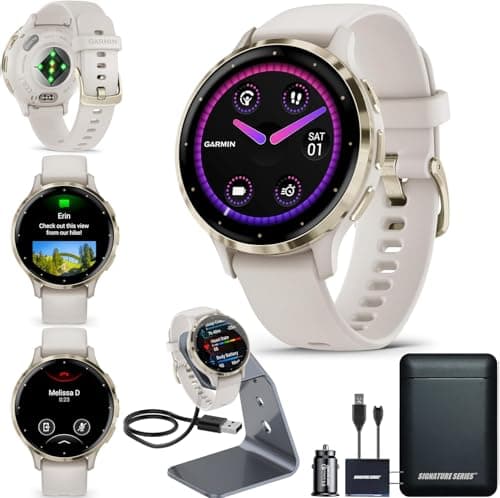
Who this is for: Best for smartwatch buyers who want longer runtime and practical ways to reduce charging frequency.
Check PriceWhat is How to Extend Smartwatch Battery Life? A Complete 2026 Guide
Smartwatch battery drain can be frustrating when your watch dies before the day is over, especially if you rely on it for health tracking, notifications, or workouts. Learning how to extend smartwatch battery life helps you get more value from your device without constantly searching for a charger. This guide explains the technology behind battery life, the best ways to improve it, what to look for when buying, and a few recommended products for people who want a watch that lasts longer between charges.
Related Reviews
How It Works
Smartwatch battery life is mainly determined by how much power the display, sensors, wireless radios, and software features use throughout the day. Bright always-on screens, frequent GPS use, continuous heart-rate tracking, and constant phone syncing all draw energy, while power-saving modes reduce those demands by limiting what runs in the background.
In simple terms, the watch is always balancing performance and efficiency. A more efficient processor, a lower-power display, smarter sensor scheduling, and optimized software can stretch battery runtime significantly, which is why two watches with similar-sized batteries can last very different lengths of time.
Battery life also depends on how you use the watch. Heavy workout tracking, music playback, and notifications can cut runtime fast, while reducing screen brightness, turning off unused features, and using power modes can help the watch last much longer.
Key Benefits & Use Cases
Why extending battery life matters
Longer battery life means fewer interruptions, less charging anxiety, and more reliable tracking. It can be especially useful for people who wear their watch overnight for sleep tracking, depend on it for workouts, or travel often and may not have easy access to a charger.
Common use cases
- Sleep tracking: A watch that lasts longer is easier to wear overnight without worrying about missing bedtime data.
- Travel: Fewer charges mean less packing and less dependence on outlets or power banks.
- Fitness training: Longer runtime helps during long runs, hikes, rides, or multi-day activities.
- Busy workdays: Better battery life keeps notifications, calendar alerts, and health tracking active all day.
- Older users or casual users: A simpler charging routine makes the watch easier to live with.
What to Look For When Buying
If your goal is to improve battery life, either by choosing a better smartwatch or by replacing a short-lasting one, these five criteria matter most:
1. Battery mode claims
Look at the manufacturer’s stated runtime in smartwatch mode, GPS mode, and power-saving mode. The best products separate these numbers clearly, so you can compare real-world usage more accurately.
2. Display technology
AMOLED screens look great but usually use more power than lower-energy display types, especially at high brightness or with always-on mode enabled. If battery life is your top priority, display efficiency matters a lot.
3. Sensor load and tracking features
Continuous heart-rate monitoring, SpO2 checks, stress tracking, and sleep analysis are useful, but they all consume battery. Check whether the watch lets you customize which sensors run all the time.
4. GPS and connectivity efficiency
GPS, Bluetooth, Wi-Fi, and cellular features can all shorten battery life. A watch with smart power management and efficient syncing will usually last longer during active use.
5. Software controls and power-saving tools
Good battery management depends on app settings, brightness controls, watch faces, and power modes. A watch with flexible settings gives you more control over how quickly it drains.
Top Recommended Products
Below are two research-based recommendations for readers who want a smartwatch with stronger battery performance and useful power-management features. These are not hands-on test results; they’re based on published specs, listed features, and owner feedback patterns.
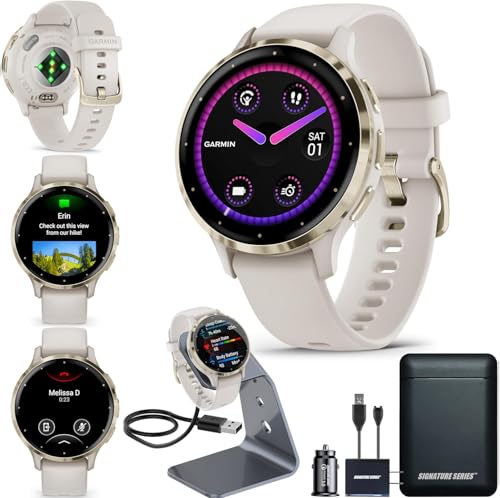 Garmin Venu 3S Running GPS Smartwatch with AMOLED Display, Advanced Health, Fitness Features, Up to 14 Day Battery Life with Signature Power Bundle | Soft Gold with Ivory Silicone Band ✓ Prime $454.99


This model stands out because Garmin pairs an AMOLED display with strong battery claims and a feature set built around efficient health tracking. The brand’s Body Battery, sleep score, nap detection, and training tools are all designed to help users understand energy use rather than just burn through it. For buyers who want a premium smartwatch that still emphasizes endurance, it is one of the strongest options in this list.
- ✓ Up to 10 days of battery in smartwatch mode
- ✓ Body Battery energy monitoring helps users manage usage more intelligently
- ✓ Sleep score, nap detection, and HRV status add useful recovery insights
- ✓ Over 30 built-in indoor and GPS sports apps
- ✓ Calls, texts, and voice assistant support from the wrist when paired with a compatible phone
- ✗ Premium price point
- ✗ AMOLED display may not be the most power-frugal option for every user
- ✗ Best value depends on whether you’ll use the advanced fitness features
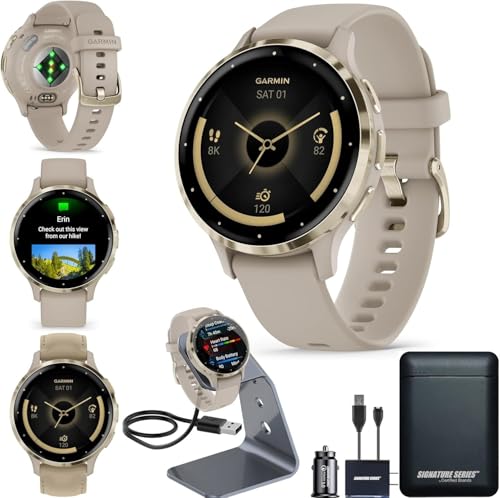 Garmin Venu 3S Running GPS Smartwatch with AMOLED Display, Advanced Health, Fitness Features, Up to 14 Day Battery Life with Signature Power Bundle | Soft Gold with French Gray Silicone Band ✓ Prime $454.99
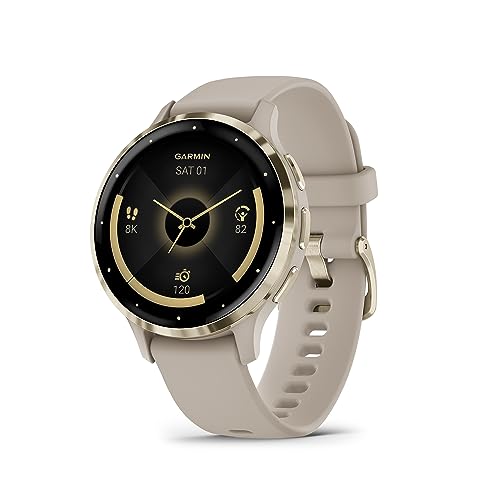

This version is functionally the same type of recommendation as the Ivory Silicone Band model, but it gives shoppers another color option while keeping the same battery-focused feature set. It is a smart pick if you want Garmin’s health and training ecosystem with the same long-runtime positioning and bundled accessories. Because the specs and battery claims are aligned, the main difference here is style preference.
- ✓ Up to 10 days of battery in smartwatch mode
- ✓ Body Battery and recovery tools support smarter energy use
- ✓ Strong sleep tracking and nap detection features
- ✓ Useful for both fitness and daily communication
- ✓ Includes bundled stand, charging cable, and power bundle
- ✗ Same premium pricing as the other colorway
- ✗ Not the cheapest route if your only goal is basic battery longevity
- ✗ Battery life still depends heavily on feature settings and usage
Common Mistakes to Avoid
- Leaving the screen too bright: High brightness is one of the fastest ways to drain a smartwatch battery.
- Using always-on display constantly: It looks convenient, but it often reduces runtime noticeably.
- Tracking everything all the time: Continuous sensors are helpful, but not every user needs every feature active 24/7.
- Ignoring app notifications: Too many alerts can increase wake-ups, syncing, and screen activations.
- Forgetting software updates: Firmware updates can improve battery efficiency or fix background drain issues.
- Assuming battery claims are identical in real life: Actual runtime changes based on GPS use, brightness, workouts, and settings.
Frequently Asked Questions
1. What is the easiest way to extend smartwatch battery life?
Lowering screen brightness and turning off always-on display are usually the quickest wins. After that, reducing unnecessary notifications and background tracking can make a noticeable difference.
2. Does always-on display drain smartwatch battery fast?
Yes, it usually increases power use because the screen stays active more often. If battery life matters more than convenience, disabling always-on display is a smart first step.
3. Does GPS use more battery on a smartwatch?
Yes, GPS is one of the most power-hungry features on a smartwatch. Long runs, hikes, and cycling sessions can drain battery much faster than normal daily use.
4. Should I charge my smartwatch every day?
That depends on the model and how you use it. Many users charge daily if they use sleep tracking, GPS, or lots of notifications, while longer-lasting watches may only need charging every few days.
5. What smartwatch features reduce battery life the most?
Always-on display, frequent GPS use, high brightness, cellular connectivity, and continuous health tracking typically have the biggest impact. Managing those settings is the best way to improve runtime.
Pros
- + Longer runtime reduces charging anxiety
- + Lower brightness and power modes help a lot
- + GPS and sensor settings are easy to manage
- + Useful for travel, sleep tracking, and workouts
- + Premium Garmin options emphasize endurance
Cons
- – Always-on display can drain battery quickly
- – GPS and continuous tracking reduce runtime
- – Premium models cost more
- – Battery claims vary by real-world usage
Frequently asked questions
- What is the easiest way to extend smartwatch battery life?
- Lowering screen brightness and turning off always-on display are usually the quickest wins. After that, reducing unnecessary notifications and background tracking can make a noticeable difference.
- Does always-on display drain smartwatch battery fast?
- Yes, it usually increases power use because the screen stays active more often. If battery life matters more than convenience, disabling always-on display is a smart first step.
- Does GPS use more battery on a smartwatch?
- Yes, GPS is one of the most power-hungry features on a smartwatch. Long runs, hikes, and cycling sessions can drain battery much faster than normal daily use.
- Should I charge my smartwatch every day?
- That depends on the model and how you use it. Many users charge daily if they use sleep tracking, GPS, or lots of notifications, while longer-lasting watches may only need charging every few days.
- What smartwatch features reduce battery life the most?
- Always-on display, frequent GPS use, high brightness, cellular connectivity, and continuous health tracking typically have the biggest impact. Managing those settings is the best way to improve runtime.
Score breakdown
- value
- 7.0
- usability
- 8.0
- durability
- 8.0
- performance
- 8.0
- buyerFeedback
- 8.0
Get the Full Tech Buyer's Guide
Join our free newsletter — we'll send our latest Tech picks, specs and verdicts straight to your inbox.
Free. No spam. Unsubscribe anytime.
Was this review helpful?
Be the first to share your feedback on this review.
Sign in to vote and let us know what you think.
Discussion (0)
No comments yet. Be the first to start the discussion.
Related Reviews
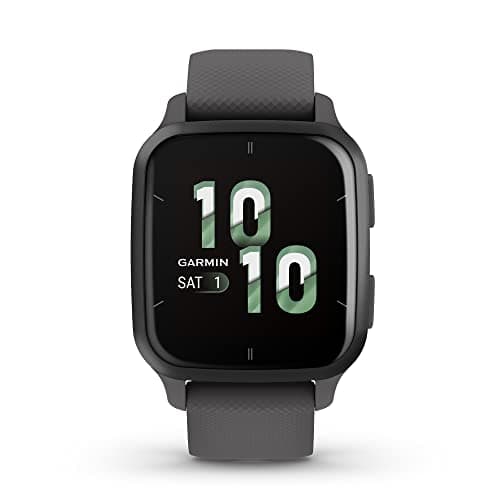
What is Smartwatch Radiation Safety? A Complete 2026 Guide
Smartwatch radiation safety is the question of whether wearing a smartwatch exposes you to harmful electromagnetic energy from Bluetooth, Wi‑Fi, GPS, or cellular signals. For most buyers, the real concern is not “radiation” in the dramatic sense, but how much radiofrequency energy a watch emits, how
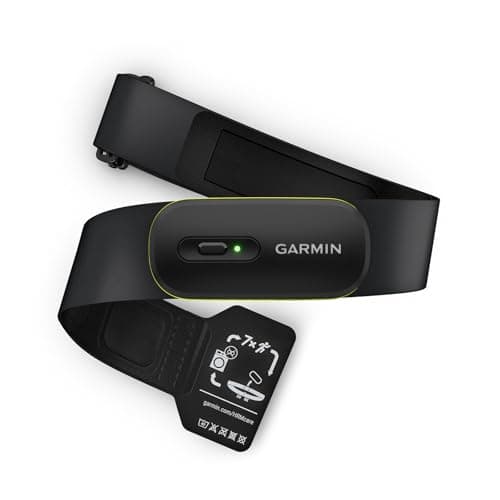
3 Best HRV Monitors in 2026 — Accurate Recovery Tracking Without Guesswork
If you’re trying to find the best HRV monitors , the hard part is separating true recovery-focused tools from basic heart-rate straps that only sound advanced. The right monitor should deliver reliable HRV data, work with your training platform, and fit comfortably enough that you’ll actually wear i
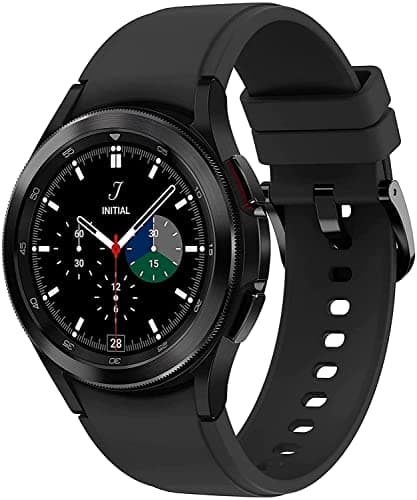
What is AFib Detection Smartwatches Explained? A Complete 2026 Guide
AFib detection smartwatches explained: these are wrist-worn devices that can help spot signs of atrial fibrillation, a common irregular heart rhythm, and alert you when something looks unusual. They are not a replacement for a doctor or a medical-grade diagnosis, but they can be a useful early-warni