

4 Best Wireless Keyboards in 2026 — Faster Typing, Better Comfort, and Less Desk Clutter
If you’re hunting for the best wireless keyboards 2026, you probably want one thing: a keyboard that feels reliable every day without cable mess, lag, or hand fatigue. The picks below are built for different buying needs, from budget-friendly basics to premium productivity and TV-control convenience. We focused on typing comfort, connectivity, battery life, layout, and real-world versatility so you can choose the right board faster.
Related Reviews
Quick Picks
| Rank | Product | Price | Best For |
|---|---|---|---|
| 1 | Logitech MX Keys S | $125.99 | Premium typing and multi-device productivity |
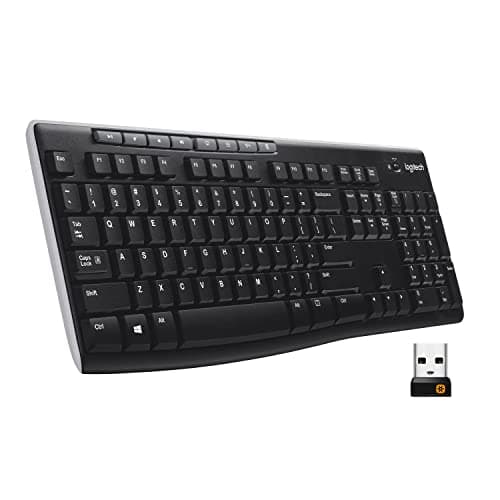
| 2 | Logitech K270 | $24.95 | Budget-friendly everyday use |
| 3 | QUASIO Wireless Keyboard | $23.99 | Comfortable full-size typing with wrist rest |
| 4 | Logitech K400 Plus | $29.99 | Living room TV and media control |
1. Logitech MX Keys S — Best Premium Productivity Keyboard
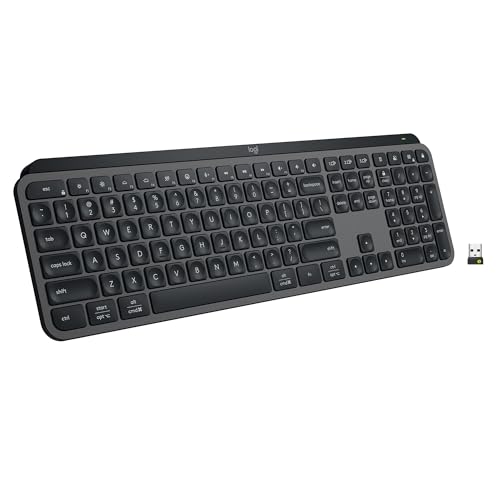
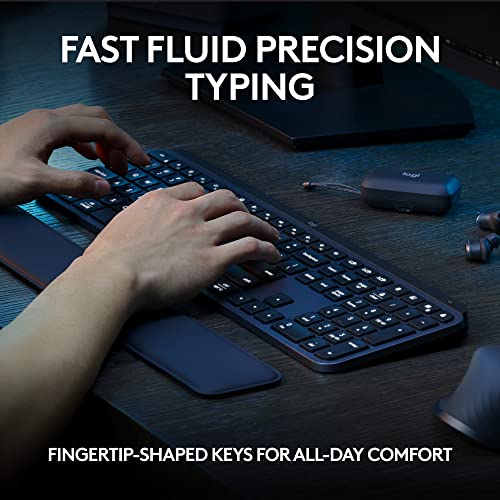

4.7★ (12,345 reviews) A premium wireless keyboard for people who type all day and want quiet, accurate keys, smart backlighting, and multi-device convenience.
- ✓ Fluid, laptop-like low-profile typing feels fast and precise
- ✓ Backlit keys light up as your hands approach for easier use in dim rooms
- ✓ Pair with up to 3 devices across nearly any operating system
- ✓ Smart Actions can automate repetitive tasks with a single keystroke
- ✗ Higher price than most wireless keyboards here
- ✗ Best features depend on Logi Options+ software
- ✗ More of a productivity board than a simple plug-and-play bargain pick
2. Logitech K270 — Best Budget Full-Size Keyboard
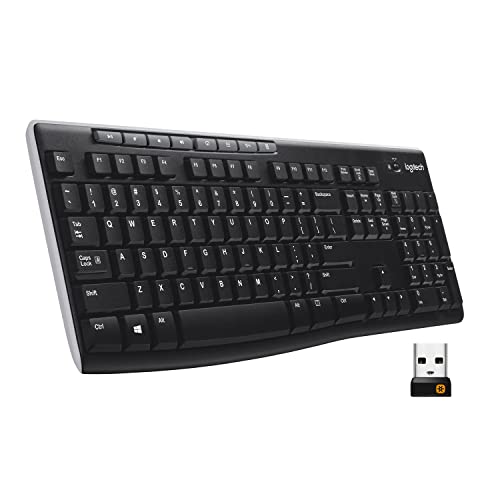
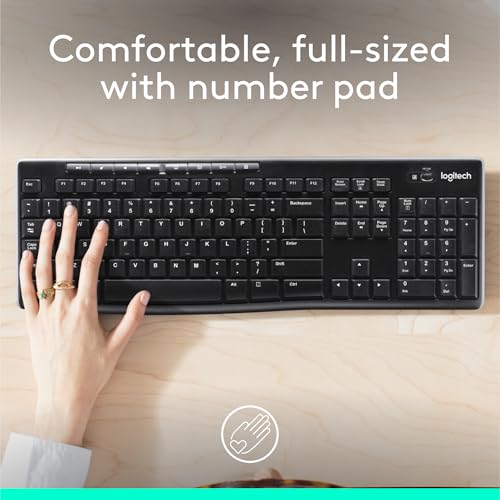

4.5★ (8,901 reviews) A no-fuss wireless keyboard that nails the basics: full-size layout, long battery life, and dependable everyday typing for Windows users.
- ✓ Full-size layout includes number pad, arrow keys, and F-keys
- ✓ 24-month battery life keeps maintenance low
- ✓ Plug-and-play setup with the USB receiver
- ✓ Spill-resistant design and durable print characters add peace of mind
- ✗ Not designed for premium ergonomics or advanced customization
- ✗ Uses a basic 2.4 GHz receiver instead of Bluetooth
- ✗ Typing feel is practical, not luxurious
3. QUASIO Wireless Keyboard — Best Comfortable Budget Pick
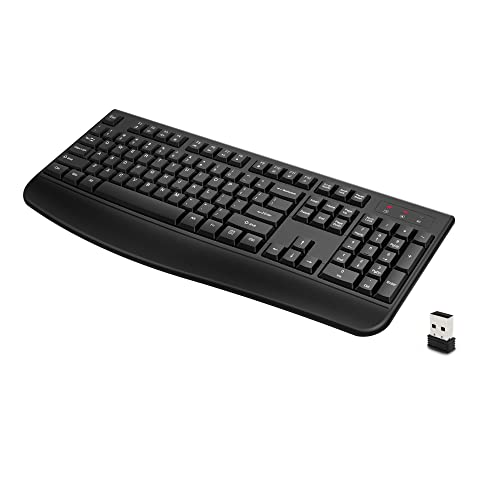


4.3★ (2,114 reviews) A value-focused wireless keyboard for users who want a full-size layout plus a wrist rest without spending much.
- ✓ Ergonomic palm rest helps support longer typing sessions
- ✓ Full 104-key layout includes a number pad
- ✓ 2.4 GHz wireless connection is simple and reliable
- ✓ Auto sleep mode helps extend battery life
- ✗ Less refined than premium productivity keyboards
- ✗ Wireless features are basic compared with Bluetooth options
- ✗ Best for budget comfort, not advanced workflows
4. Logitech K400 Plus — Best for TV and Media Control
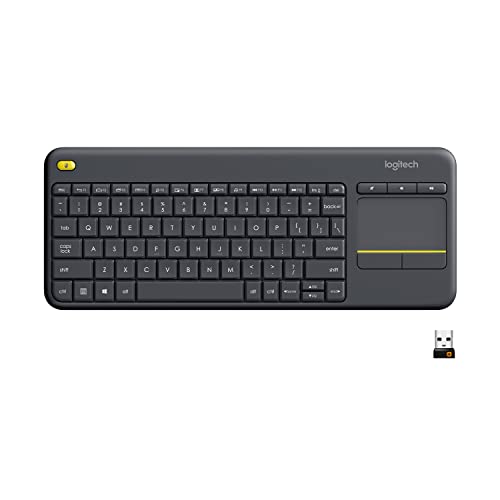


4.4★ (10,532 reviews) A smart pick for couch control, letting you type, navigate, and manage media from one compact wireless keyboard with a built-in touchpad.
- ✓ Built-in touchpad replaces the need for a separate mouse
- ✓ Designed for PC-connected TVs and media navigation
- ✓ Quiet keys and a large touchpad make browsing easier
- ✓ Up to 18 months of battery life supports low-maintenance use
- ✗ Not ideal for heavy desktop typing
- ✗ Touchpad layout is more media-focused than productivity-focused
- ✗ Best use case is living room control, not office work
How We Chose These Products
To build this list of the best wireless keyboards 2026, we prioritized models that solve common buyer pain points: cable clutter, weak battery life, uncomfortable typing, and unreliable wireless performance. We also looked for clear use-case separation, so each pick serves a distinct type of shopper rather than repeating the same strengths.
Our main criteria included:
- Typing comfort: key shape, layout, wrist support, and overall feel during long sessions
- Wireless reliability: stable 2.4 GHz or Bluetooth connectivity with low hassle setup
- Battery life: longer runtime means less interruption and better value
- Layout and features: number pad, media controls, backlighting, or touchpad depending on use case
- Value for money: a fair balance of price, features, and everyday usefulness
- Compatibility: support for Windows, Mac, ChromeOS, Linux, or entertainment setups where relevant
Frequently Asked Questions
What is the best wireless keyboard overall in 2026?
The Logitech MX Keys S is the best overall pick if you want premium typing, backlighting, and multi-device flexibility.
What is the best budget wireless keyboard in 2026?
The Logitech K270 is the best budget option for most people who want a dependable full-size keyboard at a low price.
Which wireless keyboard is best for long typing sessions?
The Logitech MX Keys S is the strongest choice for long typing sessions thanks to its low-profile design and quieter, precise keys.
Is a wireless keyboard good for TV use?
Yes, especially the Logitech K400 Plus, which includes a built-in touchpad and media-friendly controls for couch use.
Do wireless keyboards have lag?
Most modern wireless keyboards in this list are designed for stable everyday use, and models like the Logitech K270 and Logitech MX Keys S are built for reliable connectivity.
Frequently asked questions
- What is the best wireless keyboard overall in 2026?
- The Logitech MX Keys S is the best overall pick if you want premium typing, backlighting, and multi-device flexibility. What is the best budget wireless keyboard in 2026?
- What is the best budget wireless keyboard in 2026?
- The Logitech K270 is the best budget option for most people who want a dependable full-size keyboard at a low price. Which wireless keyboard is best for long typing sessions?
- Which wireless keyboard is best for long typing sessions?
- The Logitech MX Keys S is the strongest choice for long typing sessions thanks to its low-profile design and quieter, precise keys. Is a wireless keyboard good for TV use?
- Is a wireless keyboard good for TV use?
- Yes, especially the Logitech K400 Plus , which includes a built-in touchpad and media-friendly controls for couch use. Do wireless keyboards have lag?
- Do wireless keyboards have lag?
- Most modern wireless keyboards in this list are designed for stable everyday use, and models like the Logitech K270 and Logitech MX Keys S are built for reliable connectivity.
Get the Full Home Buyer's Guide
Join our free newsletter — we'll send our latest Home picks, specs and verdicts straight to your inbox.
Free. No spam. Unsubscribe anytime.
Was this review helpful?
Be the first to share your feedback on this review.
Sign in to vote and let us know what you think.
Discussion (0)
No comments yet. Be the first to start the discussion.
Related Reviews
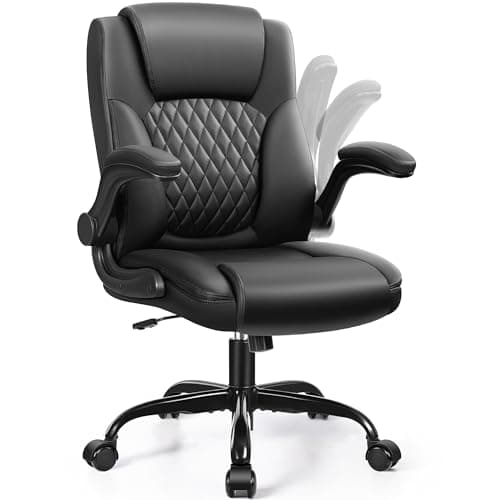
8 Best Office Chairs for Short People in 2026 — Better Fit, Better Posture, Less Foot Dangle
If your feet don’t sit flat, your knees feel cramped, or your desk chair forces you into a slouch, you’re not alone. The best office chairs for short people solve that problem with lower seat heights, supportive cushions, flip-up arms, and adjustability that actually works for petite frames. In this
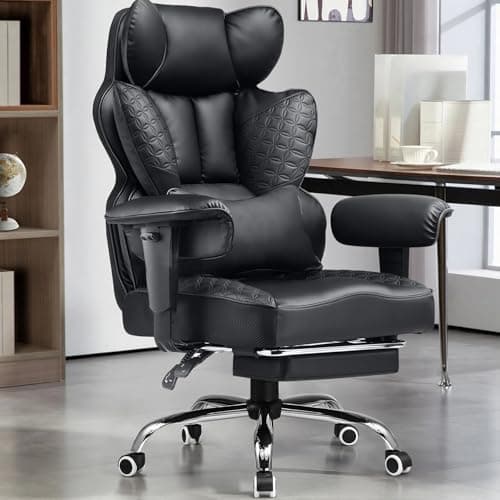
8 Best Office Chairs for Tall People in 2026 — Extra Height, Bigger Seats, and Better Back Support
If you’re tall, you already know the problem: too-short seat pans, low headrests, weak lumbar support, and armrests that hit in all the wrong places. The right chair should give your legs room, support your upper back, and stay comfortable through long workdays without feeling cramped. This roundup
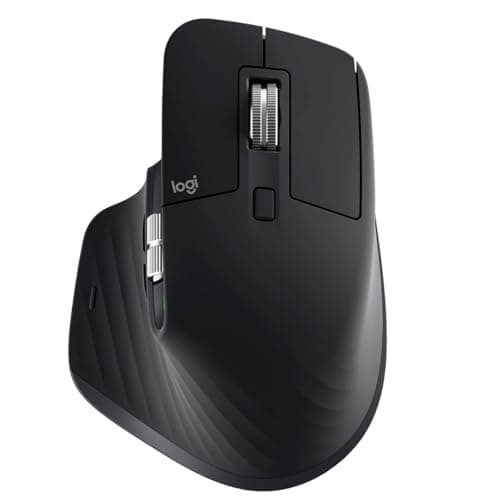
Logitech MX Master 3S long term review (2026): Specs, Pros & Cons, and Who It's For
The Logitech MX Master 3S is built around a simple idea: make long work sessions easier on the hand. Research-based reviews consistently praise its sculpted right-handed shape, high thumb rest, and well-placed controls, all of which support a more natural wrist position than a typical flat mouse.