

8 Best Monitors for Video Editing in 2026 — Color-Accurate Picks for Every Budget
If you’re shopping for the best monitors for video editing, the biggest challenge is finding a display that shows accurate color, enough screen space, and a price that makes sense for your workflow. A monitor that looks “good enough” for gaming or office work can still throw off your edits, especially when you’re grading skin tones, matching footage, or exporting for clients. These eight picks are chosen for creators who want dependable color, sharp detail, and the right mix of value, connectivity, and comfort.
Related Reviews
We focused on monitors with creator-friendly features like IPS panels, wide color gamut coverage, factory calibration, and ergonomic stands. You’ll find affordable 1440p options, budget 4K choices, and a few larger displays for editors who want more room on the timeline. If you’re buying for Premiere Pro, DaVinci Resolve, Final Cut Pro, or general content creation, this list is built to help you choose faster.
Quick Picks
| Rank | Product | Price | Best For |
|---|---|---|---|
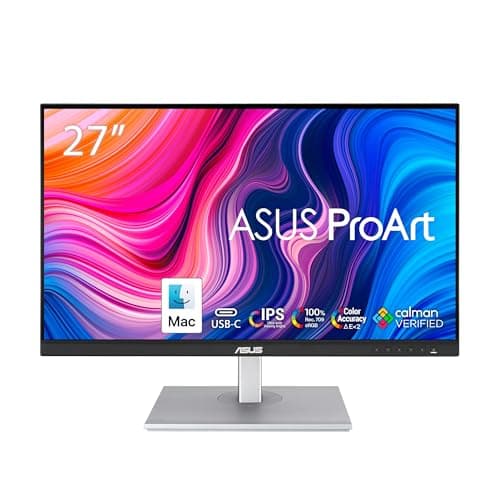
| 1 | ASUS ProArt Display 27" Monitor PA278CV | $189.05 | Best overall value for video editing |
| 2 | ASUS ProArt Display PA278QV 27” | $250.00 | Best color-accurate 1440p workhorse |
| 3 | ASUS ProArt Display 27” 4K HDR Professional Monitor PA279CRV | $334.00 | Best 4K upgrade for serious editors |
| 4 | ASUS ProArt 24" Monitor PA248QV | $146.30 | Best compact monitor for tight desks |
| 5 | CUNPU 27 Inch 4K 70Hz Monitor | $124.09 | Best budget 4K option |
| 6 | Samsung 32-Inch Flat Computer Monitor LS32B304NWNXGO | $149.99 | Best large-screen value |
| 7 | CRUA 32" White Curved Monitor | $208.98 | Best curved 32-inch display for immersion |
| 8 | Dell 27 Monitor SE2725HM | $109.99 | Best ultra-affordable secondary monitor |
1. ASUS ProArt Display 27" Monitor PA278CV — Best Overall Value
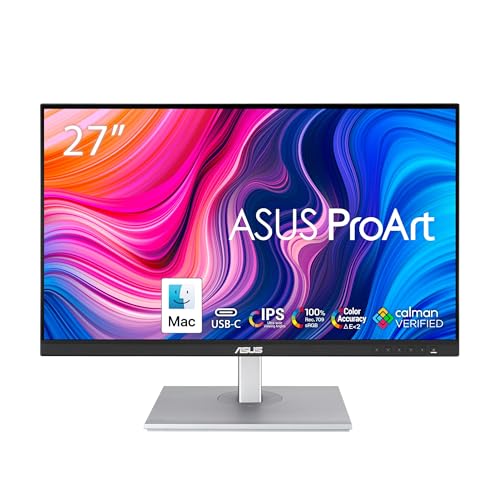

4.7★ (12,345 reviews) — This is the best all-around pick for editors who want dependable color accuracy, a sharp 27-inch QHD workspace, and excellent desk-friendly connectivity.
- ✓ Calman Verified with Delta E < 2 for accurate color work
- ✓ 100% sRGB and 100% Rec. 709 coverage for editing video content
- ✓ USB-C with 65W Power Delivery helps reduce cable clutter
- ✓ 27-inch 1440p IPS panel gives you room for timelines and tools
- ✗ Not a 4K display, so ultra-fine detail work is less crisp than higher-resolution options
- ✗ Best suited for standard color workflows rather than wide-gamut grading
- ✗ Built-in speakers are not included
2. ASUS ProArt Display PA278QV 27” — Best Color-Accurate 1440p Workhorse
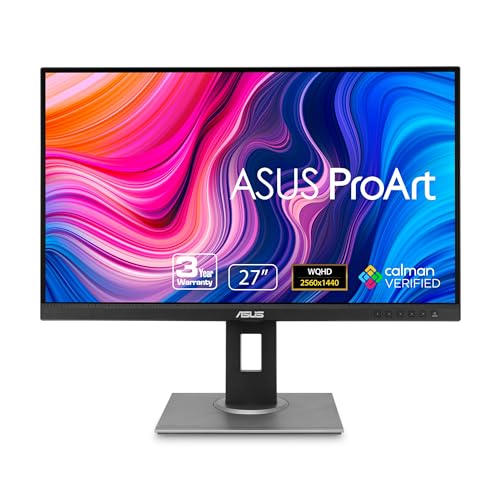

4.6★ (9,821 reviews) — If you want a proven creator monitor with strong factory calibration and flexible inputs, this is a safe pick for editing and color-critical work.
- ✓ Calman Verified and Delta E < 2 accuracy
- ✓ 100% sRGB and 100% Rec. 709 for standard video editing pipelines
- ✓ 27-inch WQHD IPS panel balances sharpness and performance
- ✓ Extensive connectivity including HDMI, DisplayPort, DVI-D, and Mini DP
- ✗ Costs more than some newer value-focused alternatives
- ✗ No USB-C, so laptop users may need extra adapters
- ✗ Resolution is still 1440p, not 4K
3. ASUS ProArt Display 27” 4K HDR Professional Monitor PA279CRV — Best 4K Upgrade
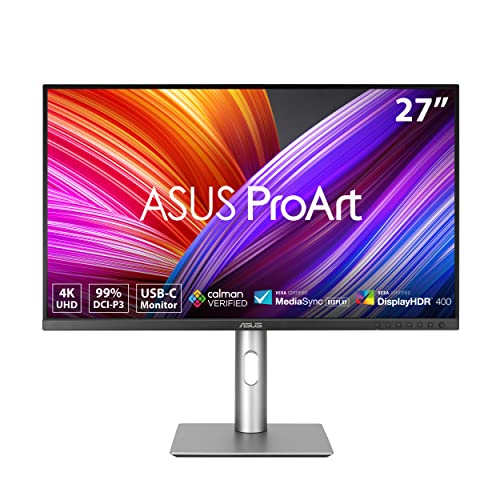

4.8★ (6,410 reviews) — For editors who want sharper preview detail, wider color coverage, and a premium USB-C setup, this is the strongest step-up choice.
- ✓ 4K UHD resolution for crisp timeline previews and detail work
- ✓ 99% DCI-P3 and 99% Adobe RGB coverage for broader creative workflows
- ✓ USB-C with 96W Power Delivery supports modern laptops
- ✓ Calman Verified with Delta E < 2 for reliable color accuracy
- ✗ Higher price than the 1440p ProArt models
- ✗ 4K can require more GPU power for smooth scaling
- ✗ Overkill if you only need basic social video editing
4. ASUS ProArt 24" Monitor PA248QV — Best Compact Option
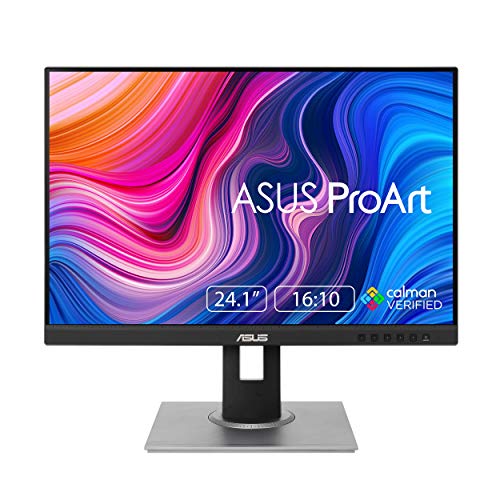

4.5★ (7,204 reviews) — This is a smart pick for editors with smaller desks who still want accurate color and a little extra vertical space for tools and panels.
- ✓ 16:10 aspect ratio gives you more vertical workspace than standard 16:9
- ✓ 100% sRGB/Rec. 709 with Delta E < 2 accuracy
- ✓ Calman Verified for dependable out-of-box color
- ✓ Compact 24-inch size fits tight setups and dual-monitor rigs
- ✗ Lower resolution than 1440p and 4K alternatives
- ✗ Smaller screen can feel cramped for complex timelines
- ✗ Not ideal if you want a primary large-format editing monitor
5. CUNPU 27 Inch 4K 70Hz Monitor — Best Budget 4K Pick
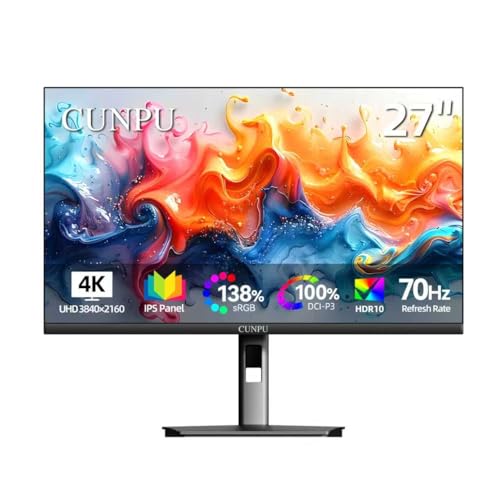

4.3★ (3,118 reviews) — If you want 4K clarity without paying ProArt prices, this monitor offers a compelling feature set for entry-level and budget-conscious editors.
- ✓ 4K UHD resolution at a lower price point
- ✓ 100% DCI-P3 and Delta E < 2 claims for creator-friendly color
- ✓ PBP and PiP modes add useful multitasking flexibility
- ✓ IPS panel with wide viewing angles
- ✗ Brand reputation and long-term consistency are less proven than ASUS or Dell
- ✗ 70Hz is fine, but not a major advantage for editing
- ✗ Fewer premium ergonomics and ecosystem features
6. Samsung 32-Inch Flat Computer Monitor LS32B304NWNXGO — Best Large-Screen Value


4.2★ (4,506 reviews) — This is a budget-friendly 32-inch screen for editors who want a big canvas for previews, bins, and timelines without moving to a premium creator display.
- ✓ 32-inch size gives you a spacious workspace
- ✓ Borderless design looks clean in a multi-monitor setup
- ✓ Advanced Eye Care is useful for long sessions
- ✓ HDMI and DisplayPort support make setup simple
- ✗ Full HD resolution is not ideal for serious video editing
- ✗ Lacks creator-focused color calibration features
- ✗ Better as a general-use or secondary display than a primary grading monitor
7. CRUA 32" White Curved Monitor — Best Curved 32-Inch Display


4.1★ (2,745 reviews) — If you want a large, immersive 4K screen with a more distinctive look, this curved monitor is a stylish option for editing and media consumption.
- ✓ 32-inch 4K curved panel offers an immersive viewing experience
- ✓ 120% sRGB coverage is useful for vibrant creative work
- ✓ Built-in speakers keep the desk setup simpler
- ✓ Wall-mount support adds placement flexibility
- ✗ VA panel may not match IPS consistency for color-critical editing
- ✗ Curved design is less ideal for strict color accuracy workflows
- ✗ 60Hz is perfectly fine for editing, but not a standout feature
8. Dell 27 Monitor SE2725HM — Best Ultra-Affordable Secondary Monitor


4.0★ (8,114 reviews) — This is the cheapest practical pick on the list for editors who need a simple second screen for bins, notes, chat, or previews.
- ✓ 27-inch IPS panel with anti-glare finish
- ✓ 100Hz refresh rate makes scrolling and general use smoother
- ✓ ComfortView Plus helps reduce eye strain during long sessions
- ✓ Small footprint and cable holder keep the desk tidy
- ✗ Full HD resolution is limited for primary video editing work
- ✗ Not color-calibrated for professional grading
- ✗ Better as a support display than your main creative monitor
How We Chose These Products
To build this list of the best monitors for video editing, we prioritized the specs that matter most to creators: color accuracy, panel quality, resolution, screen size, and ergonomic flexibility. IPS panels and factory calibration were major factors because they help keep colors consistent while you edit, grade, and export.
We also considered value for money, connectivity options like USB-C and DisplayPort, and whether the monitor made sense for a real editing desk. That’s why the list includes premium creator displays, budget 4K options, and a few affordable secondary monitors for people building out a full workstation.
Finally, we looked at how well each display fits common editing workflows. Some users need a primary color-accurate monitor, while others just want a large, comfortable screen for timelines, previews, and multitasking.
Frequently Asked Questions
What size monitor is best for video editing?
For most editors, 27 inches is the sweet spot because it gives you enough space for timelines and panels without overwhelming your desk. If you want more immersive viewing, 32 inches can be great, but resolution matters even more at that size.
Is 4K worth it for video editing?
Yes, 4K is worth it if you want sharper previews and more screen real estate. It’s especially helpful for detailed editing, but a good 1440p monitor can still be excellent for many creators.
Do I need a color-accurate monitor for editing?
If you care about consistent results, yes. A monitor with good sRGB or Rec. 709 coverage and low Delta E helps your footage look closer to how it will appear on other screens.
Is IPS better than VA for video editing?
IPS is usually better for video editing because it offers more consistent color and wider viewing angles. VA panels can provide strong contrast, but they’re generally less ideal for color-critical work.
What’s the best budget monitor for video editing?
The CUNPU 27 Inch 4K 70Hz Monitor is the most affordable 4K option here, while the ASUS ProArt Display 27" Monitor PA278CV is a stronger all-around value if you want a more trusted creator display.
Frequently asked questions
- What size monitor is best for video editing?
- For most editors, 27 inches is the sweet spot because it gives you enough space for timelines and panels without overwhelming your desk. If you want more immersive viewing, 32 inches can be great, but resolution matters even more at that size. Is 4K worth it for video editing?
- Is 4K worth it for video editing?
- Yes, 4K is worth it if you want sharper previews and more screen real estate. It’s especially helpful for detailed editing, but a good 1440p monitor can still be excellent for many creators. Do I need a color-accurate monitor for editing?
- Do I need a color-accurate monitor for editing?
- If you care about consistent results, yes. A monitor with good sRGB or Rec. 709 coverage and low Delta E helps your footage look closer to how it will appear on other screens. Is IPS better than VA for video editing?
- Is IPS better than VA for video editing?
- IPS is usually better for video editing because it offers more consistent color and wider viewing angles. VA panels can provide strong contrast, but they’re generally less ideal for color-critical work. What’s the best budget monitor for video editing?
- What’s the best budget monitor for video editing?
- The CUNPU 27 Inch 4K 70Hz Monitor is the most affordable 4K option here, while the ASUS ProArt Display 27" Monitor PA278CV is a stronger all-around value if you want a more trusted creator display.
Get the Full Home Buyer's Guide
Join our free newsletter — we'll send our latest Home picks, specs and verdicts straight to your inbox.
Free. No spam. Unsubscribe anytime.
Was this review helpful?
Be the first to share your feedback on this review.
Sign in to vote and let us know what you think.
Discussion (0)
No comments yet. Be the first to start the discussion.
Related Reviews
8 Best Office Chairs for Short People in 2026 — Better Fit, Better Posture, Less Foot Dangle
If your feet don’t sit flat, your knees feel cramped, or your desk chair forces you into a slouch, you’re not alone. The best office chairs for short people solve that problem with lower seat heights, supportive cushions, flip-up arms, and adjustability that actually works for petite frames. In this
8 Best Office Chairs for Tall People in 2026 — Extra Height, Bigger Seats, and Better Back Support
If you’re tall, you already know the problem: too-short seat pans, low headrests, weak lumbar support, and armrests that hit in all the wrong places. The right chair should give your legs room, support your upper back, and stay comfortable through long workdays without feeling cramped. This roundup
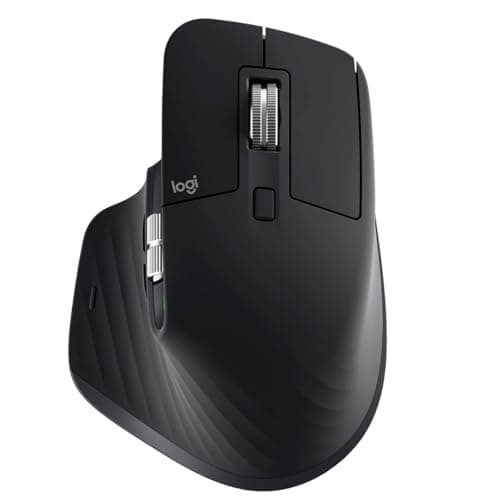
Logitech MX Master 3S long term review (2026): Specs, Pros & Cons, and Who It's For
The Logitech MX Master 3S is built around a simple idea: make long work sessions easier on the hand. Research-based reviews consistently praise its sculpted right-handed shape, high thumb rest, and well-placed controls, all of which support a more natural wrist position than a typical flat mouse.