

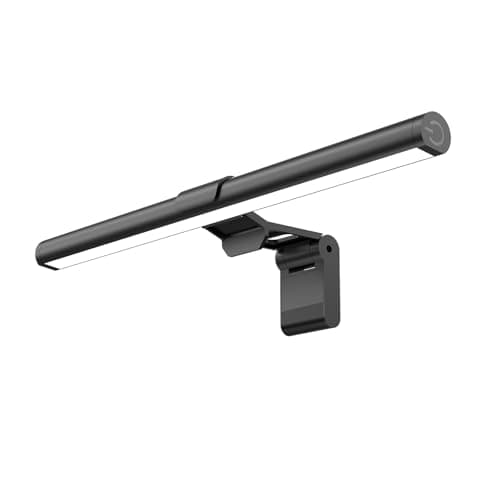
5 Best Monitor Lights in 2026 — Reduce Eye Strain and Free Up Desk Space
If your screen setup leaves you squinting, dealing with glare, or using too much desk space for a bulky lamp, you’re exactly who this guide is for. The best monitor lights solve those problems by adding focused, eye-friendly illumination without washing out your display. We picked these options based on brightness, glare control, ease of mounting, adjustability, and overall value for home office, reading, and gaming setups.
Related Reviews
Quick Picks
| Rank | Product | Price | Best For |
|---|---|---|---|
| 1 | Quntis Computer Monitor Lamp | $39.95 | Best overall eye-care performance |
| 2 | SAMPHON Monitor Light Bar, 15.7'' Ultrawide LED Light | $15.99 | Best for ultrawide screens |
| 3 | Samphon Monitor Light Bar, 11.8'' LED Computer Lights | $13.99 | Best budget pick |
| 4 | Colorpanda Monitor Light Bar 16.14'' | $22.39 | Best value with simple touch control |
| 5 | Govee Gaming Light for Monitor G1 | $39.99 | Best RGB gaming ambiance |
1. Quntis Computer Monitor Lamp — Best Overall Eye-Care Performance
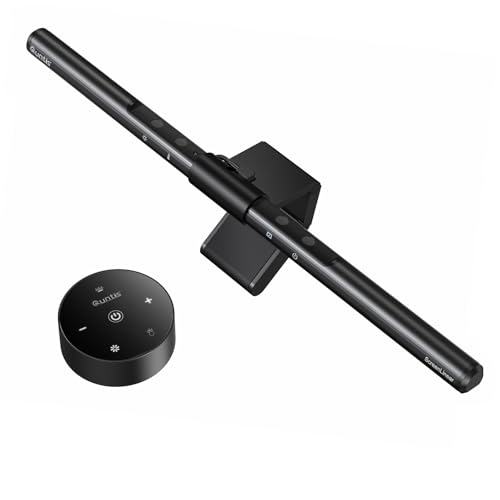
4.7★ (Eye-care focused monitor light for work, reading, and gaming)
The Quntis Computer Monitor Lamp is the strongest all-around pick if you want a premium-feeling monitor light that prioritizes eye comfort, glare control, and automatic brightness adjustment.
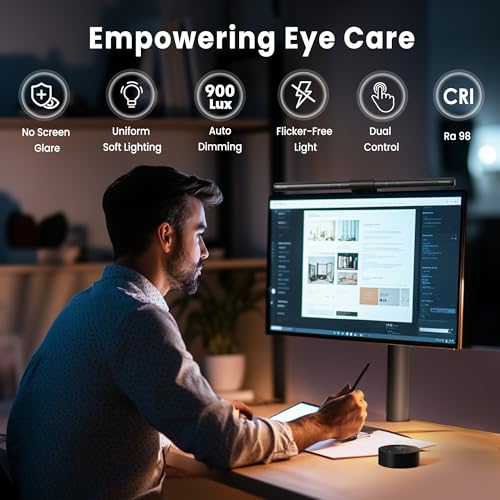
- ✓ No blue light hazard and flicker-free lighting for more comfortable long sessions
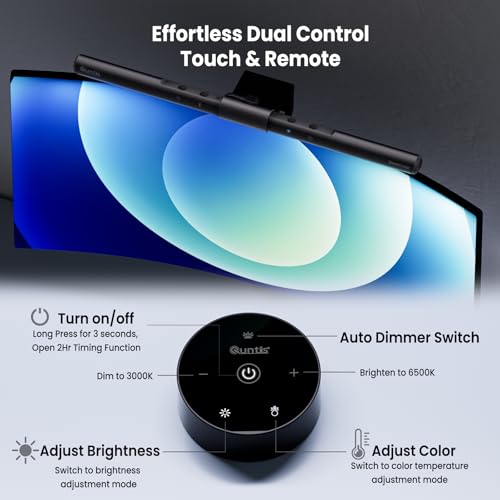
- ✓ Auto-dimming sensor helps maintain balanced lighting as room brightness changes
- ✓ Asymmetrical optical design reduces screen glare and keeps light off your eyes
- ✓ High CRI and 3000K-6500K color temperature range support work and color-sensitive tasks
- ✗ Costs more than the budget-friendly options on this list
- ✗ Touch-style controls may take a little getting used to
- ✗ Best suited to users who want automation, not just basic lighting
2. SAMPHON Monitor Light Bar, 15.7'' Ultrawide LED Light — Best for Ultrawide Screens
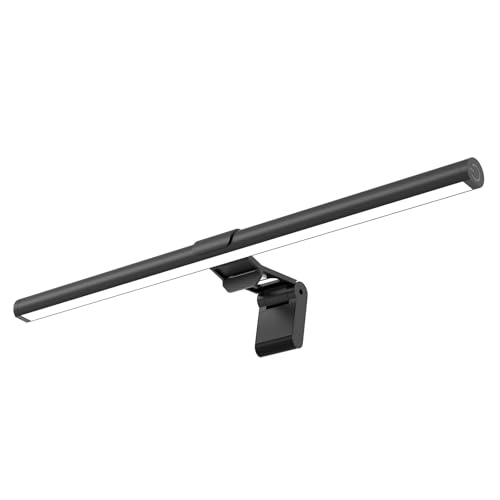


4.6★ (Great coverage for larger monitors and wider desks)
If you use an ultrawide monitor or want broader illumination across a large workspace, this SAMPHON light bar delivers impressive coverage without taking up desk room.
- ✓ 15.7-inch bar and 900 lux central brightness support wide-screen setups
- ✓ Patented 45° asymmetric lighting helps reduce reflections and eye strain
- ✓ Stepless dimming with 3000K-6500K color temperatures for flexible use
- ✓ Memory function recalls your last lighting settings
- ✗ Larger size may be more than you need for a compact monitor
- ✗ No advanced auto-dimming sensor like the Quntis model
- ✗ Best for people who want coverage first, not app-driven smart features
3. Samphon Monitor Light Bar, 11.8'' LED Computer Lights — Best Budget Pick
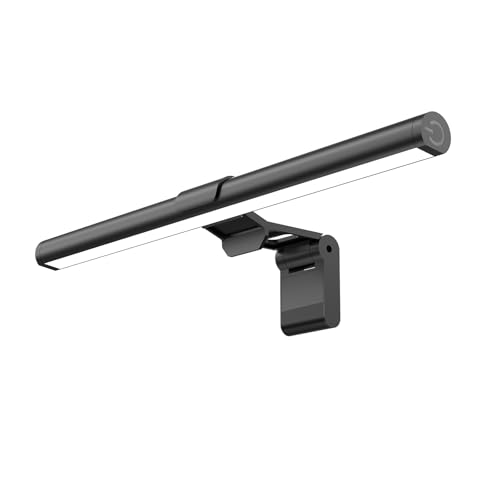
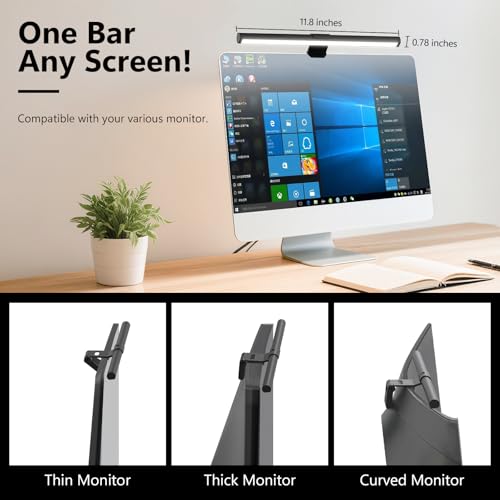

4.5★ (Low-cost monitor light with strong core essentials)
The Samphon 11.8-inch light bar is the cheapest pick here, but it still covers the essentials well enough for most home office and casual gaming setups.
- ✓ Up to 800 lux of central brightness for a 30''×20'' coverage area
- ✓ Dimmable 45° lighting helps keep glare off your eyes and screen
- ✓ 3 color temperatures with memory function for easy daily use
- ✓ USB power and counterweight clip make setup simple and clutter-free
- ✗ Narrower than the 15.7-inch option for larger desks
- ✗ Basic controls are functional, but not premium
- ✗ Not the best choice if you want the most uniform premium lighting
4. Colorpanda Monitor Light Bar 16.14'' — Best Value with Simple Touch Control
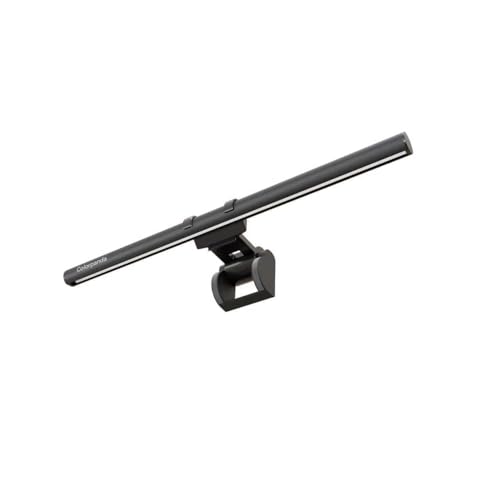


4.4★ (Good balance of size, features, and price)
Colorpanda’s 16.14-inch monitor light bar is a smart middle-ground option if you want a longer light bar, easy touch control, and solid eye-comfort features without paying premium prices.
- ✓ Asymmetric optical design helps avoid screen glare
- ✓ 3 color temperatures and brightness levels for work, reading, and rest
- ✓ Memory function remembers your last setting
- ✓ Counterweight design and clip-on mounting save desk space
- ✗ Lacks the automatic ambient light adjustment of higher-end picks
- ✗ No standout smart features for advanced users
- ✗ Best for straightforward use rather than customization depth
5. Govee Gaming Light for Monitor G1 — Best RGB Gaming Ambiance
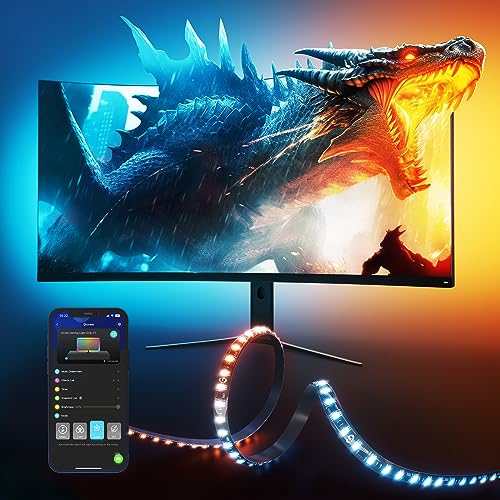


4.6★ (33% OFF — Was $59.99 | ✓ Prime RGB monitor backlight for gaming setups)
The Govee Gaming Light for Monitor G1 is the best pick here if your priority is atmosphere, color syncing, and a more immersive gaming desk setup rather than pure eye-care lighting.
- ✓ VibraMatch technology can match on-screen color changes for a dynamic effect
- ✓ 123 preset scene modes and 11 music modes add lots of customization
- ✓ Compatible with curved monitors and designed for 27-34 inch screens
- ✓ Works with Govee ecosystem and Razer Chroma for synced lighting
- ✗ More about ambiance than task lighting
- ✗ Not the best choice if you want a simple white light for reading or work
- ✗ Some streaming content may not be selectable for color matching
How We Chose These Products
To build this list of the best monitor lights, we focused on the features that matter most for real-world desktop use. That includes glare reduction, light distribution, brightness control, color temperature range, mounting stability, and whether the light actually saves desk space. We also looked at value for money, because the best monitor light for one buyer may be a premium auto-dimming model, while another just wants a low-cost clip-on light that works well out of the box.
We prioritized products that support long computer sessions without adding screen reflections or eye fatigue. We also separated eye-care task lights from RGB gaming backlights, since those serve different needs and search intent. If you’re shopping for work, study, or reading, the Quntis, SAMPHON, Samphon, and Colorpanda models make the most sense; if you want visual flair, the Govee model stands out.
Frequently Asked Questions
What is the best monitor light for eye strain?
The Quntis Computer Monitor Lamp is the best choice here for eye strain because it combines flicker-free lighting, no blue light hazard, and auto-dimming.
Are monitor lights better than desk lamps?
For many setups, yes. Monitor lights save desk space and direct light downward onto your keyboard and workspace instead of shining into your eyes or bouncing off your screen.
What size monitor light should I buy?
Smaller bars like the Samphon Monitor Light Bar, 11.8'' LED Computer Lights work well for standard monitors, while wider models like the SAMPHON Monitor Light Bar, 15.7'' Ultrawide LED Light are better for larger screens.
Do monitor lights cause screen glare?
Good monitor lights are designed to reduce glare, not create it. Look for asymmetric optical designs and angled lighting, like the Quntis and Colorpanda options on this list.
Is an RGB monitor light good for work?
Usually not as a primary work light. The Govee Gaming Light for Monitor G1 is best for gaming ambiance, while the other picks are better for reading, office work, and eye comfort.
Frequently asked questions
- What is the best monitor light for eye strain?
- The Quntis Computer Monitor Lamp is the best choice here for eye strain because it combines flicker-free lighting, no blue light hazard, and auto-dimming. Are monitor lights better than desk lamps?
- Are monitor lights better than desk lamps?
- For many setups, yes. Monitor lights save desk space and direct light downward onto your keyboard and workspace instead of shining into your eyes or bouncing off your screen. What size monitor light should I buy?
- What size monitor light should I buy?
- Smaller bars like the Samphon Monitor Light Bar, 11.8'' LED Computer Lights work well for standard monitors, while wider models like the SAMPHON Monitor Light Bar, 15.7'' Ultrawide LED Light are better for larger screens. Do monitor lights cause screen glare?
- Do monitor lights cause screen glare?
- Good monitor lights are designed to reduce glare, not create it. Look for asymmetric optical designs and angled lighting, like the Quntis and Colorpanda options on this list. Is an RGB monitor light good for work?
- Is an RGB monitor light good for work?
- Usually not as a primary work light. The Govee Gaming Light for Monitor G1 is best for gaming ambiance, while the other picks are better for reading, office work, and eye comfort.
Get the Full Home Buyer's Guide
Join our free newsletter — we'll send our latest Home picks, specs and verdicts straight to your inbox.
Free. No spam. Unsubscribe anytime.
Was this review helpful?
Be the first to share your feedback on this review.
Sign in to vote and let us know what you think.
Discussion (0)
No comments yet. Be the first to start the discussion.
Related Reviews
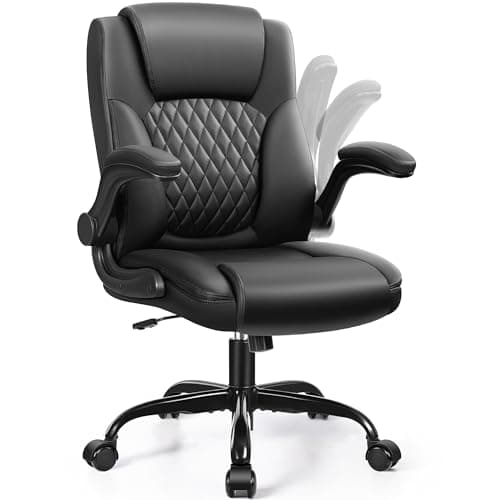
8 Best Office Chairs for Short People in 2026 — Better Fit, Better Posture, Less Foot Dangle
If your feet don’t sit flat, your knees feel cramped, or your desk chair forces you into a slouch, you’re not alone. The best office chairs for short people solve that problem with lower seat heights, supportive cushions, flip-up arms, and adjustability that actually works for petite frames. In this
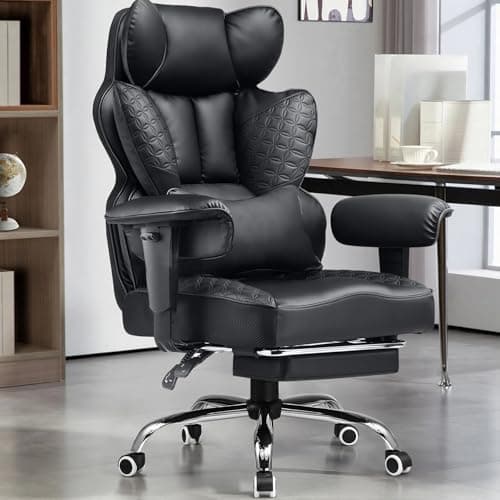
8 Best Office Chairs for Tall People in 2026 — Extra Height, Bigger Seats, and Better Back Support
If you’re tall, you already know the problem: too-short seat pans, low headrests, weak lumbar support, and armrests that hit in all the wrong places. The right chair should give your legs room, support your upper back, and stay comfortable through long workdays without feeling cramped. This roundup
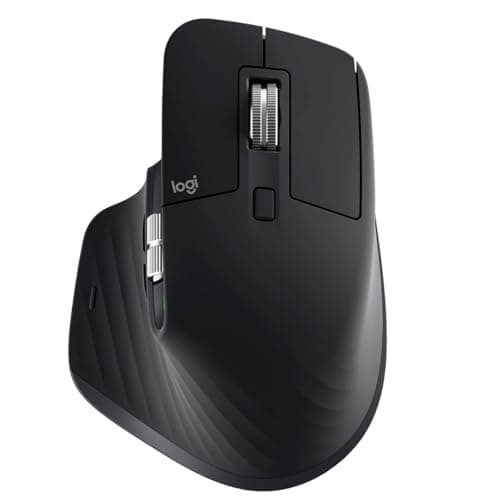
Logitech MX Master 3S long term review (2026): Specs, Pros & Cons, and Who It's For
The Logitech MX Master 3S is built around a simple idea: make long work sessions easier on the hand. Research-based reviews consistently praise its sculpted right-handed shape, high thumb rest, and well-placed controls, all of which support a more natural wrist position than a typical flat mouse.