

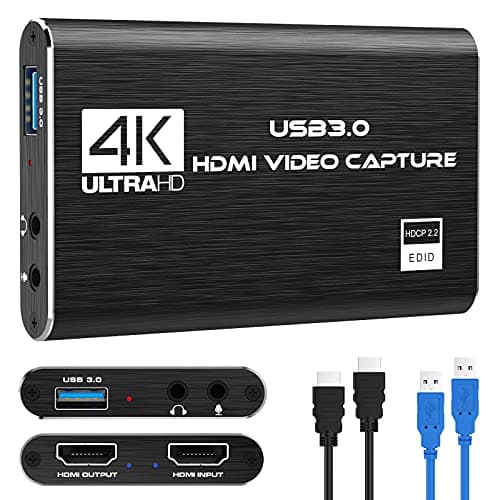
Who this is for: Best for streamers and gamers who want a capture card matched to their budget, from starter setups to premium 4K streaming.
5 Best Capture Cards in 2026 — Smooth Streaming, Low Latency, and Better Value
If you’re searching for the best capture cards 2026, you probably want one thing: clean gameplay capture without lag, audio headaches, or paying for features you won’t use. The challenge is that some cards are built for budget streaming, while others focus on high refresh rates, HDR passthrough, and creator-friendly software. This roundup narrows the field to five researched picks based on published specs, owner feedback patterns, and comparison data.
Related Reviews
Quick Picks
| Rank | Product | Price | Best For |
|---|---|---|---|
| 1 | Elgato 4K S Capture Card for PS5, Xbox Series X/S, Switch 2 | $159.99 | Best overall for serious creators |
| 2 | AVerMedia Capture Card for Streaming, StreamLine MINI+ GC311G2 | $69.99 | Best midrange plug-and-play option |
| 3 | Capture Card, 4K HDMI Video Capture Card, Game Capture Card | $21.49 | Best budget pick for casual streamers |
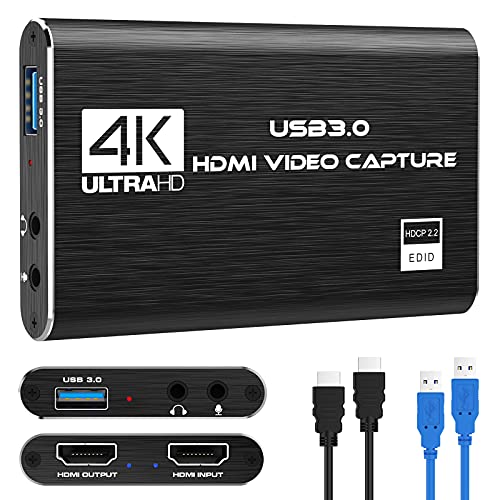
| 4 | XIIXMASK Video Capture Card, Audio Video Capture Card | $25.99 | Best low-cost flexibility with loop-out |
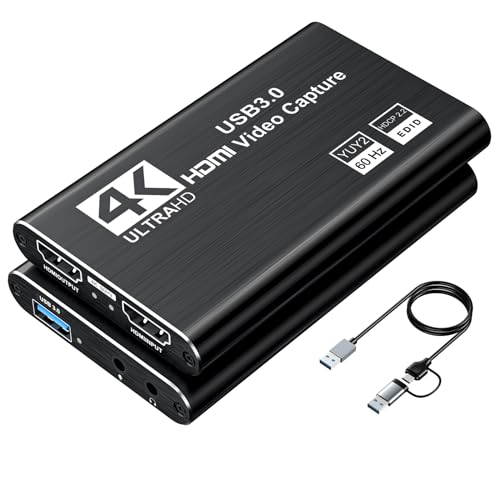
| 5 | Video Capture Card, 4K USB3.0 HDMI to USB C | $11.99 | Best ultra-budget starter card |
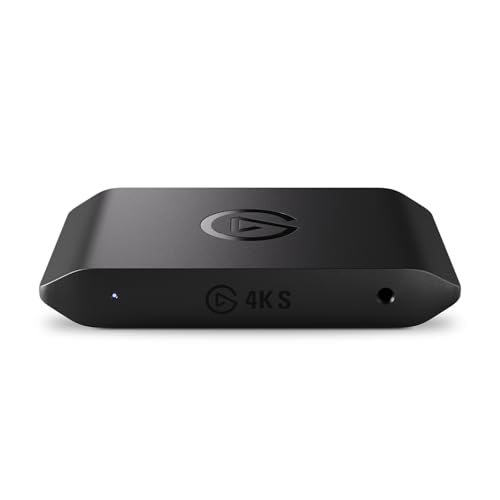
1. Elgato 4K S Capture Card for PS5, Xbox Series X/S, Switch 2 — Best Overall


Verdict: This is the strongest all-around choice for creators who want premium capture quality, high-refresh support, and broad compatibility without compromises.
✓ Prime $159.99
- ✓ 4K60 capture with crisp detail and vivid color for polished recordings.
- ✓ Supports 1440p120 and 1080p240, which is ideal for high-refresh gaming setups.
- ✓ HDR10 support with tone mapping on Windows adds flexibility for modern consoles.
- ✓ Analog audio input helps with in-game chat or commentary workflows.
- ✗ Higher price than most alternatives in this roundup.
- ✗ More card than casual streamers may actually need.
- ✗ Best value depends on whether you’ll use the high-refresh and HDR features.
2. AVerMedia Capture Card for Streaming, StreamLine MINI+ GC311G2 — Best Midrange Pick

Verdict: A smart middle-ground option for streamers who want strong passthrough, easy setup, and better software support than bargain cards usually offer.
✓ Prime $69.99
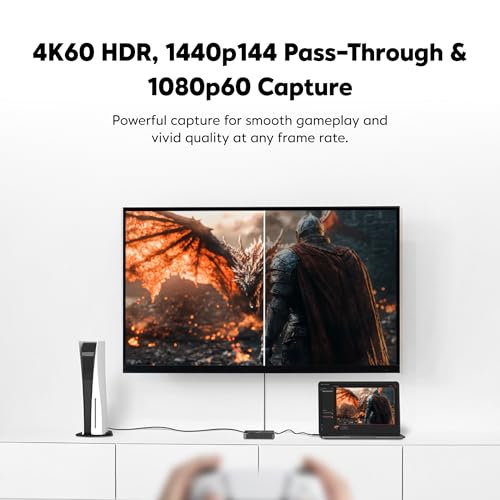
- ✓ 4K60 HDR passthrough with ultra-low latency for smooth gameplay.
- ✓ Records in 1080p60, which is the sweet spot for most streaming platforms.
- ✓ Plug-and-play setup with beginner-friendly Streaming Center software.
- ✓ Works across OBS and other common creator workflows.
- ✗ Still costs significantly more than entry-level generic cards.
- ✗ Recording tops out at 1080p60, not 4K capture.
- ✗ Best for streamers who value stability over maximum specs.
3. Capture Card, 4K HDMI Video Capture Card, Game Capture Card — Best Budget All-Rounder


Verdict: For the money, this is a practical starter card that covers the basics well: plug-and-play use, mic-in support, and broad device compatibility.
✓ Prime 20% OFF — Was $26.89 $21.49
- ✓ True plug-and-play operation with no driver or external power required.
- ✓ Supports 1080p capture, which is enough for many beginner streamers.
- ✓ HDMI loop-out helps reduce delay during live gameplay.
- ✓ Mic-in support is useful for simple commentary setups.
- ✗ Not a 4K capture solution despite the product name.
- ✗ Best suited to 1080p workflows rather than advanced creator setups.
- ✗ Less premium software and ecosystem support than major brand options.
4. XIIXMASK Video Capture Card, Audio Video Capture Card — Best for Loop-Out Stability
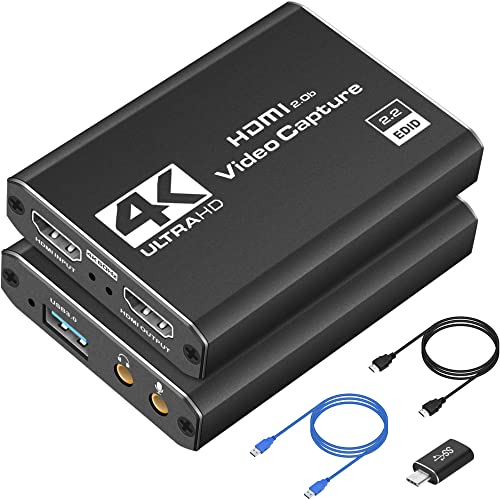


Verdict: A low-cost option with a stronger focus on heat dissipation, stability, and loop-out performance than many cheap no-name cards.
✓ Prime $25.99
- ✓ 4K 60Hz input with 1080p60 or 2K30 output for flexible use.
- ✓ Aluminum alloy build is designed for better heat dissipation and stability.
- ✓ Mic-in support is handy for voice commentary.
- ✓ Wide compatibility across Windows, Mac, Linux, Android, and major consoles.
- ✗ Capture tops out at 2K30 or 1080p60, not 4K recording.
- ✗ Party chat support is not included.
- ✗ Setup may be a little less polished than premium-brand alternatives.
5. Video Capture Card, 4K USB3.0 HDMI to USB C — Best Ultra-Budget Starter
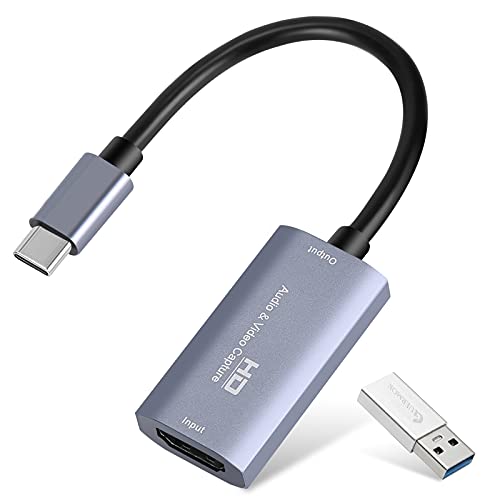


Verdict: The cheapest option here, best for newcomers who want a basic, portable capture device for simple streaming or recording.
✓ Prime $11.99
- ✓ Very low price makes it easy to try capture streaming without a big commitment.
- ✓ Plug-and-play setup with USB 3.0 or Type-C support.
- ✓ Compact and portable for mobile or travel-friendly setups.
- ✓ Supports common software and a wide range of devices.
- ✗ 4K input does not mean 4K recording.
- ✗ Best for basic use cases rather than demanding creators.
- ✗ Less confidence in long-term durability than premium models.
How We Chose These Products
These picks were selected from published product specifications, Amazon listing details, and recurring owner-feedback themes rather than hands-on testing. For a commercial-intent search like best capture cards 2026, the most important factors are capture resolution, passthrough quality, latency, compatibility, setup simplicity, and value at each price tier.
We prioritized products that offer:
- Reliable HDMI passthrough and low-latency performance
- Clear support for popular creator platforms like OBS and Twitch workflows
- Broad compatibility with consoles, PCs, and cameras
- Good value at different budgets, from starter cards to premium options
- Features that matter in real use, such as mic-in, HDR, and high-refresh support
We also weighed brand reputation and software ecosystem support, which is one reason the Elgato and AVerMedia cards rank above the generic budget models.
Frequently Asked Questions
1. What is the best capture card for PS5 and Xbox Series X in 2026?
The best overall pick here is the Elgato 4K S Capture Card for PS5, Xbox Series X/S, Switch 2 because it combines 4K60 capture, high-refresh support, and strong cross-platform compatibility.
2. Do I need a 4K capture card to stream gameplay?
Not always. Many streamers are fine with 1080p60 capture, especially if they mainly stream to Twitch or YouTube and want a simpler, cheaper setup.
3. Are cheap capture cards good enough for beginners?
Yes, if your goal is basic streaming or recording. Budget cards can work well for 1080p workflows, but they usually lack the software polish, HDR support, and long-term confidence of premium models.
4. What matters most when buying a capture card?
Look at capture resolution, passthrough resolution, latency, device compatibility, and whether the card supports your software and audio needs. Those factors matter more than marketing labels.
5. Is Elgato better than AVerMedia for capture cards?
In many buyer comparisons, Elgato is favored for ecosystem maturity and creator-friendly features, while AVerMedia can be a strong value choice if you want a lower price with solid performance.
Pros
- + Elgato 4K S offers 4K60 capture and high-refresh support
- + AVerMedia StreamLine MINI+ balances price and performance
- + Budget picks provide plug-and-play setup and mic-in support
- + All picks cover common streaming workflows and platforms
Cons
- – Premium models cost much more than budget cards
- – Generic cards usually lack polished software ecosystems
- – Some budget options do not record true 4K
- – Ultra-cheap picks are less proven for long-term durability
Frequently asked questions
- What is the best capture card for PS5 and Xbox Series X in 2026?
- The best overall pick here is the Elgato 4K S Capture Card for PS5, Xbox Series X/S, Switch 2 because it combines 4K60 capture, high-refresh support, and strong cross-platform compatibility.
- Do I need a 4K capture card to stream gameplay?
- Not always. Many streamers are fine with 1080p60 capture, especially if they mainly stream to Twitch or YouTube and want a simpler, cheaper setup.
- Are cheap capture cards good enough for beginners?
- Yes, if your goal is basic streaming or recording. Budget cards can work well for 1080p workflows, but they usually lack the software polish, HDR support, and long-term confidence of premium models.
- What matters most when buying a capture card?
- Look at capture resolution, passthrough resolution, latency, device compatibility, and whether the card supports your software and audio needs. Those factors matter more than marketing labels.
- Is Elgato better than AVerMedia for capture cards?
- In many buyer comparisons, Elgato is favored for ecosystem maturity and creator-friendly features, while AVerMedia can be a strong value choice if you want a lower price with solid performance.
Get the Full Tech Buyer's Guide
Join our free newsletter — we'll send our latest Tech picks, specs and verdicts straight to your inbox.
Free. No spam. Unsubscribe anytime.
Was this review helpful?
Be the first to share your feedback on this review.
Sign in to vote and let us know what you think.
Discussion (0)
No comments yet. Be the first to start the discussion.
Related Reviews
What is How to Reduce Input Lag? A Complete 2026 Guide
If your games feel “off,” the problem may be input lag: the delay between pressing a button and seeing the action happen on screen. That delay can make aiming harder, combos less reliable, and everyday navigation feel sluggish. This guide explains how to reduce input lag in plain English, plus what
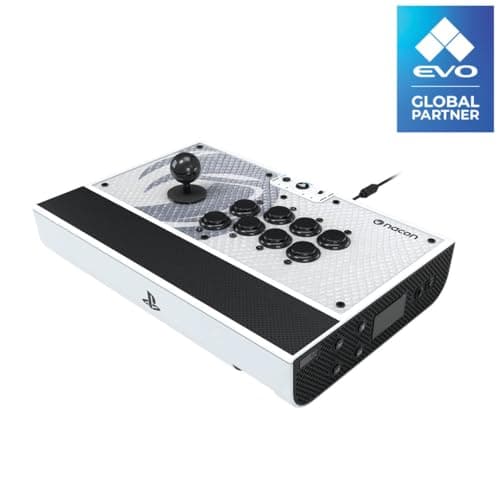
7 Best Fight Sticks in 2026 — Tournament-Ready Picks for Every Budget
If you’re searching for the best fight sticks 2026 , you probably want one thing: a controller that feels accurate, durable, and worth the money for your favorite fighting games. The problem is that “best” depends on your setup, your budget, and whether you want a traditional stick or a more modern
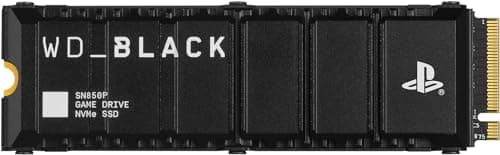
What is How to Extend PS5 Storage? A Complete 2026 Guide
If your PS5 storage fills up fast, you are not alone. Modern games can take up huge amounts of space, and constant deleting and redownloading gets old quickly. This guide explains how to extend PS5 storage in a simple way so you can choose the right expansion method with confidence.