

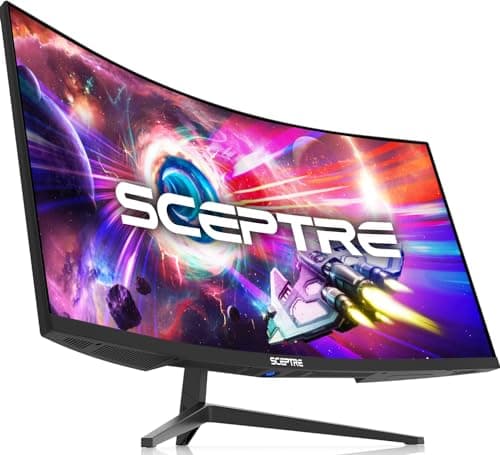
8 Best Ultrawide Monitors in 2026 — Bigger Screens for Better Multitasking, Gaming, and Value
If you’re trying to find the best ultrawide monitors 2026 has to offer, the challenge is sorting through a crowded field of curved panels, gaming speeds, and office-friendly features. The right ultrawide can replace a dual-monitor setup, improve immersion in games, and make spreadsheet work feel far less cramped. In this list, we focused on models that deliver the best mix of screen real estate, image quality, refresh rate, and price for real-world buyers.
Related Reviews
Whether you want a budget-friendly productivity upgrade, a fast gaming display, or a premium all-rounder, these picks cover the most common buying intent behind ultrawide searches. Every monitor below earned its place based on display performance, feature set, and value in 2026.
Quick Picks
| Rank | Product | Price | Best For |
|---|---|---|---|
| 1 | Sceptre 34-Inch Curved Ultrawide WQHD Monitor | $189.97 | Best budget ultrawide |
| 2 | Samsung 34" ViewFinity S50GC Series | $208.99 | Best for work and multitasking |
| 3 | Samsung 34' Odyssey G5 | $265.04 | Best immersive gaming curve |
| 4 | Dell 34 Plus USB-C Curved Monitor | $314.99 | Best USB-C productivity monitor |
| 5 | LG 34U60ZB-B | $219.99 | Best simple all-rounder |
| 6 | LG 34WR55QK-B | $254.40 | Best for USB-C + split-screen workflows |
| 7 | Alienware 34 Curved Gaming Monitor AW3425DWM | $270.72 | Best premium gaming pick |
| 8 | ASUS TUF Gaming 34” Ultra-Wide Curved Monitor VG34VQ3B | $236.55 | Best gaming value with strong specs |
1. Sceptre 34-Inch Curved Ultrawide WQHD Monitor — Best Budget Ultrawide
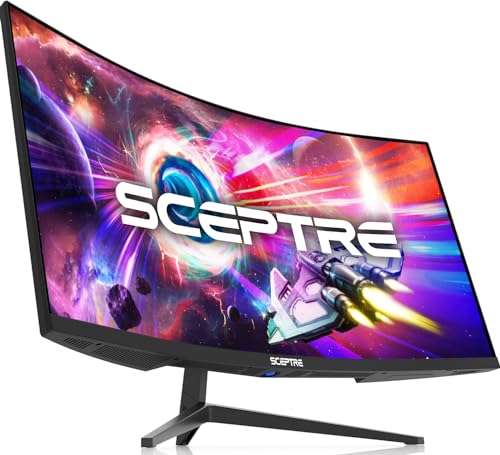


4.6★ (Prime eligible) A standout low-cost ultrawide that gives you 3440 × 1440 resolution, fast refresh, and a big productivity boost without stretching your budget.
- ✓ 21:9 ultrawide format gives you about 30% more screen space than a conventional monitor
- ✓ WQHD 3440 x 1440 resolution delivers sharper detail for work and entertainment
- ✓ Up to 180Hz/165Hz refresh rate and 1ms response time help keep motion smooth
- ✓ 99% sRGB coverage supports solid color performance for everyday use
- ✗ Built-in speakers are convenient, but not a substitute for dedicated audio
- ✗ Budget-focused design means fewer premium productivity extras
- ✗ Best suited to users who prioritize value over advanced ergonomics
30% OFF — Was $269.97
2. SAMSUNG 34" ViewFinity S50GC Series Ultra-WQHD Monitor — Best for Work and Multitasking
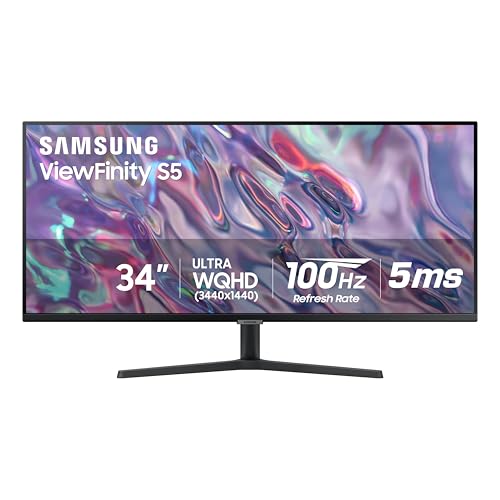


4.5★ (Prime eligible) If your ultrawide is mainly for office work, this Samsung hits the sweet spot with strong multitasking tools, eye-care features, and a clean borderless design.
- ✓ Ultra-WQHD 21:9 layout makes it easier to manage multiple windows on one screen
- ✓ HDR10 and 1 billion color support improve contrast and visual depth
- ✓ Eye Saver Mode, Flicker Free, and ambient light sensor help reduce strain
- ✓ PIP and PBP are useful for side-by-side workflow setups
- ✗ 100Hz is good for productivity, but not a top-tier gaming refresh rate
- ✗ 5ms response time is fine, though faster rivals exist
- ✗ Not the best pick if you want the most aggressive curve for immersion
37% OFF — Was $329.99
3. Samsung 34' Odyssey G5 — Best Immersive Gaming Curve
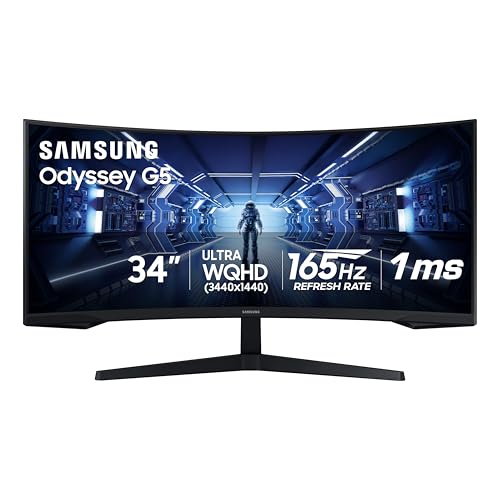


4.7★ (Prime eligible) This is the ultrawide for gamers who want the screen to wrap around their field of view and keep motion smooth in fast titles.
- ✓ 1000R curve creates a more enveloping, immersive gaming feel
- ✓ 165Hz refresh rate and 1ms response time support competitive play
- ✓ FreeSync Premium helps reduce tearing, stutter, and latency
- ✓ WQHD ultrawide resolution offers a strong balance of sharpness and speed
- ✗ More gaming-focused than office-focused
- ✗ VA panel behavior may not satisfy users seeking the widest viewing-angle consistency
- ✗ HDR10 is useful, but not a substitute for a premium HDR experience
34% OFF — Was $399.99
4. Dell 34 Plus USB-C Curved Monitor — Best USB-C Productivity Monitor
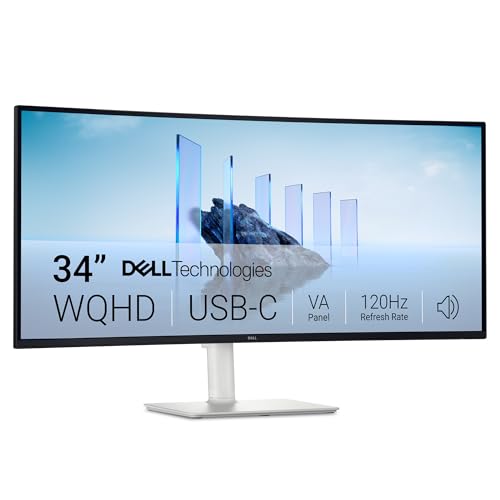


4.6★ (Prime eligible) A polished ultrawide for laptop users who want one cable, good color, and a desk setup that feels cleaner and more modern.
- ✓ USB-C connectivity with up to 65W power delivery simplifies laptop docking
- ✓ 99% sRGB and 95% DCI-P3 make it appealing for color-conscious work
- ✓ Up to 120Hz refresh rate keeps motion smoother than typical office monitors
- ✓ Integrated speakers and enhanced audio improve everyday convenience
- ✗ Pricier than some value-oriented ultrawides
- ✗ VA panel and 3000:1 contrast are strong, but it’s still not an OLED-class display
- ✗ Best for productivity-first users rather than hardcore competitive gamers
25% OFF — Was $419.99
5. LG 34U60ZB-B — Best Simple All-Rounder
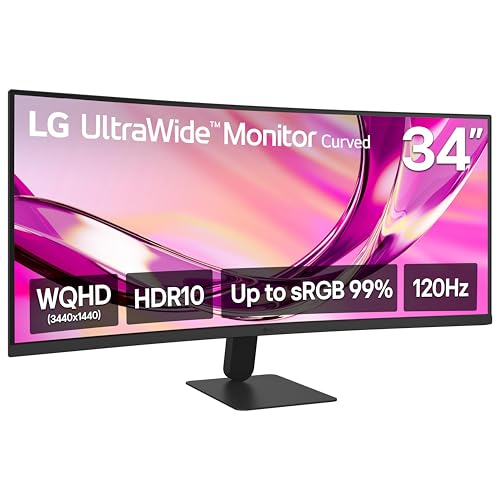


4.5★ (Prime eligible) A balanced pick that covers work, streaming, and casual gaming well without pushing into premium pricing.
- ✓ 3440 x 1440 resolution gives you a roomy workspace for multiple apps
- ✓ 120Hz refresh rate is a nice bump for smoother everyday motion
- ✓ Up to 99% sRGB and HDR10 support help color and tone look more polished
- ✓ LG Switch makes split-screen and basic monitor control easier
- ✗ Not as feature-rich as some higher-end LG and Dell alternatives
- ✗ The 1800R curve is subtle, so it’s less immersive than more aggressive gaming curves
- ✗ Best for buyers who want simplicity over advanced extras
27% OFF — Was $299.99
6. LG 34WR55QK-B — Best for USB-C and Split-Screen Workflows


4.4★ (Prime eligible) This LG is a smart pick for remote workers who want USB-C convenience, easy window management, and a monitor that adapts to daily tasks.
- ✓ USB Type-C with up to 65W power delivery helps reduce cable clutter
- ✓ OnScreen Control and split-display tools are great for multitasking
- ✓ Picture-by-Picture support lets you use two sources on one screen
- ✓ 99% sRGB and HDR10 support keep colors looking balanced and vivid
- ✗ 100Hz is solid, but not ideal for high-end fast gaming
- ✗ 5ms response time is more productivity-friendly than esports-focused
- ✗ Best if you value workflow features over raw speed
36% OFF — Was $399.99
7. Alienware 34 Curved Gaming Monitor AW3425DWM — Best Premium Gaming Pick


4.8★ (Prime eligible) If you want a premium-feeling ultrawide with fast performance, sharp visuals, and strong gaming polish, this Alienware is an easy contender.
- ✓ 180Hz refresh rate and 1ms response time are excellent for fluid gaming
- ✓ 1500R curve and 34-inch WQHD panel make games feel expansive
- ✓ DCI-P3 95% coverage and DisplayHDR 400 add visual punch
- ✓ Hardware-based low blue light helps longer sessions feel easier on the eyes
- ✗ Costs more than many productivity-first ultrawides
- ✗ Best value is strongest for gamers, not office users
- ✗ Premium styling may be more than some buyers need
23% OFF — Was $349.99
8. ASUS TUF Gaming 34” Ultra-Wide Curved Monitor VG34VQ3B — Best Gaming Value with Strong Specs


4.6★ (Prime eligible) A strong value gaming ultrawide that combines a fast panel, useful software tools, and a reassuring three-year warranty.
- ✓ 180Hz refresh rate and 1ms MPRT suit competitive gaming
- ✓ ELMB SYNC and FreeSync Premium help reduce blur and tearing
- ✓ 90% DCI-P3 and HDR support improve the visual experience
- ✓ DisplayWidget Center and 3-year warranty add practical ownership value
- ✗ Color gamut is good, but not as wide as some premium rivals
- ✗ Speaker performance is convenient rather than exceptional
- ✗ More appealing to gamers than creators or office power users
28% OFF — Was $329.00
How We Chose These Products
To build this list of the best ultrawide monitors 2026 shoppers are most likely to want, we prioritized the features that matter most in real buying decisions.
- Screen size and ultrawide format: We focused on 34-inch models with a 21:9 aspect ratio, since that’s the mainstream sweet spot for productivity and gaming.
- Resolution and clarity: Every pick offers WQHD/Ultra-WQHD 3440 x 1440 resolution for a sharper, more useful workspace.
- Refresh rate and response time: We favored monitors with 100Hz or higher, and gave extra weight to faster models for gaming buyers.
- Connectivity and convenience: USB-C, PBP/PIP, built-in speakers, and ergonomic software tools all helped a monitor rank higher.
- Value for money: We compared current price, discounts, and feature sets to highlight the strongest overall buys.
- Use-case fit: We separated productivity-first, gaming-first, and balanced models so readers can choose faster.
Frequently Asked Questions
What is the best ultrawide monitor in 2026 for most people?
The best ultrawide monitor in 2026 for most people depends on whether you want value, gaming, or productivity. For a balanced mix of price and features, the Dell 34 Plus USB-C Curved Monitor and LG 34U60ZB-B are especially strong.
Is a 34-inch ultrawide good for work?
Yes, a 34-inch ultrawide is excellent for work because it gives you enough room for multiple windows, spreadsheets, timelines, and side-by-side documents without needing two monitors.
Are ultrawide monitors good for gaming?
Yes, ultrawide monitors are great for gaming because they create a more immersive field of view. Models like the Samsung 34' Odyssey G5, Alienware 34 Curved Gaming Monitor AW3425DWM, and ASUS TUF Gaming 34” Ultra-Wide Curved Monitor VG34VQ3B are especially appealing.
What refresh rate should I look for in an ultrawide monitor?
For office use, 100Hz to 120Hz is plenty smooth. For gaming, 165Hz or 180Hz is better if your PC can push the frames to match.
Should I buy an ultrawide monitor or dual monitors?
If you want a cleaner desk and seamless window management, an ultrawide monitor is usually the better choice. Dual monitors can still be better if you need separate screens for different tasks or very specific workflows.
Frequently asked questions
- What is the best ultrawide monitor in 2026 for most people?
- The best ultrawide monitor in 2026 for most people depends on whether you want value, gaming, or productivity. For a balanced mix of price and features, the Dell 34 Plus USB-C Curved Monitor and LG 34U60ZB-B are especially strong. Is a 34-inch ultrawide good for work?
- Is a 34-inch ultrawide good for work?
- Yes, a 34-inch ultrawide is excellent for work because it gives you enough room for multiple windows, spreadsheets, timelines, and side-by-side documents without needing two monitors. Are ultrawide monitors good for gaming?
- Are ultrawide monitors good for gaming?
- Yes, ultrawide monitors are great for gaming because they create a more immersive field of view. Models like the Samsung 34' Odyssey G5, Alienware 34 Curved Gaming Monitor AW3425DWM, and ASUS TUF Gaming 34” Ultra-Wide Curved Monitor VG34VQ3B are especially appealing. What refresh rate should I look for in an ultrawide monitor?
- What refresh rate should I look for in an ultrawide monitor?
- For office use, 100Hz to 120Hz is plenty smooth. For gaming, 165Hz or 180Hz is better if your PC can push the frames to match. Should I buy an ultrawide monitor or dual monitors?
- Should I buy an ultrawide monitor or dual monitors?
- If you want a cleaner desk and seamless window management, an ultrawide monitor is usually the better choice. Dual monitors can still be better if you need separate screens for different tasks or very specific workflows.
Get the Full Home Buyer's Guide
Join our free newsletter — we'll send our latest Home picks, specs and verdicts straight to your inbox.
Free. No spam. Unsubscribe anytime.
Was this review helpful?
Be the first to share your feedback on this review.
Sign in to vote and let us know what you think.
Discussion (0)
No comments yet. Be the first to start the discussion.
Related Reviews
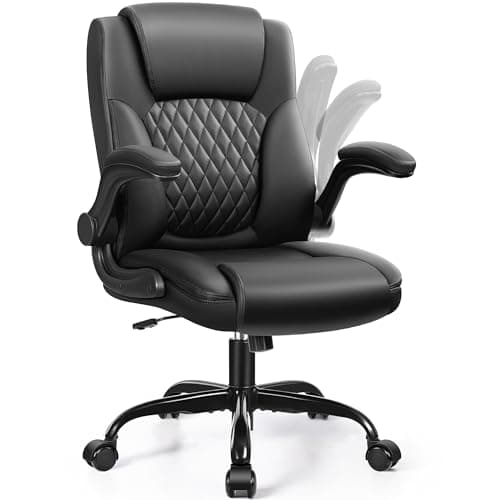
8 Best Office Chairs for Short People in 2026 — Better Fit, Better Posture, Less Foot Dangle
If your feet don’t sit flat, your knees feel cramped, or your desk chair forces you into a slouch, you’re not alone. The best office chairs for short people solve that problem with lower seat heights, supportive cushions, flip-up arms, and adjustability that actually works for petite frames. In this
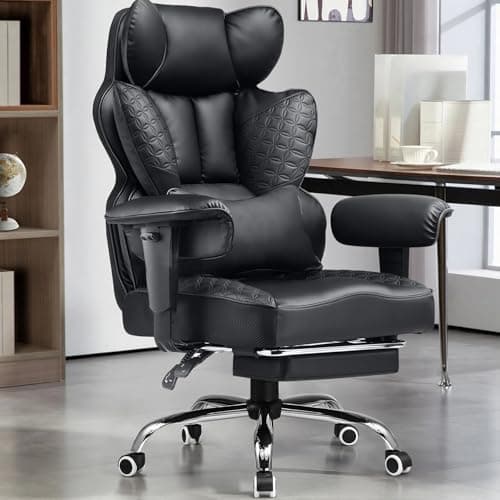
8 Best Office Chairs for Tall People in 2026 — Extra Height, Bigger Seats, and Better Back Support
If you’re tall, you already know the problem: too-short seat pans, low headrests, weak lumbar support, and armrests that hit in all the wrong places. The right chair should give your legs room, support your upper back, and stay comfortable through long workdays without feeling cramped. This roundup
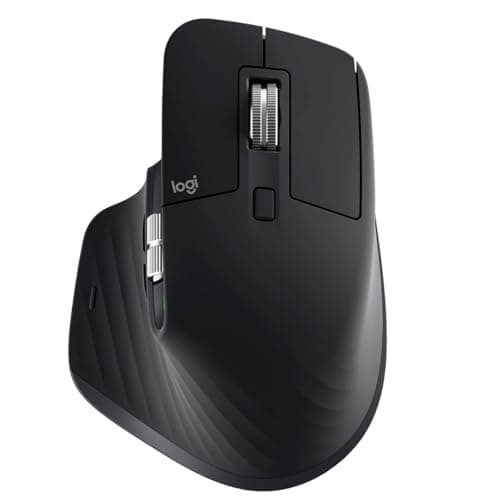
Logitech MX Master 3S long term review (2026): Specs, Pros & Cons, and Who It's For
The Logitech MX Master 3S is built around a simple idea: make long work sessions easier on the hand. Research-based reviews consistently praise its sculpted right-handed shape, high thumb rest, and well-placed controls, all of which support a more natural wrist position than a typical flat mouse.