

8 Best Monitors for Home Office in 2026 — Better Comfort, Sharper Text, and More Productive Multitasking
If you’re trying to build a home office that feels easier on your eyes and faster for daily work, the monitor you choose matters more than most people realize. The best monitors for home office 2026 balance sharp text, eye comfort, reliable connectivity, and enough screen space to keep spreadsheets, docs, and video calls manageable. In this list, I focused on models that deliver the strongest mix of value, comfort, and productivity features for real workday use.
Related Reviews
These picks are especially good for remote workers, students, freelancers, and anyone upgrading from an aging office display. I prioritized monitors with practical features like IPS or VA panels, 100Hz+ refresh rates, thin bezels, eye-care modes, and sizes that fit both compact desks and multitasking setups.
Quick Picks
| Rank | Product | Price | Best For |
|---|---|---|---|
| 1 | Dell 27 Plus Monitor - S2725HSM | $127.49 | Best overall home office monitor with height adjustability |
| 2 | Samsung 34" ViewFinity S50GC | $208.99 | Best ultrawide for multitasking |
| 3 | Dell 24 Monitor - SE2426H | $75.99 | Best budget IPS pick |
| 4 | Acer 27 Inch Monitor - KB272 | $89.99 | Best value 27-inch display |
| 5 | Samsung 27" (S30GD) Essential Monitor | $94.99 | Best eye comfort on a simple stand |
| 6 | Philips 271V8LB 27" | $89.97 | Best easy-reading VA monitor |
| 7 | Philips 24 inch 100Hz Computer Monitor 241V8LB | $64.00 | Best ultra-affordable compact option |
| 8 | Philips 221V8LB 22 inch Class Thin Full HD Monitor | $69.99 | Best small desk monitor |
1. Dell 27 Plus Monitor - S2725HSM — Best Overall Home Office Monitor


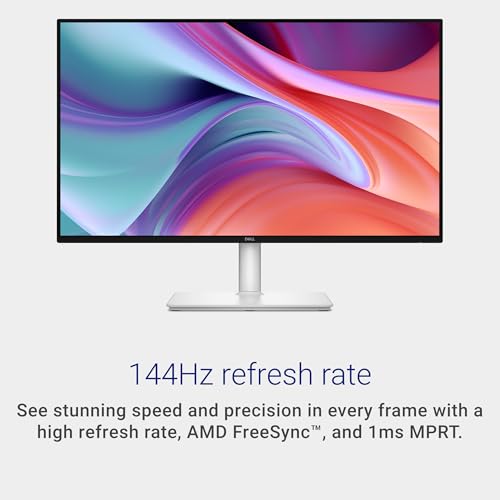
4.7★ (Prime) A polished 27-inch work monitor with strong eye comfort, height/tilt/pivot/swivel flexibility, and smooth 144Hz motion for a premium home office setup.
- ✓ 27-inch FHD panel gives you a roomy workspace for docs, browser tabs, and video calls
- ✓ Height, tilt, pivot, and swivel adjustability helps you dial in a better ergonomic position
- ✓ 144Hz refresh rate and 1ms MPRT make scrolling and motion feel noticeably smoother
- ✓ 4-star TÜV-certified eye comfort helps reduce harmful blue light while preserving image quality
- ✗ FHD at 27 inches is not as sharp as QHD for text-heavy power users
- ✗ Built-in speakers are useful, but not the main reason to buy this model
- ✗ It costs more than entry-level office monitors
2. SAMSUNG 34" ViewFinity S50GC Series Ultra-WQHD Monitor — Best Ultrawide for Multitasking


4.6★ (Prime) If your home office workflow lives in spreadsheets, research tabs, and side-by-side windows, this ultrawide is the easiest way to expand your workspace without a dual-monitor stand.
- ✓ 34-inch Ultra-WQHD 21:9 screen gives you a huge amount of screen real estate
- ✓ PIP and PBP support are ideal for multitasking across two inputs
- ✓ Eye Saver Mode, Flicker Free, and ambient light sensor support long work sessions
- ✓ 100Hz refresh rate keeps everyday motion smoother than standard 60Hz office displays
- ✗ Takes up more desk width than a standard 27-inch monitor
- ✗ More expensive than basic single-screen office options
- ✗ Ultrawide scaling may take some adjustment if you’re used to smaller displays
3. Dell 24 Monitor - SE2426H — Best Budget IPS Pick
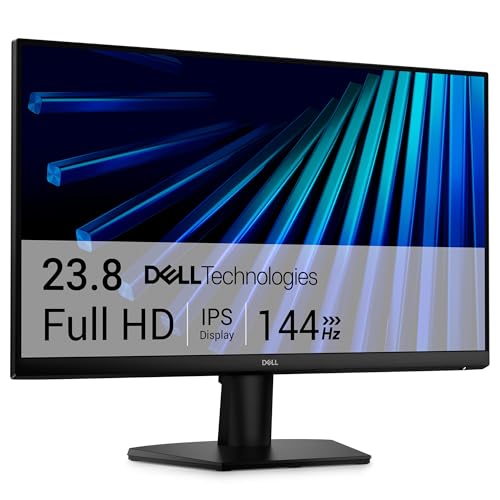


4.5★ (Prime) A strong low-cost office display that still gives you IPS color consistency, a fast 144Hz panel, and better eye comfort than the cheapest basic monitors.
- ✓ IPS technology delivers consistent color across wide viewing angles
- ✓ 144Hz refresh rate and 1ms response time make scrolling and motion feel very fluid
- ✓ TÜV Rheinland 3-star eye comfort certification supports long work sessions
- ✓ Ultra-thin bezels help the monitor look cleaner on a compact desk
- ✗ 24-inch size is less spacious for multitasking than a 27-inch screen
- ✗ FHD is fine, but not ideal if you want extra-sharp text at close range
- ✗ Tilt-only ergonomics are more limited than premium office models
4. Acer 27 Inch Monitor - KB272 — Best Value 27-Inch Display
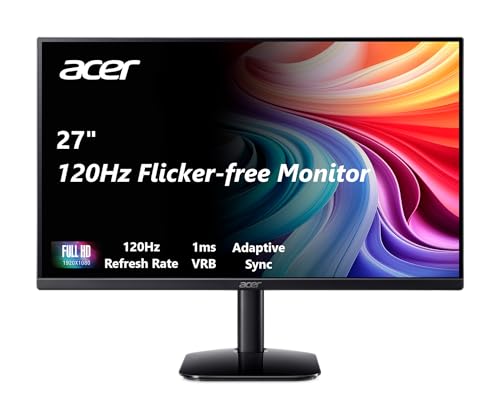


4.4★ (Prime) This is the sweet spot if you want a larger 27-inch screen without paying premium prices, and it still brings fast refresh, IPS color, and adaptive sync support.
- ✓ 27-inch FHD IPS panel gives you a bigger workspace than 24-inch office displays
- ✓ Up to 120Hz refresh rate improves smoothness for work and streaming
- ✓ 99% sRGB color coverage is helpful for everyday content and light creative work
- ✓ Adaptive-Sync support and 1ms VRB reduce tearing and motion blur
- ✗ FHD on 27 inches is not as crisp as higher-resolution alternatives
- ✗ Brightness is modest compared with more premium office monitors
- ✗ Tilt-only stand limits ergonomic flexibility
5. Samsung 27" (S30GD) Essential Monitor — Best Eye Comfort on a Simple Stand
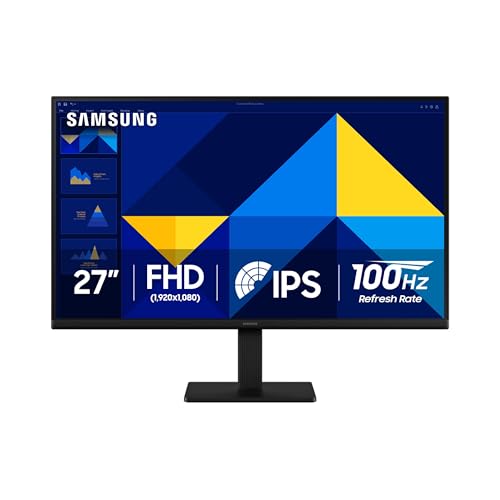


4.4★ (Prime) A clean, no-nonsense 27-inch monitor that focuses on eye comfort, pleasing IPS color, and smooth 100Hz performance for everyday office work.
- ✓ IPS panel keeps colors bright and consistent across the screen
- ✓ 100Hz refresh rate reduces lag and motion blur during work and browsing
- ✓ Reduced blue light and screen flicker help make long sessions more comfortable
- ✓ Slim bezels and a modern design fit neatly into a home office setup
- ✗ Tilt-only stand is less ergonomic than multi-adjustable models
- ✗ Not the best choice if you want the sharpest possible text
- ✗ Lacks the extra desktop features of more premium models
6. Philips 271V8LB 27" — Best Easy-Reading VA Monitor


4.3★ (Prime) A practical 27-inch monitor for workers who want comfortable reading, strong contrast, and a streamlined look for a dual-monitor or single-screen desk.
- ✓ VA panel delivers deeper blacks and strong contrast for documents and media
- ✓ 178/178 viewing angles help keep the image consistent from the side
- ✓ Three-sided frameless design is great for multi-monitor setups
- ✓ EasyRead mode is useful for long document-heavy workdays
- ✗ VA panels can be less color-accurate than IPS for some users
- ✗ Basic feature set compared with more ergonomic office monitors
- ✗ Not the best fit if you want premium adjustability
7. Philips 24 inch 100Hz Computer Monitor 241V8LB — Best Ultra-Affordable Compact Option
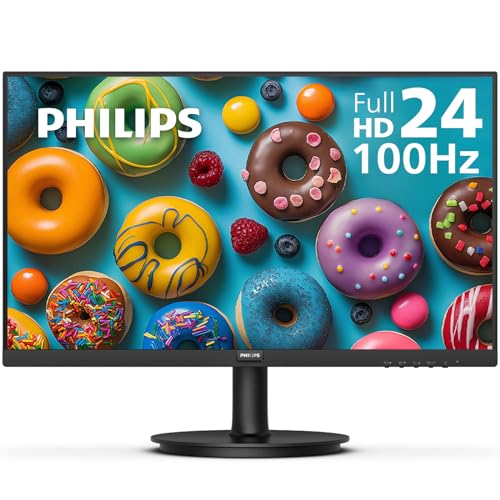


4.3★ (Prime) This is the cheapest pick here, but it still gives you a 100Hz panel, eye-care features, and a surprisingly polished design for a budget home office.
- ✓ 23.8-inch Full HD screen is compact and easy to fit on smaller desks
- ✓ 100Hz refresh rate makes everyday motion feel smoother than standard 60Hz monitors
- ✓ Eye Care and EasyRead mode are useful for long reading and typing sessions
- ✓ 4-year advance replacement warranty adds peace of mind
- ✗ HDMI and VGA only, so connectivity is basic
- ✗ Smaller screen size is less ideal for heavy multitasking
- ✗ VA panel is good for contrast, but not the most premium for color work
8. Philips 221V8LB 22 inch Class Thin Full HD Monitor — Best Small Desk Monitor
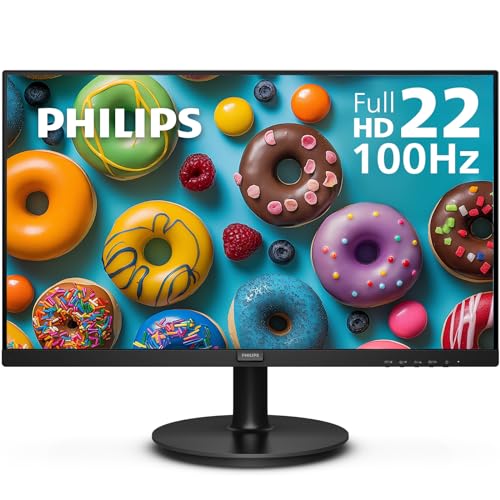


4.2★ (Prime) A compact office monitor for tight spaces, basic productivity, and buyers who want a simple, affordable display with 100Hz smoothness.
- ✓ 22-inch class size is ideal for compact desks and smaller workstations
- ✓ 100Hz refresh rate and Adaptive-Sync improve everyday smoothness
- ✓ VA panel provides strong contrast and consistent viewing angles
- ✓ LowBlue Mode helps reduce eye strain during long sessions
- ✗ Small screen size limits multitasking
- ✗ Not the best fit for users who want lots of open windows
- ✗ Basic ports and features keep it firmly in the budget category
How We Chose These Products
To build this list of the best monitors for home office 2026, I focused on what actually improves day-to-day productivity rather than flashy extras. That means prioritizing screen size, panel quality, refresh rate, eye-comfort features, and desk-friendly ergonomics.
I also looked for monitors that suit different home office setups: compact desks, budget builds, multitasking workstations, and users who want a more premium ergonomic experience. Finally, I favored models with strong value based on the features they offer at their current prices.
- ✓ Text clarity and workspace size for office tasks
- ✓ Eye comfort features for long work sessions
- ✓ Refresh rate and motion smoothness for everyday use
- ✓ Ergonomics and desk fit for real home offices
- ✓ Price-to-feature value across budget and midrange picks
Frequently Asked Questions
What size monitor is best for a home office in 2026?
For most people, 27 inches is the sweet spot because it offers enough space for multitasking without taking over the desk. If your workspace is tight, 24 inches or 22 inches can still work well.
Is 144Hz worth it for a home office monitor?
Yes, it can be. Even if you’re not gaming, 144Hz makes scrolling, window movement, and general desktop use feel smoother than standard 60Hz.
Should I get IPS or VA for office work?
IPS is usually better if you want consistent color and wide viewing angles. VA is a good choice if you want stronger contrast and easier reading for documents and media.
Do I need an ultrawide monitor for remote work?
No, but it helps if you often keep multiple windows open at once. An ultrawide is especially useful for spreadsheets, research, editing, and side-by-side multitasking.
What is the best budget monitor for home office use?
The Dell 24 Monitor - SE2426H is a strong budget option, while the Philips 24 inch 100Hz Computer Monitor 241V8LB is the cheapest pick in this list with a nice feature set for the price.
Frequently asked questions
- What size monitor is best for a home office in 2026?
- For most people, 27 inches is the sweet spot because it offers enough space for multitasking without taking over the desk. If your workspace is tight, 24 inches or 22 inches can still work well. Is 144Hz worth it for a home office monitor?
- Is 144Hz worth it for a home office monitor?
- Yes, it can be. Even if you’re not gaming, 144Hz makes scrolling, window movement, and general desktop use feel smoother than standard 60Hz. Should I get IPS or VA for office work?
- Should I get IPS or VA for office work?
- IPS is usually better if you want consistent color and wide viewing angles. VA is a good choice if you want stronger contrast and easier reading for documents and media. Do I need an ultrawide monitor for remote work?
- Do I need an ultrawide monitor for remote work?
- No, but it helps if you often keep multiple windows open at once. An ultrawide is especially useful for spreadsheets, research, editing, and side-by-side multitasking. What is the best budget monitor for home office use?
- What is the best budget monitor for home office use?
- The Dell 24 Monitor - SE2426H is a strong budget option, while the Philips 24 inch 100Hz Computer Monitor 241V8LB is the cheapest pick in this list with a nice feature set for the price.
Get the Full Home Buyer's Guide
Join our free newsletter — we'll send our latest Home picks, specs and verdicts straight to your inbox.
Free. No spam. Unsubscribe anytime.
Was this review helpful?
Be the first to share your feedback on this review.
Sign in to vote and let us know what you think.
Discussion (0)
No comments yet. Be the first to start the discussion.
Related Reviews
8 Best Office Chairs for Short People in 2026 — Better Fit, Better Posture, Less Foot Dangle
If your feet don’t sit flat, your knees feel cramped, or your desk chair forces you into a slouch, you’re not alone. The best office chairs for short people solve that problem with lower seat heights, supportive cushions, flip-up arms, and adjustability that actually works for petite frames. In this
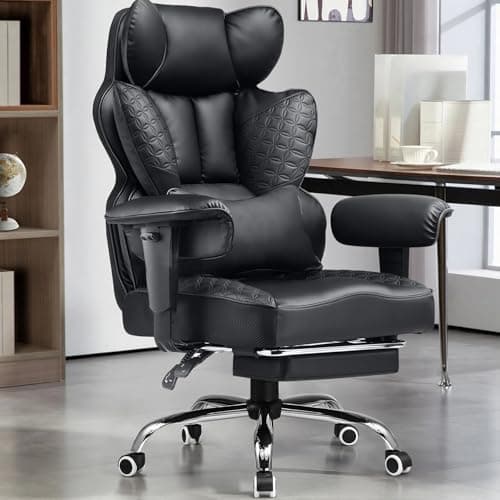
8 Best Office Chairs for Tall People in 2026 — Extra Height, Bigger Seats, and Better Back Support
If you’re tall, you already know the problem: too-short seat pans, low headrests, weak lumbar support, and armrests that hit in all the wrong places. The right chair should give your legs room, support your upper back, and stay comfortable through long workdays without feeling cramped. This roundup
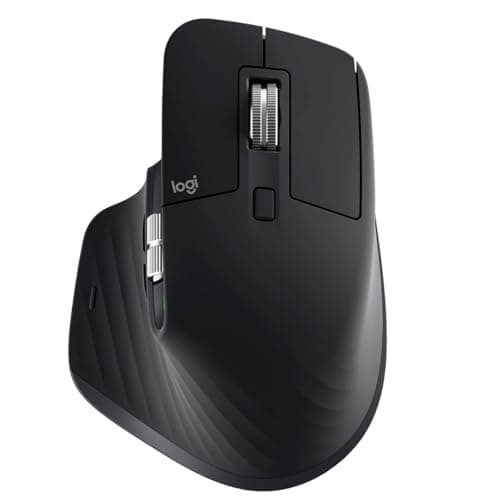
Logitech MX Master 3S long term review (2026): Specs, Pros & Cons, and Who It's For
The Logitech MX Master 3S is built around a simple idea: make long work sessions easier on the hand. Research-based reviews consistently praise its sculpted right-handed shape, high thumb rest, and well-placed controls, all of which support a more natural wrist position than a typical flat mouse.