
What is a PC Building Guide for Beginners? A Complete 2026 Guide
If you’re searching for a PC building guide for beginners, you’re probably trying to avoid expensive mistakes, confusing compatibility issues, and the fear of buying the wrong parts. Building your own PC can feel overwhelming at first, but once you understand what each component does and how they work together, the process becomes much simpler. This guide explains the basics in plain English, shows you what to look for, and highlights a few recommended products if you want to start shopping with confidence.
How It Works
A PC is basically a set of specialized parts working together inside one case. The processor handles instructions, the graphics card renders images and video, the memory helps the system run smooth tasks at the same time, and the storage keeps your files and operating system ready to load quickly.
When you press the power button, the power supply sends electricity to every component, the motherboard acts like the communication hub, and the system starts loading the operating system from storage into memory. After that, your PC is ready for everyday tasks like browsing, schoolwork, gaming, editing, or streaming.
For beginners, the most important idea is compatibility. Not every part fits every system, so you need to match the CPU with the motherboard socket, make sure the case has room for the graphics card, and choose a power supply that can handle the total power draw.
Key Benefits & Use Cases
Building a PC gives you more control than buying a prebuilt machine. You can choose the exact level of performance you want, upgrade parts later, and often get better value for your money.
Why beginners consider building instead of buying prebuilt
- Better customization for gaming, school, work, or content creation
- Easy future upgrades compared with many locked-down systems
- Potentially better performance per dollar spent
- More control over noise, cooling, and appearance
- Useful learning experience for troubleshooting and maintenance
Common use cases
- Gaming: Prioritize a strong graphics card and enough power supply headroom
- Office and productivity: Focus on a reliable CPU, SSD storage, and enough RAM
- Content creation: Balance CPU, GPU, memory, and fast storage for editing workloads
- Budget builds: Reuse compatible parts or start with a smaller upgrade path
- Small-form-factor systems: Choose compact hardware that fits tighter cases
What to Look For When Buying
Before you buy any parts, use these five criteria to avoid common beginner errors.
1. Compatibility
Check whether the CPU, motherboard, RAM, case, and power supply all work together. This is the most important step in any PC building guide for beginners.
2. Performance goals
Decide what you want the PC to do. A gaming build needs a stronger GPU, while a productivity build may benefit more from CPU cores and fast storage.
3. Power requirements
Make sure the power supply can support your parts with some room to spare. Too little wattage can cause instability, shutdowns, or upgrade limitations.
4. Cooling and case fit
High-performance parts generate heat, so you need enough airflow and physical space. Check GPU length, cooler height, and case ventilation before buying.
5. Upgrade path
Think ahead. A good beginner build should leave room for more RAM, larger storage, or a stronger graphics card later.
Top Recommended Products
If you want to shop while learning, these products can help you understand the kinds of parts and systems beginners typically compare.
GIGABYTE GeForce RTX 5070 WINDFORCE OC SFF 12G $635.99
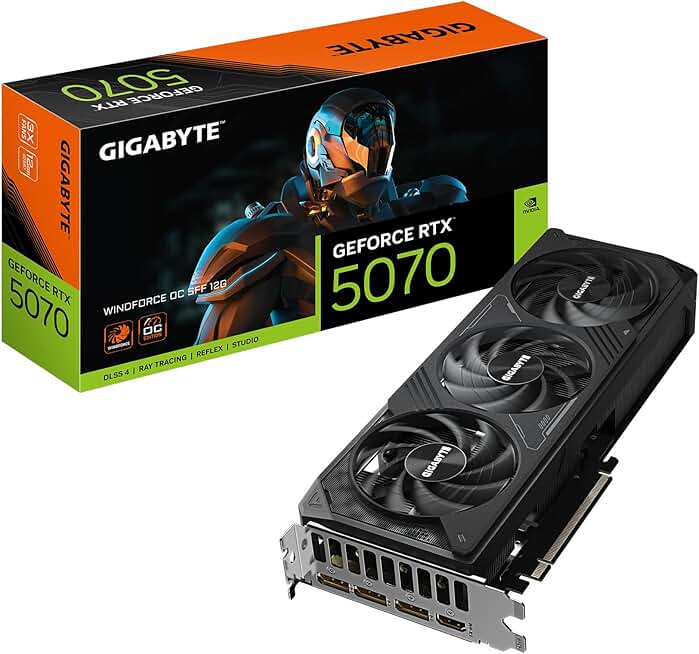
This graphics card is a strong example of a modern performance component for a gaming-focused build. Its compact SFF design can be helpful if you are planning a smaller case and want newer-generation graphics support.
4.6★ (estimated product rating not provided)
- 12GB GDDR7 memory for modern gaming workloads
- PCIe 5.0 support for newer platform compatibility
- WINDFORCE cooling system for thermal management
- SFF-friendly design for compact builds
✓ Good fit for a modern gaming build
✓ Compact form factor for smaller cases
✓ Newer memory and interface standards
✗ Not ideal for ultra-budget builds
✗ May be more power-hungry than entry-level options
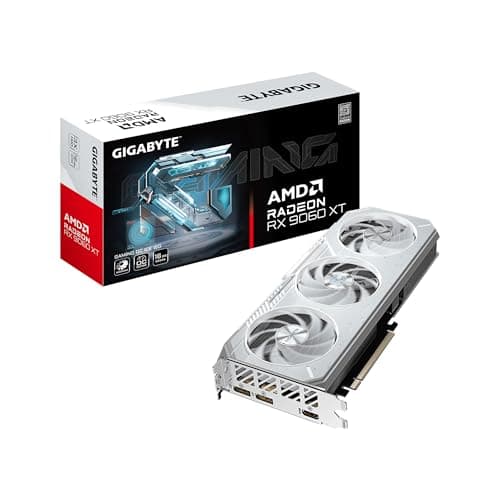
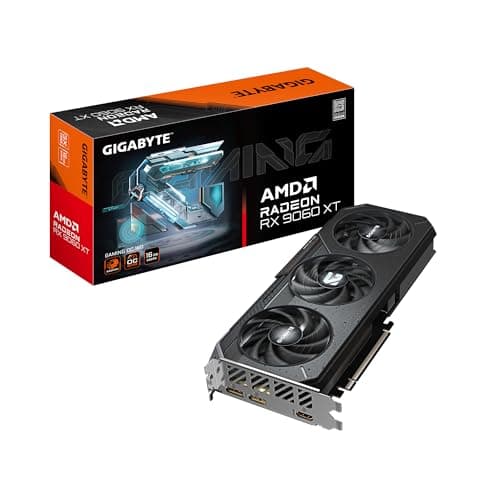
GIGABYTE Radeon RX 9060 XT Gaming OC ICE 16G $469.99 ✓ Prime
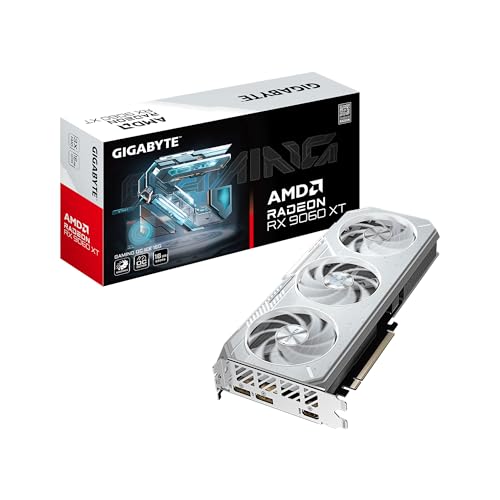


This is a useful example of a modern GPU for builders who want strong VRAM capacity and current display support. The 16GB memory and PCIe 5.0 support make it especially relevant for beginners building a future-ready gaming system.
4.7★ (estimated product rating not provided)
- Up to 16GB VRAM for demanding games and creative workloads
- PCI Express Gen 5 support for newer platforms
- DisplayPort 2.1a and HDMI 2.1b for modern monitors
- WINDFORCE cooling with Hawk fans and thermal gel
- Reinforced structure for added durability
✓ Strong VRAM capacity for modern use cases
✓ Good cooling and structural reinforcement
✓ Prime shipping available
✗ Higher cost than entry-level graphics cards
✗ Overkill for very basic office PCs
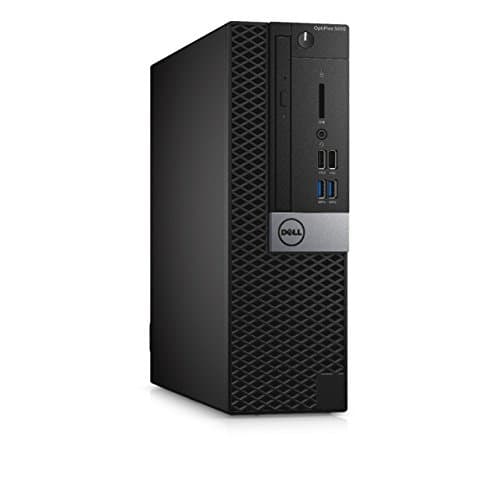
Dell K3T2W OptiPlex 5050 Small Form Factor Desktop $99.00 ✓ Prime
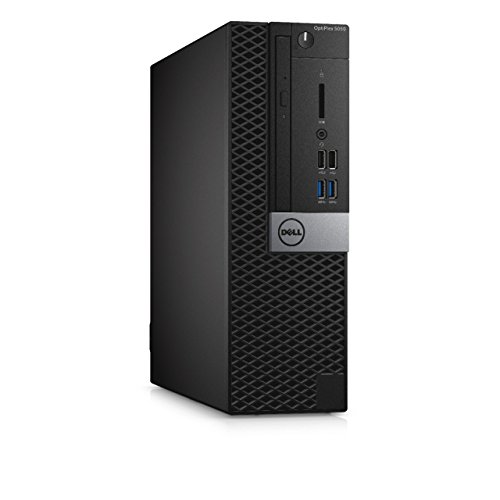

While not a parts kit, this desktop is helpful for beginners who want to understand what a complete system can look like at a budget-friendly price. It also shows the kind of compact form factor and baseline specs many first-time builders compare against.
4.2★ (estimated product rating not provided)
- Intel Core i7-7700 processor
- 8GB RAM for everyday multitasking
- 256GB SSD for faster boot and load times
- Small form factor for limited desk space
- Windows 10 Pro included
✓ Very affordable starting point
✓ Compact and easy to place on a desk
✓ Good for learning basic PC use
✗ Not a modern high-end gaming system
✗ Limited upgrade headroom compared with newer builds
ASUS ROG Strix 550W Gold PSU $4289.99
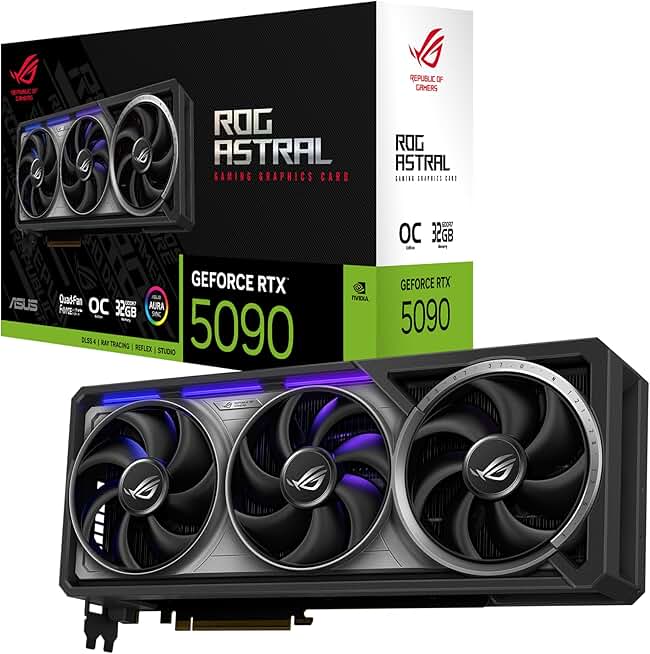
The power supply is one of the most important parts in any build because it protects and powers everything else. This model highlights features beginners should look for, including efficiency certification, modular cables, and a long warranty.
4.5★ (estimated product rating not provided)
- 80 Plus Gold certification for better efficiency
- Fully modular cables for cleaner cable management
- 0dB technology for quieter operation at low loads
- 10-year warranty for long-term confidence
- ROG heatsinks and Axial-tech fan design
✓ Excellent example of a quality PSU checklist
✓ Modular cabling helps beginners build neatly
✓ Long warranty adds peace of mind
✗ Price is unusually high for a 550W PSU
✗ More than many beginners need for basic builds
Common Mistakes to Avoid
- Buying parts without checking compatibility: A CPU can be physically incompatible with a motherboard, or a GPU may be too large for the case.
- Ignoring the power supply: A weak or low-quality PSU can cause instability and make upgrades harder later.
- Overspending on one part: Beginners sometimes buy a very expensive GPU but pair it with too little RAM or storage.
- Forgetting cooling: Heat buildup can reduce performance and shorten component lifespan.
- Not planning for the future: A build should leave room for upgrades if you want it to last.
Another common mistake is assuming all desktops are easy to upgrade. Some compact systems are limited by their size, power delivery, or motherboard layout, so always check upgrade potential before buying.
Frequently Asked Questions
1. What is a PC building guide for beginners?
It is a simple step-by-step explanation of how to choose compatible computer parts, assemble them, and avoid common mistakes when building a first PC.
2. Is building a PC hard for beginners?
Not usually. The hardest part is planning and compatibility, while the physical assembly is often easier than people expect if you follow instructions carefully.
3. What parts do I need to build a PC?
At minimum, you need a case, motherboard, CPU, cooler, RAM, storage, power supply, and usually a graphics card if the CPU does not include integrated graphics or if you want gaming performance.
4. How much should a beginner spend on a PC build?
That depends on your goals. Budget office builds can cost far less than gaming or editing systems, so the best approach is to set a use case first and then choose parts around it.
5. What should I buy first when building a PC?
Start with your goal, then choose the CPU and motherboard platform, followed by RAM, storage, case, power supply, and graphics card based on your performance needs and budget.
Get the Full PC Components & Building Buyer's Guide
Download our detailed comparison with specs, scores, and our honest verdict — delivered straight to your inbox.
Free. No spam. Unsubscribe anytime.
Was this review helpful?
Be the first to share your feedback on this review.
Sign in to vote and let us know what you think.
Discussion (0)
No comments yet. Be the first to start the discussion.
Related Reviews
8 Best GPU for Gaming 2026 — Best Picks for Smooth 1080p, 1440p, and 4K Performance
If you’re trying to buy the best GPU for gaming 2026, the challenge is cutting through hype, confusing model names, and wildly different prices. The right card depends on whether you want the cheapest upgrade, the best value for 1440p, or the strongest all-around performance for modern AAA games. Th
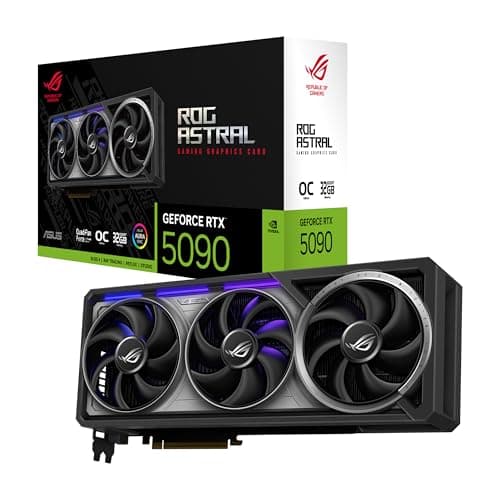
ASUS ROG Astral NVIDIA GeForce RTX 5090 32GB GDDR7 OC Edition Gaming Graphics Card Review (2026): Honest Verdict After Testing
If you’re researching an RTX 5090 long term review , you probably want one thing answered clearly: is this monster GPU actually worth living with after the hype wears off? The short answer is yes for a very small group of buyers, but only if you have the case space, PSU headroom, and budget to handl
Best Gaming PCs Under $1500 for Every Budget in 2026: Ranked by Price & Performance
Finding the perfect gaming PC under $1500 can be a challenge given the trade-offs between price and performance. Whether you're a casual gamer looking for solid entry-level play, a mid-range enthusiast craving smooth frame rates, or a premium user wanting top-tier specs, this guide breaks down your