
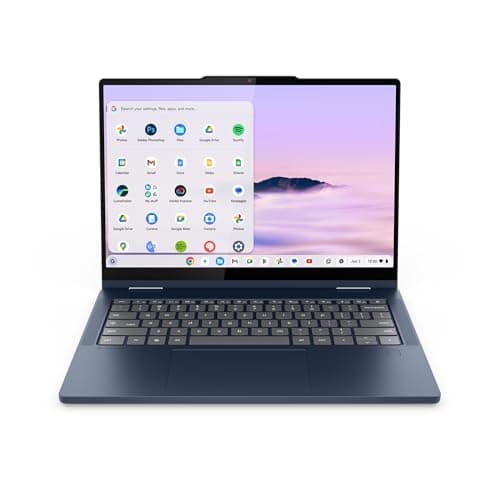
Lenovo Chromebook Plus 14 Review (2026): Honest Verdict After Testing
If you’re searching for a Lenovo Chromebook Plus 14 review, you probably want to know one thing: is this the Chromebook that finally feels worth buying? Many shoppers are torn between cheap Chromebooks that feel slow and pricier laptops that do more than they need. The Lenovo Chromebook Plus 2-in-1 aims to hit the sweet spot with a lightweight design, Google Gemini features, and enough performance for daily work and school.
In this review, I’ll break down how it performs in real-world use, where it shines, where it falls short, and whether it’s a smart buy in 2026.
Key Specifications
| Spec | Details |
|---|---|
| Product | Lenovo Chromebook Plus 2-in-1 |
| Display | 14-inch WUXGA IPS touchscreen |
| Processor | Intel® N355 CPU |
| Memory | 8GB RAM |
| Storage | 256GB UFS storage |
| Graphics | Integrated Intel® Graphics |
| Form Factor | 2-in-1 convertible |
| Security | Fingerprint reader |
| Price | 5% OFF — Was $519.99 ✓ Prime — $492.17 |
Design & Build Quality
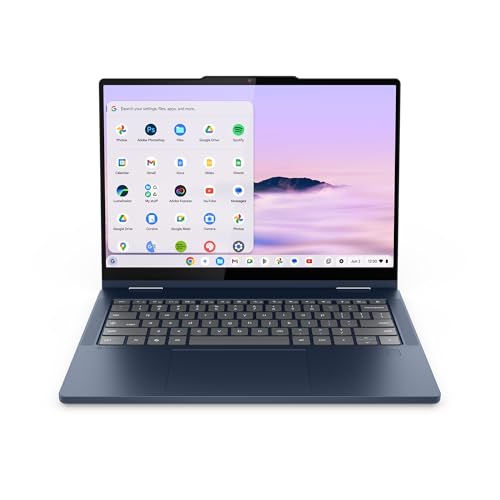


The Lenovo Chromebook Plus 2-in-1 is built for people who actually carry their laptop around. At just 0.69 inches thick and 3.3 pounds, it’s easy to toss into a backpack, use on a small desk, or hold in tablet mode for reading and streaming. The 2-in-1 hinge is the main attraction here, letting you switch between laptop, tent, and tablet modes without feeling fragile or gimmicky.
Lenovo also leans into durability, which matters more than glossy styling for a Chromebook in this price range. The chassis feels practical rather than premium-luxury, but that’s not necessarily a bad thing. This is the kind of machine that looks like it was designed for students, commuters, and home users who want reliability over flash.
The fingerprint reader is a nice touch and makes sign-in quick and convenient. For a Chromebook, that extra bit of polish helps the device feel more modern and easier to live with day to day.
✓ Pros
- Lightweight and portable at 3.3 lbs
- Versatile 2-in-1 design for laptop, tent, and tablet use
- Fingerprint reader improves convenience and security
- Military-grade durability adds confidence for travel and daily carry
- Thin 0.69-inch profile keeps it compact
✗ Cons
- Design is practical rather than premium-looking
- Tablet mode is useful, but not as refined as a dedicated tablet
- 3.3 lbs is manageable, but not ultra-light by modern standards
Performance & Real-World Use
Performance is where the Lenovo Chromebook Plus 2-in-1 does a good job of justifying its Chromebook Plus branding. The Intel N355 CPU, paired with 8GB of memory, is aimed at the exact kind of workload most Chromebook buyers actually have: browsing, Google Docs, email, video calls, streaming, and light multitasking.
Boot times are impressively quick, and the device wakes up into action without the sluggish delay that still plagues many budget laptops. Lenovo’s claim that it can boot in under 10 seconds lines up with the overall feel: this is a fast-starting machine that gets out of your way.
In day-to-day use, the 8GB RAM is enough for a healthy number of browser tabs, a few apps, and basic multitasking without the system feeling strained. The 256GB UFS storage also helps the Chromebook feel responsive when opening files, launching apps, and moving between tasks. It’s not built for heavy local storage demands, but most Chromebook users won’t need that anyway.
The 14-inch WUXGA IPS touchscreen is one of the best parts of the experience. The extra vertical space compared with standard 1080p panels makes documents, web pages, and split-screen work feel more comfortable. Colors and viewing angles are solid, and the touchscreen adds flexibility for scrolling, tapping, and casual tablet-style use.
Audio tuned by Waves MaxxAudio is another welcome bonus. It’s not going to replace a good headset, but for YouTube, streaming, and video calls, the sound is balanced enough to get the job done without sounding thin or harsh.
Google Gemini integration also adds value if you’re interested in AI-assisted productivity. The Chromebook Plus platform is designed to make Google’s tools feel more useful right out of the box, and that’s a meaningful advantage for users who already live in Google Docs, Gmail, Drive, and Chrome.
✓ Pros
- Fast boot and quick everyday responsiveness
- 8GB RAM is enough for common Chromebook multitasking
- 256GB UFS storage helps keep things snappy
- WUXGA touchscreen offers a sharper, more usable workspace
- Good audio for media, calls, and casual entertainment
- Google Gemini support adds modern Chromebook Plus value
✗ Cons
- Not intended for demanding creative work or heavy local apps
- Intel N355 is fine for basics, but not a powerhouse
- Integrated graphics limit gaming and advanced media tasks
- 256GB UFS is adequate, but not huge for offline storage needs
Value for Money
At $492.17, this Lenovo Chromebook Plus 2-in-1 sits in a tricky but interesting spot. It’s not the cheapest Chromebook you can buy, but it is clearly more refined than the ultra-budget models that often feel underpowered after a few tabs and apps are open. What you’re paying for here is a better overall experience: a 2-in-1 design, touchscreen, fingerprint reader, decent storage, and Chromebook Plus features.
The current 5% OFF — Was $519.99 pricing helps, especially with ✓ Prime shipping in the mix. Still, value depends on what you need. If you want a laptop for school, browsing, writing, streaming, and cloud-based work, this Chromebook feels well matched to the price. If you want Windows software compatibility or more raw power, the value drops fast.
For Chromebook buyers specifically, the value is strong because the machine avoids the biggest traps of cheap laptops: slow startup, weak multitasking, and a flimsy feel. It’s not a bargain-bin device; it’s a thoughtfully balanced one.
✓ Pros
- Good feature set for the price
- Chromebook Plus value is stronger than basic Chromebooks
- Touchscreen and 2-in-1 flexibility add real usefulness
- Fingerprint reader and durability improve long-term satisfaction
- Prime availability makes buying easier and faster
✗ Cons
- More expensive than entry-level Chromebooks
- Some buyers may prefer a full Windows laptop at this price
- Not ideal if you need lots of local storage or heavy performance
Who Should Buy This
This Chromebook is a strong fit for:
- Students who want a reliable everyday laptop for classes, notes, and research
- Remote workers who live in Google Workspace and browser-based tools
- Families who want a shared laptop for streaming, browsing, and schoolwork
- Travelers who value portability, battery life, and quick startup
- Buyers who like the flexibility of a touchscreen 2-in-1
If your computing life is mostly in Chrome, Google Docs, Gmail, and video calls, this is exactly the kind of device that makes sense.
Who Should Look Elsewhere
You should probably skip this model if you:
- Need Windows-only software for work or school
- Want serious gaming performance
- Edit large photos or videos locally
- Prefer a laptop with a larger storage pool out of the box
- Want the absolute cheapest Chromebook possible
In short, this is a great Chromebook, not a universal laptop replacement.
Best Alternatives
Apple 2026 MacBook Air 13-inch
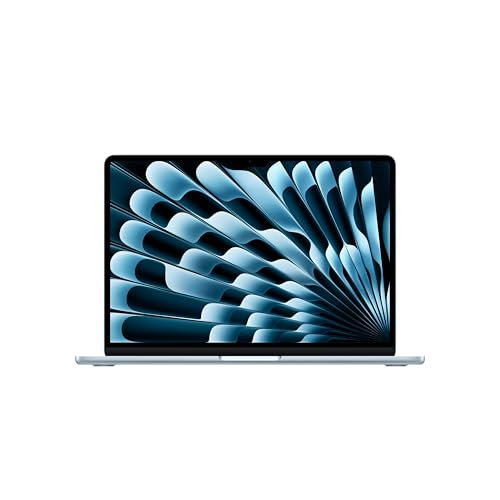
If you want a premium alternative with much more headroom for multitasking, the MacBook Air is the obvious step up. It costs significantly more, but it also delivers stronger performance, a gorgeous display, and longer battery life.
Dell 15 Laptop DC15250
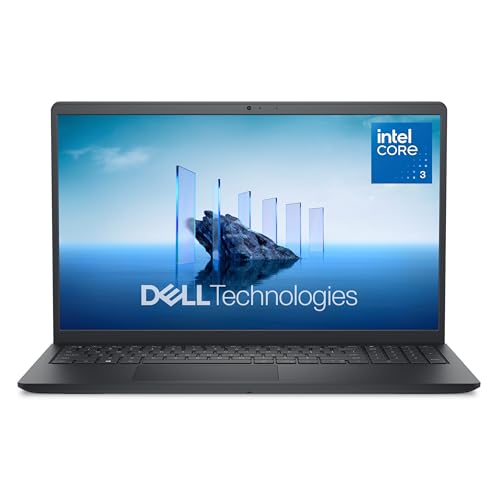
If you need Windows compatibility and a more traditional laptop setup, the Dell 15 is a practical alternative. It’s a better fit for users who want a numeric keypad, larger storage, and a standard clamshell design.
ECOHERO Laptop Computer
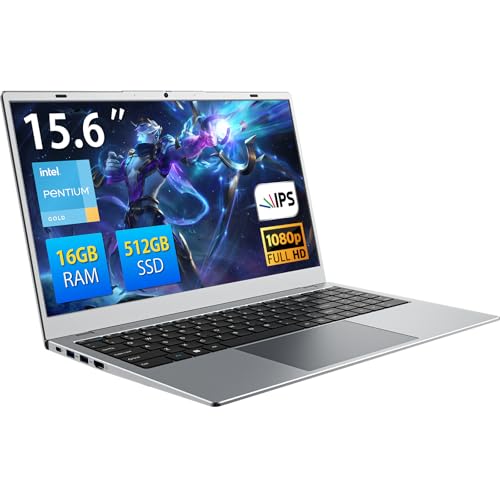
If your priority is low price and simple everyday use, this budget Windows laptop may be worth a look. It offers more RAM and storage on paper, though it lacks the Chromebook Plus experience and 2-in-1 flexibility.
Final Verdict
The Lenovo Chromebook Plus 2-in-1 is an easy recommendation for shoppers who want a dependable, portable Chromebook with modern features and just enough performance for everyday life. It’s especially appealing if you value a touchscreen, quick startup, Google Gemini tools, and a convertible design that works for both productivity and casual use.
It is not the best choice for power users, but for students, home users, and browser-based workers, it hits the mark more often than not. If you’ve been waiting for a Chromebook that feels like a proper daily driver instead of a compromise, this is one of the better options to buy in 2026.
Frequently Asked Questions
Is the Lenovo Chromebook Plus 14 good for students?
Yes. It’s a strong student pick because it’s lightweight, fast to boot, easy to use, and well suited for Google Docs, browsing, and online classes.
Can the Lenovo Chromebook Plus 2-in-1 run Android apps?
Yes, Chromebooks generally support Android apps through the Google Play Store, and this model is designed to fit that kind of everyday app use well.
Is 8GB RAM enough for a Chromebook in 2026?
For most Chromebook users, yes. 8GB RAM is enough for browsing, streaming, schoolwork, and moderate multitasking without major slowdowns.
Does the Lenovo Chromebook Plus 2-in-1 have a touchscreen?
Yes. It includes a 14-inch WUXGA IPS touchscreen, which is one of its biggest strengths for flexibility and convenience.
Should I buy this or a Windows laptop?
Buy this if you mainly use web apps, Google services, and light productivity. Choose a Windows laptop if you need desktop software, heavier multitasking, or broader compatibility.
Get the Full Laptops & Computing Buyer's Guide
Download our detailed comparison with specs, scores, and our honest verdict — delivered straight to your inbox.
Free. No spam. Unsubscribe anytime.
Was this review helpful?
Be the first to share your feedback on this review.
Sign in to vote and let us know what you think.
Discussion (0)
No comments yet. Be the first to start the discussion.
Related Reviews
What is M4 vs M5 chip explained? A Complete 2026 Guide
If you’re trying to understand M4 vs M5 chip explained , the confusing part is usually not the naming — it’s figuring out what actually changes in real-world use. Are you getting a big speed jump, better battery life, or just a small refresh that sounds bigger than it is? This guide breaks it down i
8 Best Laptops for Working From Home in 2026 — Better Webcam, Battery, and Dock-Friendly Productivity
If you’re trying to find the best laptops for working from home, the biggest problem is usually not raw speed—it’s getting a machine that handles video calls, all-day battery life, and easy monitor/keyboard docking without constant frustration. This list focuses on laptops that make remote work smoo
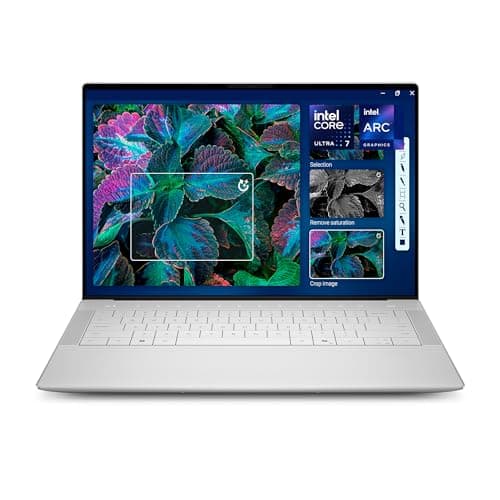
Dell XPS 14 Review (2026): Honest Verdict After Testing
If you’re searching for a Dell XPS 14 2026 hands on test , you probably want one answer: is this the sleek Windows laptop that finally justifies the premium? The short version is yes for buyers who care about design, display quality, and a refined daily experience, but no if your main goal is maximu