
What is Intel vs AMD laptop 2026? A Complete 2026 Guide
If you’re trying to choose between Intel and AMD for your next laptop, the biggest problem is simple: every spec sheet sounds impressive, but the real-world differences are hard to decode. In 2026, the decision often comes down to Core Ultra vs Ryzen AI, battery life vs performance, and which laptop is best for your actual workload. This guide breaks it down in plain English so you can buy smarter and avoid paying for features you don’t need.
How It Works
At a basic level, Intel and AMD both make the main processor, or CPU, that acts like the laptop’s brain. That CPU handles everything from opening apps and browsing the web to editing photos, running spreadsheets, and managing background tasks. In 2026, both brands also pair their chips with AI-focused hardware, integrated graphics, and power-saving features that help laptops feel faster and last longer on battery.
Intel’s newer laptop chips are often marketed under the Core Ultra family, which emphasizes efficiency, AI acceleration, and strong everyday responsiveness. AMD’s newest laptop lineup is often sold as Ryzen AI, which focuses on multi-core performance, integrated graphics strength, and smart power management. For most buyers, the best choice is less about brand loyalty and more about matching the chip’s strengths to how you actually use your laptop.
Here’s the simplest way to think about it:
- Intel often appeals to buyers who want balanced performance, strong efficiency, and broad laptop availability.
- AMD often appeals to buyers who want excellent multi-tasking, strong integrated graphics, and competitive value.
- AI features in 2026 are more about on-device assistance, background optimization, and faster local processing than flashy gimmicks.
Key Benefits & Use Cases
The best Intel vs AMD laptop 2026 choice depends on what you do all day. If you mostly browse, stream, write, and join video calls, both brands can be excellent. If you work with heavier multitasking, spreadsheets, creative apps, or light gaming, AMD often looks especially attractive because many Ryzen chips deliver strong multi-core performance and capable integrated graphics.
Intel can be a great fit if you want a laptop that feels efficient, polished, and well-suited to mainstream business use. AMD can be a great fit if you want a machine that stretches performance per dollar and handles demanding multitasking without feeling sluggish. In practice, the “best” chip is the one that gives you the right mix of speed, battery life, and price.
- Students: Look for fast boot times, long battery life, and enough RAM for browser tabs and office apps.
- Business users: Prioritize security features, webcam quality, keyboard comfort, and dependable multitasking.
- Creators: Focus on CPU cores, graphics capability, memory, and storage speed.
- Frequent travelers: Battery efficiency and charging speed matter more than raw benchmark numbers.
- Budget buyers: Value often comes from AMD-based systems with strong everyday performance.
What to Look For When Buying
When comparing Intel vs AMD laptop 2026 models, don’t stop at the processor name. A great chip can still feel slow if the memory is too small, the storage is outdated, or the display is poor. These five buying criteria matter most.
1. CPU generation and class
Compare the exact chip family, not just Intel versus AMD. Newer Core Ultra and Ryzen AI chips generally offer better efficiency and stronger AI-related features than older generations.
2. RAM capacity
For most users, 16GB is the practical sweet spot in 2026. If you multitask heavily or use business and creative apps, 32GB can make a noticeable difference.
3. Storage type and size
Choose an SSD, ideally NVMe, for fast startup and quick file access. 512GB is a strong baseline, while 1TB is better if you store large files locally.
4. Battery life and charging
Efficiency matters as much as performance. If you move around a lot, look for fast-charging support and a chip known for good real-world battery life.
5. Display, ports, and security
Screen quality, keyboard feel, webcam quality, and port selection can matter more than small CPU differences. Business buyers should also pay attention to fingerprint readers, TPM, and OS security features.
Top Recommended Products
If you want to see how Intel vs AMD laptop 2026 decisions play out in real products, these models give you a useful range of options. They’re all AMD-based, which makes them especially relevant for understanding Ryzen AI-style value, multitasking, and business productivity.
Lenovo V15 Laptop 4.6★ (price: $649.00) ✓ Prime
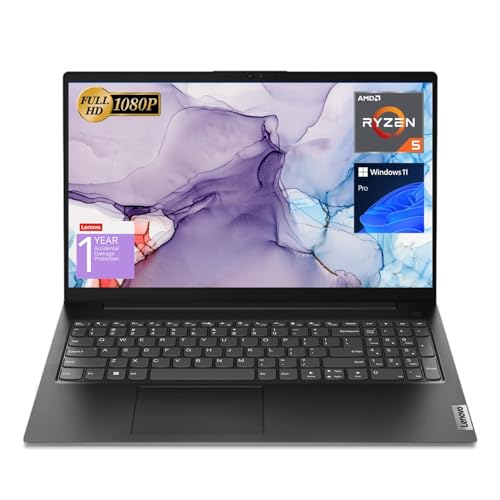


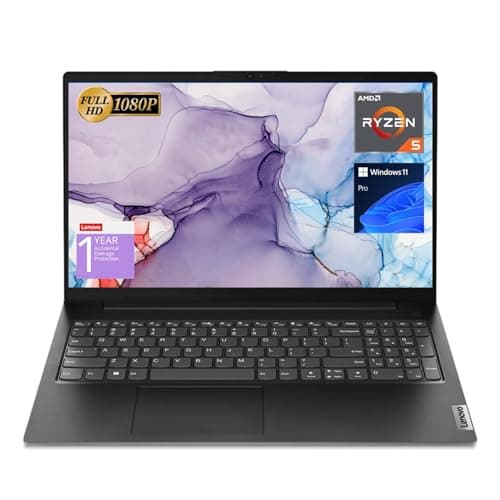
This is a straightforward productivity laptop with a Ryzen 5 5500U, 16GB RAM, and 512GB SSD. It’s best for buyers who want dependable everyday speed, a numeric keypad, and business-friendly ports without overspending.
- ✓ 16GB high-bandwidth RAM for smooth multitasking
- ✓ 512GB PCIe NVMe SSD for fast boot and data transfer
- ✓ 15.6-inch FHD display for everyday work
- ✓ Includes HDMI, RJ45, USB-C, and numeric keyboard
- ✓ Windows 11 Pro for business-oriented features
- ✗ Older Ryzen generation than the newest AI-focused chips
- ✗ Not the best choice for premium display or high-end creative work
- ✗ No touchscreen
Dell 15 Touchscreen Laptop 4.7★ (price: $679.99) ✓ Prime
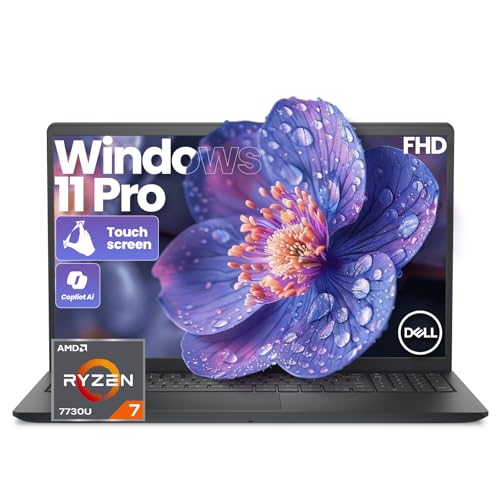

This Dell model is a strong example of the AMD side of the Intel vs AMD laptop 2026 debate: it combines an 8-core Ryzen 7, touchscreen convenience, and Copilot AI support. It’s a solid pick for students, remote workers, and multitaskers who want a responsive all-rounder.
- ✓ Ryzen 7 7730U with 8 cores and 16 threads
- ✓ 16GB RAM and 512GB NVMe SSD for smooth multitasking
- ✓ Full HD IPS touchscreen for easier navigation
- ✓ ExpressCharge technology for faster top-ups
- ✓ Windows 11 Pro plus Copilot AI assistant
- ✗ Touchscreen adds convenience, but not everyone needs it
- ✗ 15.6-inch design may feel bulky for ultra-light travel
- ✗ Better for productivity than heavy creative workloads
Lenovo ThinkPad E16 Gen 3 4.8★ (price: $1349.99) ✓ Prime
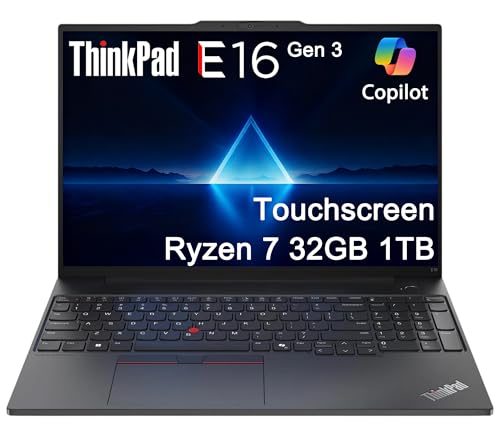
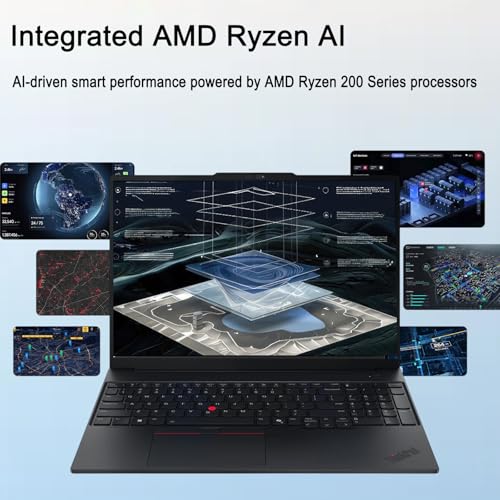
This ThinkPad is aimed at professionals who want serious performance, premium connectivity, and business-grade durability. With 32GB DDR5 RAM, dual SSD storage, and Ryzen 7 250 power, it’s one of the strongest AMD options in this list for demanding office work.
- ✓ 32GB DDR5 RAM for heavy multitasking
- ✓ 1TB SSD total storage with dual-drive configuration
- ✓ 16-inch WUXGA touchscreen with low blue light support
- ✓ Thunderbolt 4, Ethernet, HDMI 2.1, and Wi-Fi 6E
- ✓ Fingerprint reader, TPM 2.0, and 1080p IR webcam
- ✗ Higher price than mainstream laptops
- ✗ More machine than casual users need
- ✗ Larger size may not suit frequent one-handed travel
HP ProBook 4 G1a 4.7★ (price: $899.99) ✓ Prime
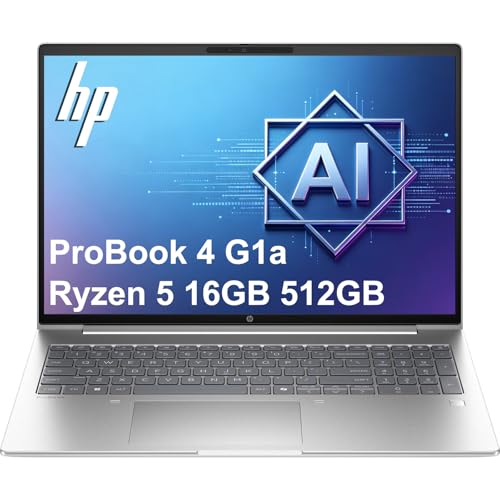

The HP ProBook 4 G1a is a business-first laptop with security, fast memory, and AI-assisted hardware support. It’s a smart option if you care about managed work environments, security tools, and a reliable 16-inch productivity screen.
- ✓ HP Wolf Security for layered device protection
- ✓ Ryzen 5 230 with up to 16 TOPS NPU support
- ✓ 16GB DDR5 RAM and 512GB PCIe NVMe SSD
- ✓ Backlit keyboard and fingerprint reader
- ✓ Wi-Fi 6E, Bluetooth 5.3, and multiple USB-C/USB-A ports
- ✗ Not the cheapest business laptop in the group
- ✗ Better for work than entertainment-first buyers
- ✗ Integrated graphics are fine for productivity, not gaming
Common Mistakes to Avoid
People often overthink Intel vs AMD laptop 2026 shopping by focusing on the brand name instead of the whole system. That leads to expensive mistakes that can make a laptop feel disappointing even when the processor is technically good.
- Choosing by brand alone: A good Intel laptop can beat a weak AMD laptop, and vice versa.
- Ignoring RAM: 8GB can feel cramped in 2026 if you multitask heavily.
- Buying too little storage: A fast CPU won’t fix a nearly full drive.
- Overpaying for power you won’t use: Many users don’t need a high-end chip.
- Forgetting about battery and ports: Real-world convenience matters every day.
Another common mistake is assuming “AI PC” automatically means better performance for everything. In reality, AI hardware helps most with specific features, background optimization, and on-device tasks, not necessarily with every app you open. Also, don’t ignore the display and keyboard, because those are the parts you interact with constantly.
Frequently Asked Questions
Is Intel or AMD better for laptops in 2026?
Neither is universally better. Intel often offers strong efficiency and broad availability, while AMD often delivers excellent multi-core performance and strong value. The best choice depends on your workload and budget.
What is the difference between Core Ultra and Ryzen AI?
Core Ultra is Intel’s newer AI-focused laptop platform, while Ryzen AI is AMD’s AI-focused laptop platform. Both aim to improve efficiency, on-device AI features, and overall responsiveness.
Is AMD better than Intel for battery life?
It can be, but not always. Battery life depends on the exact laptop design, screen, battery size, and tuning, not just the processor brand.
Which is better for students: Intel or AMD?
For most students, both are fine if the laptop has at least 16GB RAM and an SSD. AMD can be especially attractive if you want strong multitasking value, while Intel can be a good pick for balanced everyday use.
Should I buy an AI laptop in 2026?
If you want better future-proofing, yes, but only if the rest of the laptop is also strong. Look for enough RAM, a fast SSD, and a display and keyboard you actually enjoy using.
Get the Full Laptops & Computing Buyer's Guide
Download our detailed comparison with specs, scores, and our honest verdict — delivered straight to your inbox.
Free. No spam. Unsubscribe anytime.
Was this review helpful?
Be the first to share your feedback on this review.
Sign in to vote and let us know what you think.
Discussion (0)
No comments yet. Be the first to start the discussion.
Related Reviews
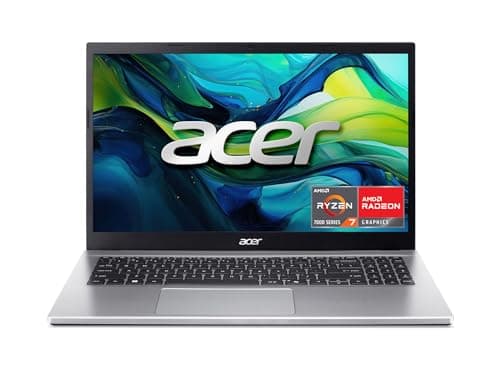
8 Best Laptops for Video Editing 2026 — Faster Renders, Smoother Timelines, Better Value
If you’re hunting for the best laptops for video editing 2026, you probably want one thing: a machine that won’t choke when you scrub 4K footage, stack effects, or export on a deadline. The picks below focus on the specs that matter most for editing—fast CPUs, enough RAM, SSD storage, and graphics t
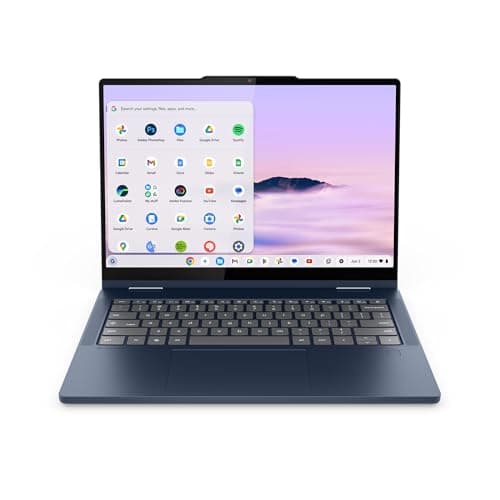
Lenovo Chromebook Plus 14 Review (2026): Honest Verdict After Testing
If you’re searching for a Lenovo Chromebook Plus 14 review , you probably want to know one thing: is this the Chromebook that finally feels worth buying? Many shoppers are torn between cheap Chromebooks that feel slow and pricier laptops that do more than they need. The Lenovo Chromebook Plus 2-in-1
What is M4 vs M5 chip explained? A Complete 2026 Guide
If you’re trying to understand M4 vs M5 chip explained , the confusing part is usually not the naming — it’s figuring out what actually changes in real-world use. Are you getting a big speed jump, better battery life, or just a small refresh that sounds bigger than it is? This guide breaks it down i