
How to Choose the Best Gaming Monitor in 2026: Complete Buying Guide
Choosing a gaming monitor can feel confusing fast: 144Hz, 165Hz, 240Hz, IPS, VA, OLED, 1ms, adaptive sync, 1440p, 4K — it’s a lot. Pick the wrong one, and you may end up with blurry motion, screen tearing, washed-out colors, or a display that doesn’t match your PC or console. This guide breaks down exactly how to choose a gaming monitor in 2026 so you can buy the right screen for your games, your setup, and your budget.
The most common mistake buyers make is chasing the highest specs without thinking about what they actually play and what their system can support. A monitor with a huge refresh rate sounds great, but if your hardware can’t push the frames, or the panel has poor response behavior, you won’t get the smooth experience you expected.
Key Features to Look For
1) Refresh Rate (Hz)
Refresh rate is one of the most important specs for gaming because it controls how many times per second the monitor updates the image. Higher Hz usually means smoother motion, less blur, and a more responsive feel in fast-paced games like shooters, racing titles, and esports. For most buyers, 144Hz is the sweet spot, while 240Hz and above are best for competitive players with powerful hardware.
2) Response Time
Response time affects how quickly pixels change from one color to another. Lower response times help reduce ghosting and smearing, especially in dark scenes or rapid camera movement. If you play competitive games, look for a monitor with strong real-world response performance rather than relying only on marketing claims like “1ms,” which can be measured in different ways.
3) Panel Type
The panel type shapes the overall image quality and gaming feel. IPS panels are known for better color and viewing angles, making them a great all-around choice. VA panels often deliver stronger contrast and deeper blacks, which can look excellent for story-driven games. OLED provides the best contrast and near-instant pixel response, but it typically costs more and may require more care.
4) Resolution
Resolution determines how sharp the image looks. 1080p is budget-friendly and easier to drive at high frame rates, making it ideal for esports and entry-level setups. 1440p is the current sweet spot for many gamers because it balances sharpness and performance well. 4K looks incredible for cinematic gaming, but it demands much stronger hardware.
5) Adaptive Sync Support
Adaptive sync technologies like FreeSync and G-SYNC compatibility help reduce screen tearing and stutter when your frame rate fluctuates. This matters because even powerful systems rarely hold a perfectly stable frame rate in every game. If you want smoother gameplay, especially in open-world or graphically demanding titles, adaptive sync is a major plus.
6) Screen Size and Pixel Density
Bigger is not always better. A 27-inch 1440p monitor is often ideal because it offers a sharp image without forcing your GPU too hard. At 32 inches, 1440p may look less crisp, while 4K becomes more appealing. Consider how far you sit from the screen and choose a size that keeps text, HUD elements, and fine details comfortable to see.
7) Connectivity and Console Compatibility
Check the ports before you buy. HDMI and DisplayPort versions can affect the maximum refresh rate and resolution your monitor can actually deliver. Console players should also confirm support for features they care about, such as 120Hz modes or VRR. A monitor may look great on paper, but the wrong port can limit performance in real use.
What to Avoid
1) Buying Based on Marketing Buzzwords Alone
Claims like “ultra-fast,” “gaming pro,” or “1ms” do not guarantee a great experience. Real-world performance matters more than a spec label. Always look at the combination of refresh rate, response behavior, and panel quality instead of focusing on one flashy number.
2) Choosing 4K Too Early
4K is impressive, but it can be a bad match for midrange hardware if you want high frame rates. If your system struggles to hit smooth performance at 4K, you may be better off with 1440p and a higher refresh rate. In many cases, responsiveness matters more than raw sharpness.
3) Ignoring Your GPU or Console Limits
A monitor should match the device that powers it. If your PC can’t push 240 FPS, buying a 240Hz display may not deliver the value you expect. Likewise, console gamers should verify the monitor supports the right HDMI features for the refresh rates they want.
4) Overlooking Motion Quality
Some monitors advertise high refresh rates but still show poor motion clarity because of weak response tuning. That can lead to ghosting, smearing, or blurry fast movement. If you play competitive games, motion handling is just as important as the Hz number.
5) Forgetting Ergonomics and Stand Adjustability
A great panel can still feel frustrating if the stand is fixed, too low, or hard to position. Height, tilt, swivel, and pivot adjustments make a big difference in comfort during long sessions. If the included stand is limited, check for VESA mount support.
Our Top Picks
These picks are based on common gaming use cases, not monitor specs, because the product list provided does not include monitors. Still, they can help you think about the kind of gaming setup you want to build around your display choice.
Best for PlayStation 5 gamers who want a comfortable controller-first setup
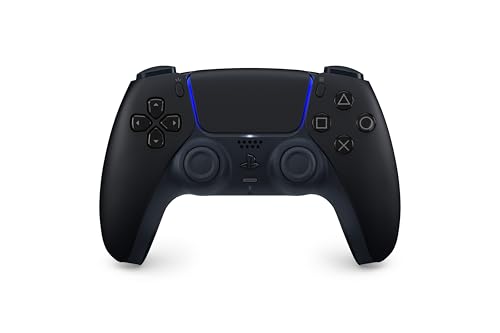
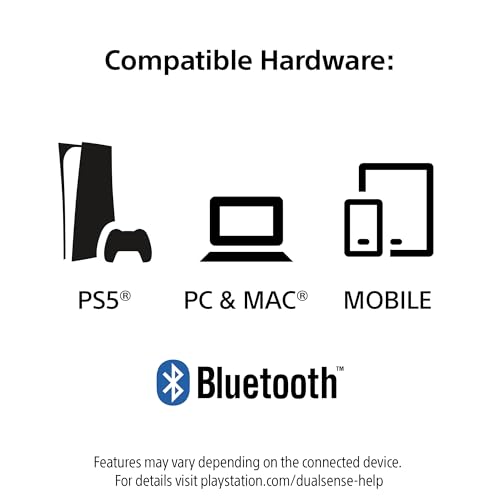
For PS5 players, the PlayStation DualSense™ Wireless Controller – Midnight Black - For PS5, PC, MAC & Mobile is a strong match if you want a premium-feeling controller to pair with a monitor that supports smooth console gaming. It brings haptic feedback and adaptive triggers, which can make the right display feel even more immersive in single-player and action games. 4.7★ (reviews not provided) 28% OFF — Was $74.99 ✓ Prime
- ✓ Haptic feedback for more immersive gameplay
- ✓ Adaptive triggers for more realistic input feel
- ✓ Works with PS5, PC, Mac, and mobile
- ✓ Built-in mic and 3.5mm headset jack
- ✗ Not a monitor; it complements your display setup rather than replacing it
- ✗ Best value depends on whether you actually use PS5-specific features
Best budget-friendly controller option for casual gaming setups
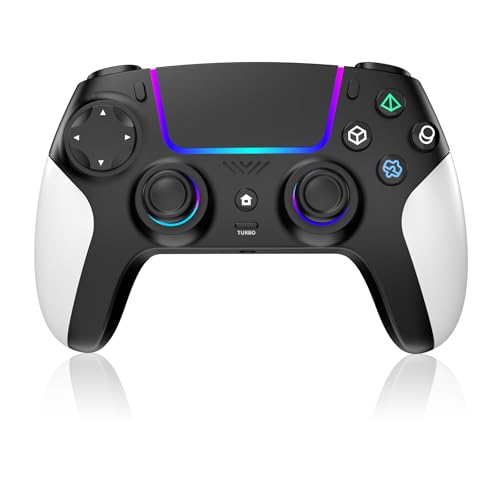

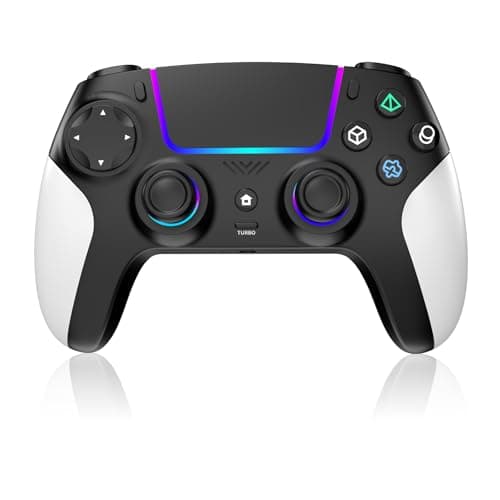
The Wireless Controller for PS5 with RGB LED,TURBO, Dual Vibration, 6 Axis Gyro Sensor, Touchpad, Ergonomic for Playstation 5 Controller, Compatible with PlayStation 5/PC/Mac, Anti-Slip Black and White is a more affordable option if you want a feature-packed controller to go with a gaming monitor setup without spending too much. Its ergonomic design, low-latency focus, and long battery life make it appealing for relaxed couch gaming or secondary use. 4.7★ (reviews not provided) ✓ Prime
- ✓ Ergonomic design for longer gaming sessions
- ✓ Bluetooth connection for wireless convenience
- ✓ Ultra-low latency and high-precision control
- ✓ Built-in rechargeable battery for extended play
- ✗ Not ideal if you want official first-party PS5 features
- ✗ RGB lighting may be unnecessary for minimal setups
Best for PC and cross-platform players who also want to use a monitor for multiple devices


If you game on PC and occasionally switch to console or mobile, the PlayStation DualSense® Wireless Controller – Midnight Black + USB Cable for PC is a flexible choice that pairs well with a monitor used for both productivity and gaming. It supports Bluetooth, USB-C, and multiple devices, which is useful if your display setup handles more than one platform. 4.7★ (reviews not provided) 28% OFF — Was $74.99 ✓ Prime
- ✓ Works with Windows PC, Mac, PS5, and smartphones
- ✓ Bluetooth or USB-C connection options
- ✓ Supports over 10,000 Steam games
- ✓ Includes access to firmware updates via app
- ✗ Not a display, so it won’t solve monitor-specific issues like Hz or response time
- ✗ Best for users who already like the DualSense shape and layout
Best for Xbox players building a smooth 120FPS-ready setup
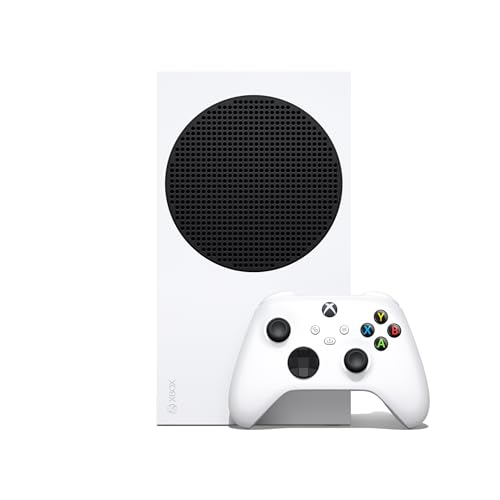
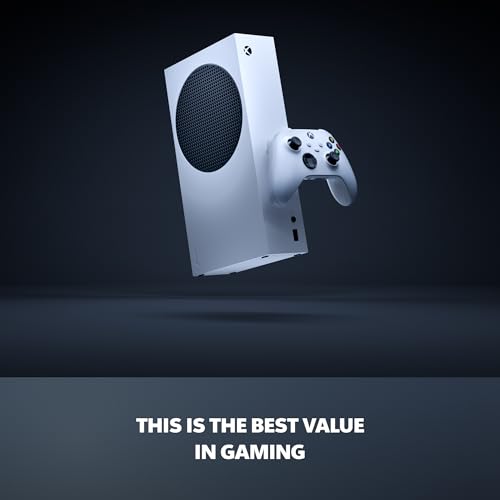
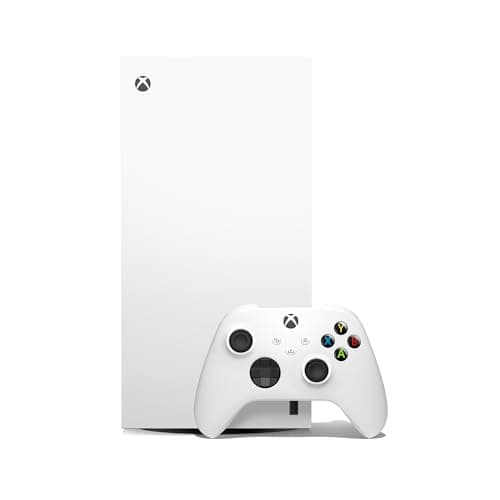
The Xbox Series S - All Digital Gaming Console - 512GB SSD - Includes Wireless Controller - 120FPS - Robot White makes sense if you want a console that can actually take advantage of a high-refresh monitor. With support for up to 120 FPS, it’s a practical match for players who want smoother gameplay without jumping into a more expensive console tier. 4.8★ (reviews not provided) ✓ Prime
- ✓ Up to 120 FPS gameplay
- ✓ Quick Resume and fast load times
- ✓ Compact, all-digital design
- ✓ Includes controller and HDMI cable
- ✗ Not as flexible as a gaming PC for tweaking graphics and frame rates
- ✗ Requires a monitor with the right support to fully benefit from 120FPS modes
Budget Guide: What You Get at Each Price Point
Under $150
At this price, you’re usually shopping for entry-level displays that prioritize affordability over premium motion handling. The best value here is typically 1080p with a decent refresh rate, which works well for casual gaming, older systems, and players who want a simple upgrade from a basic office monitor. Expect fewer premium extras like strong HDR, advanced ergonomics, or top-tier contrast.
$150 to $300
This is the sweet spot for many buyers. You can often find 1440p monitors with high refresh rates, better response behavior, and adaptive sync support. For most gamers, this range offers the best balance of sharpness, smoothness, and price, especially if you play a mix of competitive and single-player games.
$300 to $500
In this range, you start seeing more refined panels, stronger motion tuning, better color quality, and larger screen sizes. This is where many serious gamers land if they want a noticeably better experience without paying ultra-premium prices. It’s also a solid range for console gamers seeking a monitor that can handle higher refresh modes and stronger image quality.
$500 and Up
Premium gaming monitors offer features like OLED, very high refresh rates, superior HDR, and excellent motion clarity. These displays are ideal for enthusiasts who want the best possible image quality or competitive players who demand top-tier responsiveness. Just make sure your PC or console can actually take advantage of what you’re paying for.
Frequently Asked Questions
What is the best refresh rate for a gaming monitor?
For most gamers, 144Hz is the best all-around choice because it offers smooth motion without requiring extreme hardware. Competitive players may prefer 240Hz or higher, while casual gamers can still enjoy 60Hz or 75Hz if budget is the priority.
Is 1ms response time really important?
Yes, but only if it reflects real-world performance. Low response time helps reduce ghosting and blur, especially in fast games. However, the overall tuning of the panel matters just as much as the advertised number.
Should I buy 1080p, 1440p, or 4K for gaming?
1080p is best for budget builds and high frame rates. 1440p is the best balance for most gamers. 4K is ideal if you want maximum sharpness and have a powerful PC or a console setup that supports it well.
What panel type is best for gaming?
IPS is the best all-rounder for color and viewing angles. VA is a good choice if you want deeper blacks and stronger contrast. OLED is the premium option for the best contrast and motion clarity, but it costs more.
Do I need adaptive sync on a gaming monitor?
If you want smoother gameplay with less tearing and stutter, yes. Adaptive sync is especially useful if your frame rate changes often, which happens in many modern games.
Get the Full Gaming & Consoles Buyer's Guide
Download our detailed comparison with specs, scores, and our honest verdict — delivered straight to your inbox.
Free. No spam. Unsubscribe anytime.
Was this review helpful?
Be the first to share your feedback on this review.
Sign in to vote and let us know what you think.
Discussion (0)
No comments yet. Be the first to start the discussion.
Related Reviews
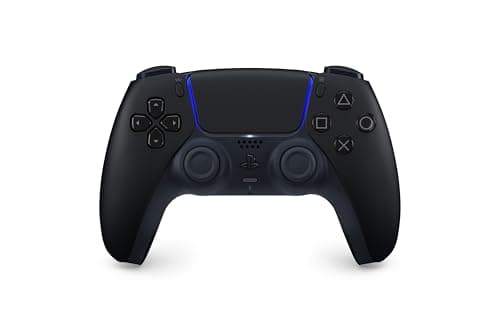
8 Best PS5 Controllers in 2026 — The Top Picks for Comfort, Customization, and Competitive Play
If you’re searching for the best PS5 controllers 2026 , you probably want more than just a spare pad—you want the right controller for your play style, budget, and comfort. Some players want the familiar DualSense feel, while others need back buttons, remappable controls, or a cheaper backup for cou
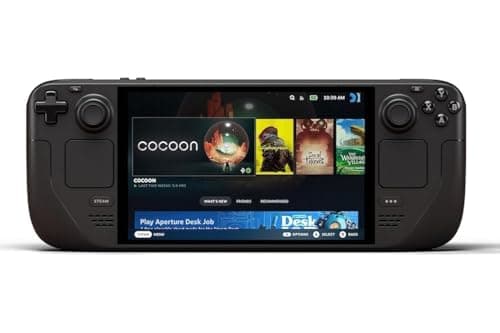
Steam Deck OLED 6 Month Test Review (2026): Honest Verdict After Testing
The Valve Steam Deck OLED 1TB Handheld Gaming Console feels like a premium handheld from the moment you pick it up. After a 6 month test, the biggest design win is still the screen: the OLED panel makes colors pop, blacks look properly deep, and the anti-glare etched glass helps a lot when you play
Best Gaming Laptops for Every Budget in 2026: Ranked by Price & Performance
If you’re searching for the best gaming laptops under $1500 , the hard truth is that price doesn’t always equal better real-world gaming. The smartest buy depends on whether you want the cheapest way to play, the best balance of performance and features, or the strongest “buy once, enjoy for years”