
Quick Summary
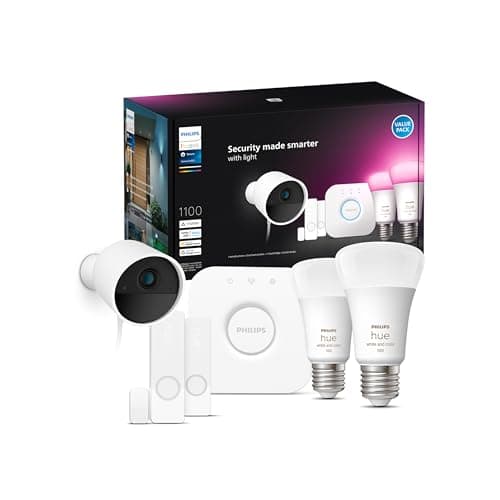
Philips Hue is the default answer when you want color-accurate, tightly integrated smart lighting that plays nicely with Alexa, Google, and HomeKit. The Starter Kit bundles give you the fastest path to the full-feature set — the Hue Bridge unlocks scenes, automations, remote access, and multi-room control that Bluetooth-only bulbs can’t match. For most buyers, the kit removes guesswork: install the bulbs, plug the Bridge into your router, and you have a robust Zigbee mesh and advanced app features from day one
Hue isn’t the cheapest entry to smart lighting, but it’s the most forgiving upgrade: one Bridge covers an entire house until you actually need more bulbs or higher performance. The tradeoff is price-per-bulb and occasional platform churn when major updates arrive — but Hue’s hardware and software still lead for flexibility and long-term expandability
Buy on Amazon: Philips Hue Starter Kit. Click here
Alternative on Amazon: Ring Battery Doorbell Pro. Click here
Alternative on Amazon: Google Nest Hub Max. Click here
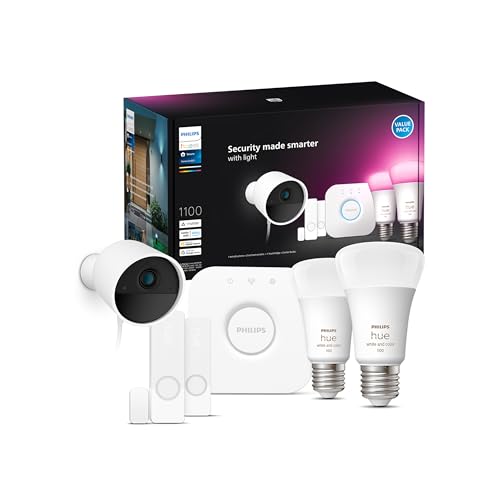
Photo 1: Philips Hue Secure Starter Kit with Bridge, Wired
Price Range and Deal Timing
Expect to pay a premium for a ready-to-run Hue ecosystem, but there’s real variety
• Starter kits (Bridge + bulbs) commonly range from about $76–$242 depending on the set and whether it includes the new Bridge Pro. Typical examples: basic 2‑bulb kits near $76–$100; 3–4 bulb color kits in the $99–$140 range; premium Bridge Pro bundles up to ≈ $240
• Individual bulbs run roughly $25–$70 each depending on model (white vs. white‑ambiance vs. color, and lumens tier). Expect better per-bulb economics in multi-packs and during big sales
• Peripherals — switches, motion sensors, and light strips — add $20–$150 depending on type and length
When to buy: wait for major sales events (Black Friday, Prime Day, holiday promotions) if you want the lowest per-bulb price. Buy now if you need a simple, reliable smart-light setup today — the Bridge amortizes quickly once you add 4–6 bulbs
Watch for model distinctions: "Essential" and "Standard" kits target different lumen tiers and may include the Bridge Pro, which raises upfront cost but offers clear capacity/performance upside
Technical Snapshot (Practical Numbers)
Core Hardware and Feature Profile
• Bridge (Hue Bridge v2): standard hub that unlocks the full Hue app, automations, and HomeKit/Alexa/Google integrations; officially designed for ~50 lights in marketing materials (real-world meshes sometimes show higher headroom)
• Bridge Pro: higher-capacity hub supporting 150+ lights and 50+ accessories, with faster response and additional features for advanced setups. Good if you plan 100+ lights or want extra performance
• Bluetooth mode: direct phone control for small setups; practical limit ≈ 10 bulbs per phone/room for simple control (useful for single‑room installs without a Bridge)
• Bulb output and power (real-world range): 800–1,100 lumens per A19 bulb depending on SKU; wattage in the 7.5–9.5 W range — expect roughly 9–14× energy savings versus an incandescent equivalent. Spec varies by model and “lumen tier” chosen
• Connectivity stack: Zigbee mesh (Bridge), Bluetooth (direct), and increasingly Thread/Matter paths via newer hardware and the Bridge Pro roadmap. This makes Hue a long-term bridging play for cross-vendor smart homes
Performance and Daily-Use Metrics
• Latency: sub‑second local control via the Bridge; expect slightly faster response with the Bridge Pro in congested networks (the Pro advertises faster response times)
• Mesh behavior: each powered Hue bulb acts as a Zigbee repeater; add bulbs spaced across rooms to extend range and reliability
• Brightness: pick 800 lm for ambient/bedside lighting, 1,100 lm for main-room fixtures and task lighting
• Scenes and scheduling: native app-based scenes, rich automations, and third-party integrations (voice assistants, smart displays) provide full ecosystem control once the Bridge is present
Value and Ownership Math
• Break-even season: if you plan to install 6–10 bulbs over 2–3 years, the Bridge-first approach becomes cost-effective versus multiple Bluetooth-only bulbs because you unlock automations and third‑party integrations
• Upgrade path: Bridge Pro is a future-proofing buy only if you expect to scale past ~50 bulbs, want premium features (SpatialAware, motion-aware automations), or need lower latency in dense installations
Head-to-Head Overview
Against lower-cost smart bulbs and ecosystems, Hue’s arguments are reliability, app depth, and integration surface area. Compared with wireless/cheaper bulbs, Hue delivers more consistent color, better app‑level scene control, and more accessory choices (dimmers, sensors, smart buttons)
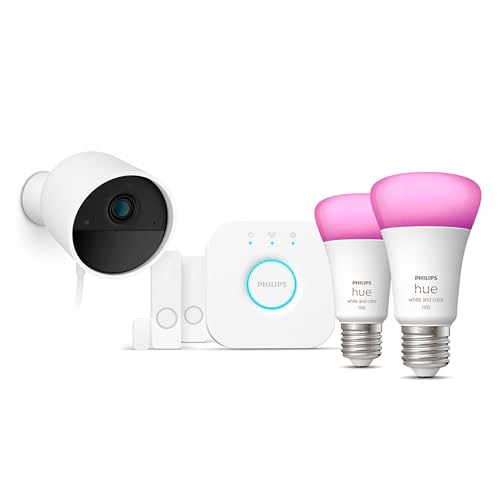
Photo 2: Philips Hue Secure Starter Kit with Bridge, Wired
If you’re comparing broader smart-home anchors: a Hue Starter Kit is a lighting-first investment. It complements doorbells and smart displays (for example, a doorbell that triggers porch lights or a kitchen hub that displays lighting controls), but it isn’t a replacement for those products. Typical doorbells offer camera and security integrations; smart displays provide on-screen control and a local assistant. In that sense, Hue is lighting infrastructure — you’ll often pair it with a doorbell like the Ring Battery Doorbell Pro or a smart display like a Nest Hub for different functions. Recent pricing for the Ring Battery Doorbell Pro lands commonly around $130–$230 depending on sale timing, so plan that into a broader smart-home budget
Who Should Buy This
• Buyers who want a polished, expandable lighting platform that “just works” with Alexa, Google, and HomeKit
• Homeowners planning multiple smart bulbs across rooms who need robust automations and schedules
• Anyone who values color accuracy and richer scene control for media rooms, kitchens, and circadian-friendly lighting
• People building a multi-vendor Matter-ready ecosystem who want a trusted lighting backbone (Hue is adding Matter/Thread compatibility paths)
Comparison Snapshot
• Hue Starter Kit vs. cheap Bluetooth bulbs: Hue = centralized control, more automations, better color fidelity; cheap bulbs = low upfront cost, limited features
• Hue Starter Kit vs. other ecosystems (LIFX, Wyze, others): Hue often costs more per bulb but wins on accessory selection, ecosystem depth, and long-term platform features
• Hue + Bridge vs. Hue Bluetooth: Bridge unlocks remote control, HomeKit and third‑party automations, and support for dozens of bulbs. Bluetooth is fine for a single room but won’t scale
Buying Advice and Value Check
• If you want to "try" Hue: buy the 2‑ or 3‑bulb starter kit that includes the Bridge. That gives full features and lets you add bulbs later without redoing setup. Expect $80–$140 for sensible starter options
• If you’re equipping a large home (50+ bulbs planned): consider the Hue Bridge Pro or stagger your buys so you can justify the Pro’s higher price later; the Pro supports 150+ lights and better accessory headroom
• Wait for promos if you’re price-sensitive: Hue products are cyclical in discounts; per-bulb prices dip in major sale windows. Buy now if you need the functionality or are renovating and need consistent lighting immediately
• Kit selection rule: choose a higher-lumen A19 (≈1,000–1,100 lm) for main rooms and an 800-lm bulb for lamps and ambient fixtures. This reduces the number of bulbs you need per room and often saves money long-term
Final Verdict
The Philips Hue Starter Kit is still the best mainstream way to get into a full-featured smart lighting ecosystem. It’s not the cheapest option, but it’s the least brittle: the Bridge unlocks advanced automations, broad integrations, and a scalable Zigbee mesh that you can build on for years
If you value reliability, color quality, and an extensible roadmap toward Thread/Matter, Hue is worth the premium. If your budget is tight and you only need one or two lamps, Bluetooth bulbs from cheaper brands will do the job — but they won’t give you the automation or deep integrations that separate Hue setups from the pack
Buy a starter kit if you want a future-friendly foundation; wait for sales if you’re optimizing for the lowest cost-per-bulb. Either way, Hue still sets the bar for “smart lighting” in 2026
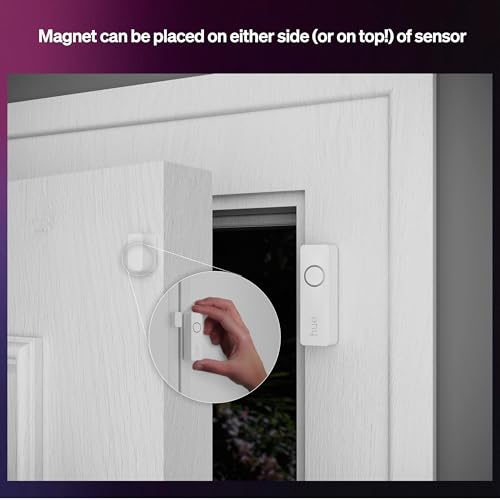
Photo 3: Philips Hue Secure Starter Kit with Bridge, Wired
FAQ
Q: Do I need the Hue Bridge to use Hue bulbs? A: No — Hue bulbs support Bluetooth for basic on/off and dimming control, but the Bridge unlocks remote access, automations, third‑party integrations (HomeKit/Alexa/Google), and support for large setups. For multi-room control and advanced scenes, the Bridge is highly recommended
Q: How many lights can one Hue Bridge handle? A: The traditional Hue Bridge is designed around a 50‑light target in marketing materials (with real-world setups sometimes reporting slight headroom). The Hue Bridge Pro bumps that capacity to about 150+ lights and raises accessory limits — choose the Pro if you plan to scale very large
Q: Are the new Hue bulbs Matter/Thread-ready? A: Hue’s product roadmap and recent hardware refreshes have added Thread/Matter pathways and introduced the Bridge Pro for better cross-platform support. Expect improved Matter features over 2025–2026 as device firmware and hub software continue rolling out
Q: What brightness should I buy for living rooms vs. bedrooms? A: Living rooms and kitchens: target 1,000–1,100 lumens per fixture (fewer fixtures needed). Bedrooms and bedside lamps: 700–850 lumens is comfortable. Choose white‑ambiance or color bulbs where mood/scene control matters
Q: Is Hue worth it if I already have a smart display or a Ring doorbell? A: Yes — those devices serve different purposes. A Hue system complements a doorbell (lighting for arrivals and security-triggered scenes) and pairs well with smart displays for visual control. Plan the ecosystem around use cases rather than replacing one device type with another
Where to Check Pricing
Check latest Amazon listing for Philips Hue Starter Kit. Click here
Get the Full Home Appliances Buyer's Guide
Download our detailed comparison with specs, scores, and our honest verdict — delivered straight to your inbox.
Free. No spam. Unsubscribe anytime.
Was this review helpful?
Be the first to share your feedback on this review.
Sign in to vote and let us know what you think.
Discussion (0)
No comments yet. Be the first to start the discussion.
Related Reviews
 Home Appliances
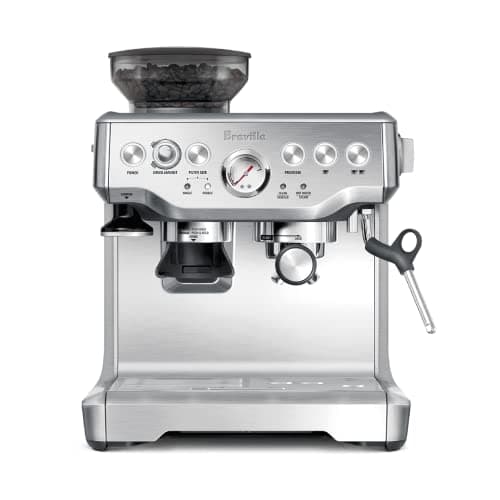
I Tested the Breville Barista Express BES870XL — Here's the Honest Truth
I've tried a lot of home espresso gear, and the Breville Barista Express BES870XL stands out because it combines a burr grinder, precise temp control, and a rea
 Home Appliances
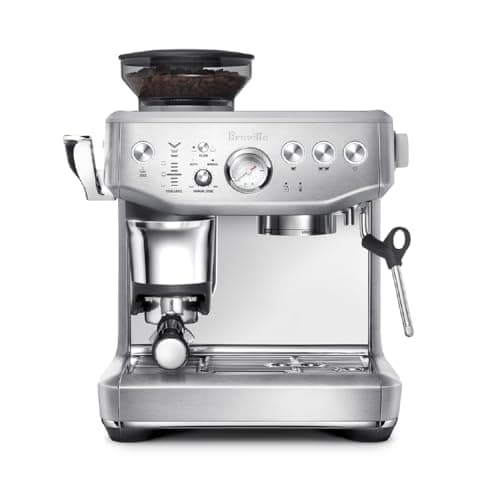
Breville Barista Express Impress Espresso Machine BES876BSS, Brushed Stainless Steel
I've tried a lot of home espresso gear—this Breville BES876BSS nails cafe-quality shots with intelligent dosing, auto-corrected dosing, and assisted tamp in my
 Home Appliances
Breville Barista Touch Espresso Machine BES880BSS, Brushed Stainless Steel
Everyone keeps asking about Breville Barista Touch BES880BSS — here's the real deal: an all-in-one espresso setup that actually delivers café drinks at home, re