
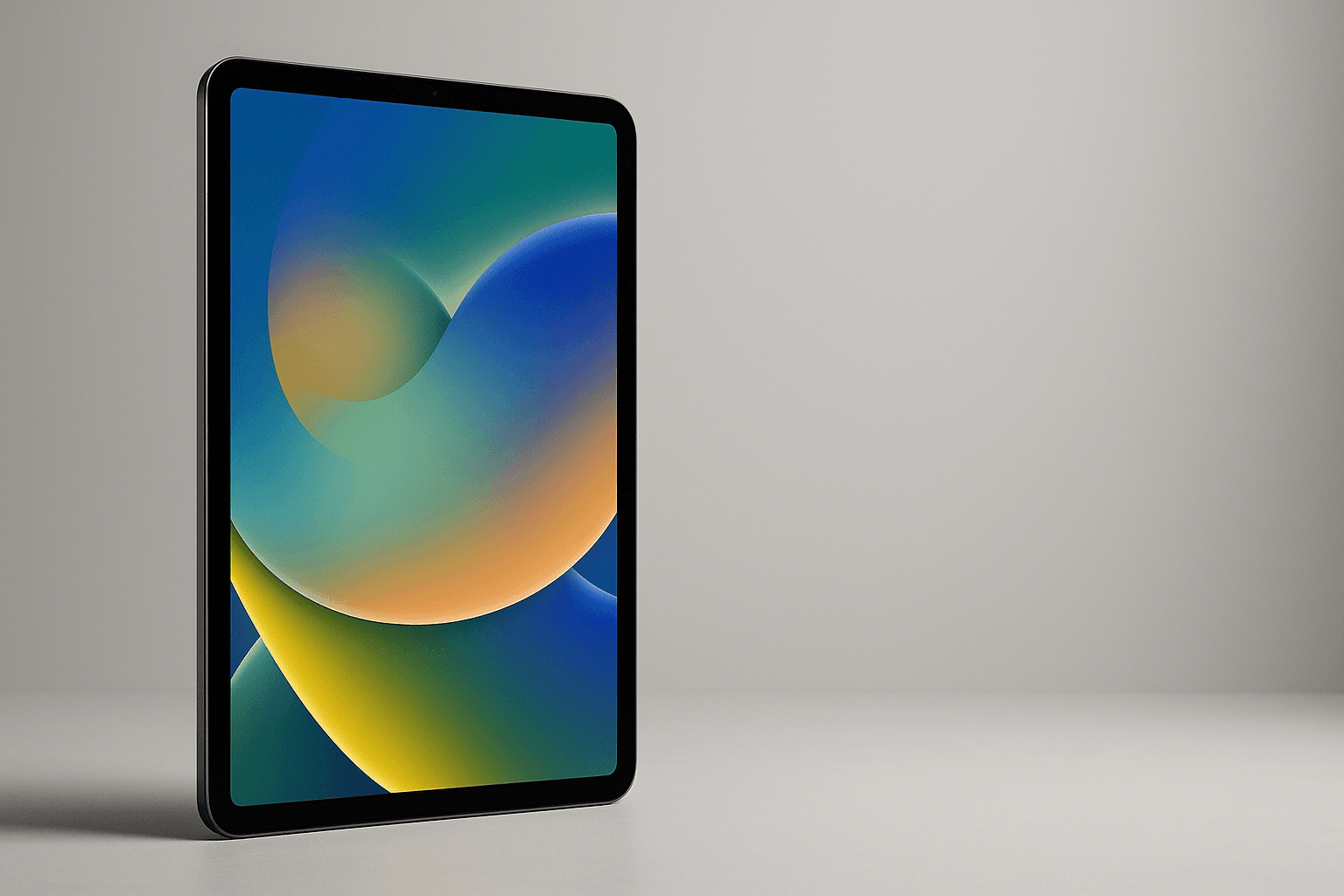
Quick Summary
Apple’s iPad Air with the M3 chip is a refresh that reads like sensible engineering rather than showboating. You get an 11-inch or 13-inch Liquid Retina display, the desktop-class M3 silicon trimmed for tablet use (8-core CPU, 9-core GPU, 8GB RAM), and storage tiers from 128GB up to 1TB. It keeps the Air’s thin, light feel while adding features—Apple Pencil hover support and Apple Intelligence capabilities—usually reserved for pricier models. The result: a tablet that’s fast enough for pro apps, light enough to carry all day, and priced to undercut many laptop-first competitors
Price Range and Deal Timing
At launch Apple listed the iPad Air (M3) at $599 for the 11-inch base (128GB Wi‑Fi) and $799 for the 13‑inch base, with official storage steps at 128 / 256 / 512 / 1TB. Street pricing has been volatile: frequent promotions have pushed the 11‑inch as low as about $449 during major sales, while the 13‑inch has been seen near $649 in deeper discount windows. Expect normal retail pricing to sit between MSRP and -$150 on seasonal sale days
Buy on Amazon: iPad Air M3. Click here
Alternative on Amazon: iPad Pro M4. Click here
Alternative on Amazon: Samsung Galaxy Tab S10 Ultra. Click here
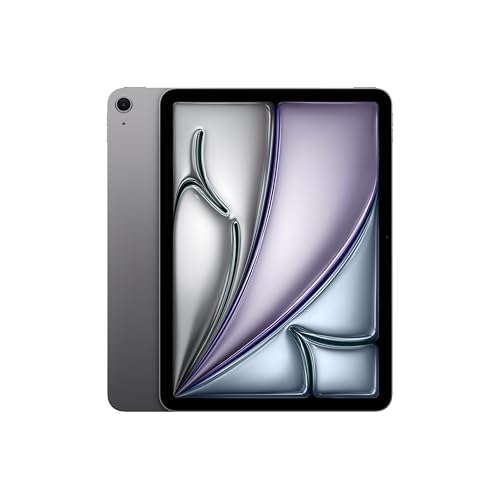
Photo 1: Apple iPad Air 11-inch with M3 chip Built for Apple Intelligence, Liquid Retina Display, 128GB, 12MP Front/Back Camera, Wi-Fi 6E, Touch ID, All-Day Battery Life — Space Gray product image
• Typical MSRP window: $599 (11") — $1,099 (11", 1TB); $799 (13") — $1,199 (13", 1TB
• Real-world deal range (observed): $449–$549 for 11" base; $649–$749 for 13" base during stronger sales
• When to buy: If you see an 11" at or below $499, it’s a clear buy. For the 13", sub-$700 is a strong value unless you specifically need the larger display right away
Technical Snapshot (Practical Numbers
Core Hardware and Feature Profile
• Chip: Apple M3 — 8-core CPU (4 performance + 4 efficiency), 9-core GPU, 16-core Neural Engine. 8GB RAM standard across configurations
• Storage tiers: 128GB / 256GB / 512GB / 1TB (no expandable storage
• Display: 11" (2360×1640, 500 nits) or 13" (2732×2048, 500 nits) Liquid Retina LED panels. Apple Pencil hover and support for Pencil Pro
• I/O & wireless: USB‑C (fast transfer), Wi‑Fi 6E, Bluetooth 5.3, optional sub‑6 5G on cellular models
Performance and Daily-Use Metrics
• Benchmarks: multicore and GPU numbers land in the upper midrange of tablet silicon—good enough for multi‑app workflows, pro photo/video editing, and complex web apps. Expect single‑core scores that outpace prior Air models and GPU results that approach entry Pro levels
• Battery capacity & estimates: 11" ~28.9 Wh, 13" ~36.6 Wh; Apple’s advertised runtime is “up to 10 hours” of web/video use on Wi‑Fi. Independent use tests vary: measured browsing and video time typically sits in the 6–10 hour practical window depending on brightness and workload. Plan realistic all‑day usage only if you can charge intermittently
• Thermal and throttling: M3 in the Air runs cool for typical productivity tasks; sustained heavy video export or extended gaming shows the limits of the thin chassis (performance holds up but will be lower than bulkier Pro-class chassis
Value and Ownership Math
• Support window: iPad hardware historically gets 5–7 years of iPadOS updates; budget your purchase with that multi-year horizon in mind
• Accessories cost: expect to add $99–$179 for a quality keyboard folio and $129–$199 for Apple Pencil options (prices vary by model and timing
• Resale/depreciation: iPads retain value well versus most Android tablets, so higher initial outlay can be partially offset by resale in 2–3 years
Head-to-Head Overview
If you’re weighing the Air M3 against the iPad Pro M4 or a large Android flagship like the Galaxy Tab S10 Ultra, the trade-offs are straightforward
• Against iPad Pro M4: the Pro’s M4 silicon and higher RAM/thermal headroom are better for sustained pro workloads (video grading, 3D work, heavy multitasking). If you need the absolute top M4 performance or the brightest HDR ProMotion display, the Pro is the pick. The Air narrows the gap for most users while saving several hundred dollars
• Against Galaxy Tab S10 Ultra: Android gives larger OLED displays, an open file system, and some compelling productivity features if you’re tied to the Google/Samsung ecosystem. The Tab S10 Ultra starts at a higher MSRP (often near $1,199) and competes on screen real estate and stylus-first workflows; the Air wins on app ecosystem, software longevity, and accessory maturity for creative pros
Who Should Buy This
• Mobile creative pros who want near‑Pro horsepower without carrying a laptop
• Students and remote workers who value portability, long software support, and the Apple app ecosystem
• Owners of older iPad Air/Pro models looking for a notable performance and feature bump without Pro pricing
• Not ideal for: users who need ProMotion 120Hz or the highest sustained thermal headroom for prolonged 3D rendering—those should look at the iPad Pro M4
Comparison Snapshot
Think of the iPad Air M3 as the pragmatic bridge between mainstream and Pro
• Best for value-conscious creatives: Air M3 (great GPU for its class, Apple Pencil hover
• Best for sustained pro workloads and brightest HDR: iPad Pro (M4
• Best for the largest OLED canvas and Android-first workflows: Galaxy Tab S10 Ultra (14.6" AMOLED, higher starting MSRP
Buying Advice and Value Check
You don’t need to overthink the M3 Air—just time it
• Buy now if: you need a new tablet immediately, the deal is within $50–$100 of MSRP and you value Apple’s app ecosystem and software longevity
• Wait for a deal if: you can tolerate a few weeks; sales often drop the 11" to ~$449–$499 and the 13" to ~$649–$699 during prime/day sales and major retailer promotions. If you can hold out for the holiday window you’ll probably save $100–$150
• Storage rule of thumb: buy at least 256GB if you plan to record lots of ProRes video or keep many large photo/video projects local. 128GB is fine for streaming, reading, and light photo work
• Accessory budget: add $150–$300 if you want a keyboard folio plus an Apple Pencil Pro—factor that into the ownership cost
Final Verdict
The iPad Air (M3) is the Goldilocks iPad: not the absolute fastest, not the cheapest, but balanced in almost every way. For most buyers it offers the best mix of performance, portability, and future-proofing without forcing a Pro-class premium. If you want the speed ceiling or the top-tier display, spend up to the Pro; if you want huge OLED real estate and Android flexibility, consider the Tab S10 Ultra. For everyone else—the majority of users—the Air M3 is the smart, sensible buy, especially when it’s on sale
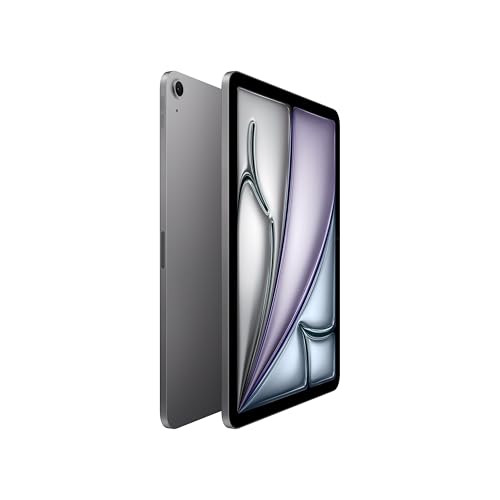
Photo 2: Apple iPad Air 11-inch with M3 chip Built for Apple Intelligence, Liquid Retina Display, 128GB, 12MP Front/Back Camera, Wi-Fi 6E, Touch ID, All-Day Battery Life — Space Gray product image
FAQ
Q: Is the iPad Air M3 worth upgrading from an M1 or M2 iPad Air? A: If you use heavy creative apps or want the newer Apple Intelligence features and slightly better GPU/Neural Engine performance, yes. If your current iPad is handling your workflows comfortably, hold off until a sale or until you actually need more headroom
Q: How long will the iPad Air M3 get software updates? A: Historically, iPads receive major iPadOS updates for around 5–7 years. Expect several years of feature updates and security patches, making the Air a long-lived purchase
Q: Will the iPad Air M3 replace a laptop? A: For many tasks—browsing, video conferencing, note-taking, light photo and video editing—yes. For sustained pro workflows (render farms, long-form video export, complex 3D work) a laptop or iPad Pro with better thermal headroom is still preferable
Q: Which storage size should I pick? A: 256GB is a sweet spot for most creators who record occasionally and keep local projects. Go 512GB+ if you shoot ProRes or plan to keep large libraries offline
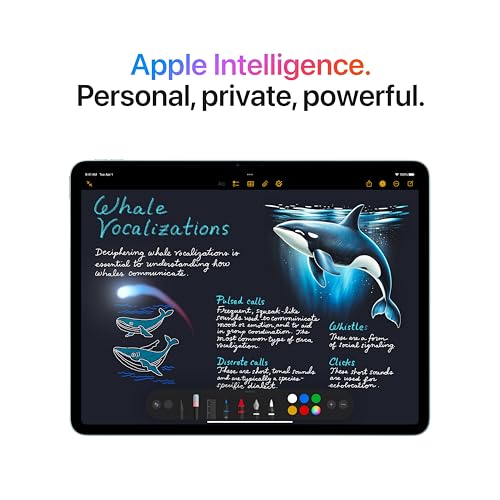
Photo 3: Apple iPad Air 11-inch with M3 chip Built for Apple Intelligence, Liquid Retina Display, 128GB, 12MP Front/Back Camera, Wi-Fi 6E, Touch ID, All-Day Battery Life — Space Gray product image
Q: Any known battery issues to worry about? A: Apple’s official runtime guidance is up to 10 hours for typical web/video use, but real-world results depend on brightness, network, and workload. Measured tests show a practical 6–10 hour window—so carry a charger for heavy days
Enjoy the Air—it's the rare device that feels like a sensible upgrade and a smart long-term buy. If you want, I can compare specific storage + accessory bundles and show you where to watch for the next price dip
Where to Check Pricing
Check latest Amazon listing for iPad Air M3. Click here
Get the Full Tech Gadgets Reviews Buyer's Guide
Download our detailed comparison with specs, scores, and our honest verdict — delivered straight to your inbox.
Free. No spam. Unsubscribe anytime.
Was this review helpful?
Be the first to share your feedback on this review.
Sign in to vote and let us know what you think.
Discussion (0)
No comments yet. Be the first to start the discussion.
Related Reviews
 Tech Gadgets Reviews
DALI SONIK 3: The Tiny Hi-Fi Powerhouse That Surprised Me
Three weeks in, the DALI SONIK 3s prove tiny can punch above its weight with warmth and clarity rivaling bigger setups. Here's the verdict. Also, value is wild.
 Tech Gadgets Reviews
Concept2 RowErg Indoor Rowing Machine - PM5 Monitor, Device Holder, Adjustable Air Resistance, Easy Storage
Is the Concept2 RowErg worth the hype? Let me break it down—compact, data-rich, and surprisingly smooth, but is it right for your home gym? Read on.
 Tech Gadgets Reviews
DALI SONIK 1 Premium Passive Hi-Fi Bookshelf Speakers, 2-Way Design with 5.25″ Woofer & 1.1″ Soft Dome Tweeter, Black Ash
Is the DALI SONIK 1 worth the hype? Let me break it down. I tested these compact bookshelves in a small room and found surprisingly articulate mids and crisp hi