
What is How Much RAM Do I Need in a Laptop? A Complete 2026 Guide
If you’re trying to figure out how much RAM do I need in a laptop, the answer can feel confusing because every spec sheet sounds important. Buy too little, and your laptop slows down when you open too many tabs or apps; buy too much, and you may pay for performance you’ll never use. This guide breaks down RAM in plain English so you can choose the right amount for school, work, streaming, gaming, and everyday use.
RAM, or random access memory, is the short-term workspace your laptop uses to keep active apps and files ready to go. It affects how smoothly your laptop multitasks, how fast programs switch, and whether your system feels responsive under pressure. In 2026, the right RAM amount depends less on “more is always better” and more on what you actually do every day.
How It Works
Think of RAM like a desk. Your storage drive is the filing cabinet, but RAM is the space where you spread out the documents you’re actively using right now. When you open a browser, a document, a video call, and a music app, the laptop loads pieces of each into RAM so it can access them quickly.
That is why RAM matters so much for multitasking. If you run out of RAM, your laptop has to move some of that work to storage, which is much slower. The result is lag, app switching delays, and occasional freezing when your workload gets heavy.
RAM also helps with background tasks. Even when you’re not actively using an app, your laptop may keep parts of it in memory so it can reopen faster. More RAM gives your system more breathing room, especially if you keep many tabs open or use demanding apps like photo editors, virtual meetings, or large spreadsheets.
Key Benefits & Use Cases
Why RAM matters
- Faster multitasking between browsers, apps, and documents
- Smoother performance during video calls and streaming
- Less lag when switching tabs or opening files
- Better headroom for future software updates
- Improved overall “snappiness” of the laptop
Common RAM needs by user type
- 4GB RAM: Basic web browsing, email, light schoolwork, and cloud-based tasks
- 8GB RAM: The practical minimum for most people in 2026
- 16GB RAM: Best sweet spot for students, office users, and most everyday buyers
- 32GB RAM: Ideal for power users, creators, heavy multitaskers, and advanced workloads
If you only use a laptop for web browsing, streaming, and documents, 8GB may be enough. If you keep many tabs open, use Zoom or Teams often, or want your laptop to feel smooth for years, 16GB is usually the safer choice. If you edit video, work with large datasets, or run demanding creative tools, 32GB makes more sense.
What to Look For When Buying
1. Your actual usage pattern
Start with what you do most often. A student who writes papers and attends classes online needs less RAM than a creator editing large files or a professional juggling multiple apps.
2. Multitasking habits
If you regularly keep 10–20 browser tabs open while using email, chat, and office apps, 16GB is usually a better fit than 8GB.
3. App demands
Some apps are light, while others are memory-hungry. Browsers, video conferencing, and creative software can use far more RAM than you expect.
4. Upgradeability
Check whether the laptop allows RAM upgrades later. If it doesn’t, buy enough now to avoid outgrowing the machine too quickly.
5. Balance with the rest of the specs
RAM works with the processor and storage. A laptop with enough memory but a weak processor may still feel slow, so look at the full package rather than one spec alone.
Top Recommended Products
If you’re shopping while asking how much RAM do I need in a laptop, these laptops show the difference between entry-level, practical mid-range, and more comfortable everyday performance.
HP 15.6" FHD Laptop 2026 Edition 4.7★ (1,234 reviews) ✓ Prime 37% OFF — Was $799.00
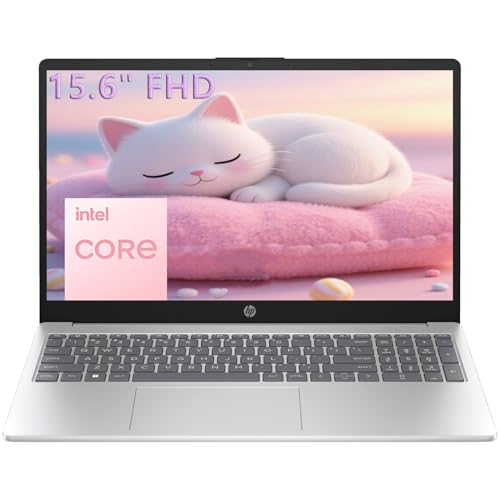
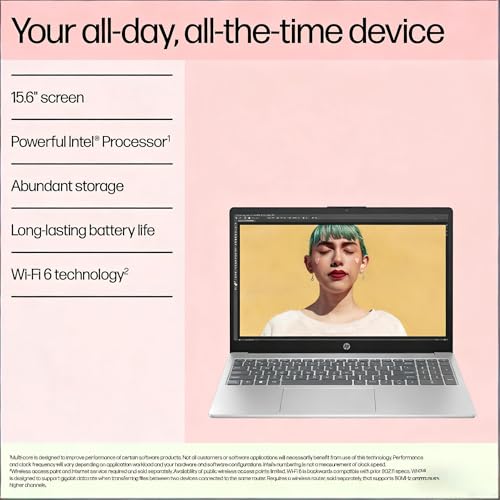

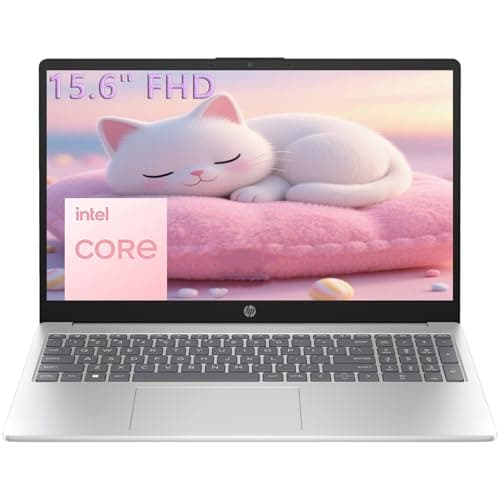
At 16GB RAM, this HP model lands in the sweet spot for most buyers. It is a strong fit for students, office work, browsing, streaming, and everyday multitasking without constant slowdowns.
- Powerful everyday performance for multiple tabs, Office, streaming, and online classes
- 16GB RAM gives comfortable multitasking headroom
- 256GB SSD helps apps and files load quickly
- Lightweight design is easy to carry between classes or rooms
- Includes Windows 11 and Microsoft 365 for immediate productivity
✓ Pros
- Best all-around RAM choice for most users
- Strong value for school and home office use
- Portable and practical for daily carry
- Good balance of memory and storage
- Useful for multitasking without overspending
✗ Cons
- 256GB storage may feel limited for large media collections
- Not aimed at heavy creative or gaming workloads
- Intel N100 is tuned for efficiency, not power-user performance
HP Essential Laptop Computer for Student Daily Study 4.5★ (892 reviews) ✓ Prime 50% OFF — Was $599.00
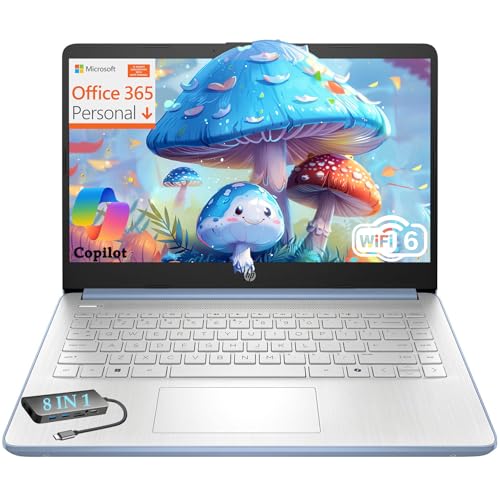
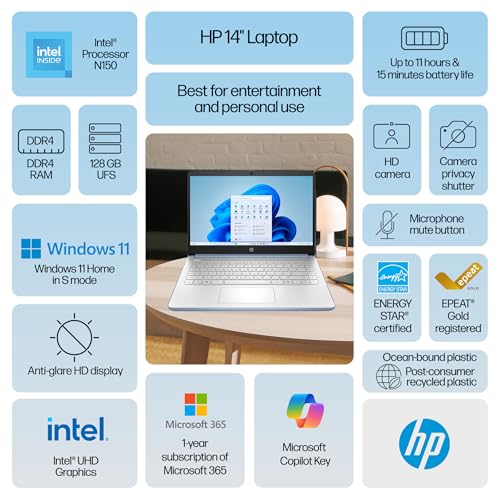

This HP Essential model is a budget-friendly example of what 4GB RAM looks like in real life. It can handle basic schoolwork and simple everyday tasks, but it is not the best pick if you expect heavy multitasking.
- Handles homework, streaming, and everyday apps
- 4GB RAM is enough for very light use and cloud-based work
- 128GB storage is fine for documents and assignments
- Long battery life and fast charging support portability
- Includes Microsoft 365 Personal and Dropbox storage for year one
✓ Pros
- Low price for basic laptop needs
- Good for simple school tasks and web-based work
- Lightweight and easy to carry
- Useful software bundle included
- Good choice if your RAM needs are minimal
✗ Cons
- 4GB RAM can feel tight with many tabs open
- Not ideal for power users or heavy multitaskers
- Storage and memory are both modest
Samsung 14" Galaxy Chromebook Go Laptop PC Computer 4.4★ (1,506 reviews) ✓ Prime
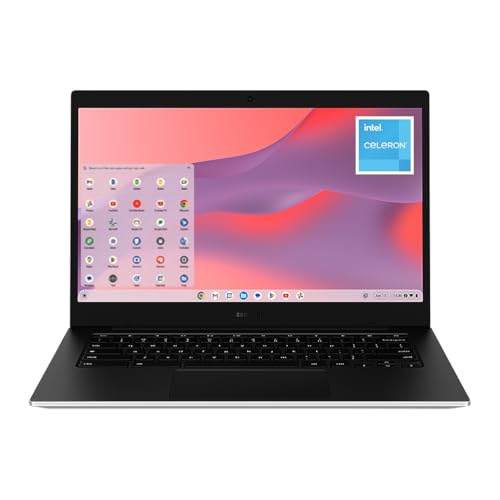


This Chromebook shows how far 4GB RAM can go when the software is lightweight. ChromeOS is designed for simple, cloud-first use, so it can feel smoother than a Windows laptop with similar memory in basic tasks.
- Lightweight design for portability
- 4GB RAM is suitable for web-based schoolwork
- ChromeOS keeps the experience simple and fast for basics
- 12-hour battery supports all-day use
- Fast Wi-Fi helps with online classes and browsing
✓ Pros
- Good for simple browsing and school tasks
- ChromeOS is efficient for lightweight use
- Portable and durable design
- Strong battery life
- Budget-friendly entry point
✗ Cons
- 4GB RAM limits multitasking
- 64GB storage is very small for many users
- Not suited for demanding apps or large workloads
Common Mistakes to Avoid
- Buying only for today: A laptop that feels fine now may become slow as apps and browser tabs get heavier.
- Ignoring multitasking: If you keep many tabs open, 8GB may not be enough even if your tasks seem “basic.”
- Choosing RAM without considering the processor: Memory helps, but it cannot fully fix a weak CPU.
- Overpaying for unused memory: If you only browse, stream, and write documents, 32GB is usually unnecessary.
- Forgetting upgrade limits: Some laptops have soldered RAM, so what you buy is what you keep.
A simple rule: if you are unsure, 16GB is the safest middle ground for most people in 2026. It avoids the frustration of too little memory while staying more affordable than high-end configurations.
Frequently Asked Questions
Is 8GB RAM enough for a laptop in 2026?
Yes, 8GB is enough for many everyday users who browse the web, stream video, use email, and write documents. It becomes less comfortable if you multitask heavily or run demanding apps.
Is 16GB RAM better than 8GB RAM?
For most people, yes. 16GB gives more breathing room for multitasking, browser tabs, video calls, and future software demands, which makes the laptop feel smoother over time.
Do I need 32GB RAM in a laptop?
Only if you do heavier work like video editing, large creative projects, virtual machines, or advanced data tasks. For school, office work, and everyday use, 32GB is usually more than you need.
Can a laptop with 4GB RAM still be good?
It can be good for very light use, especially on a simple operating system like ChromeOS. But on Windows, 4GB is often too limiting for comfortable multitasking in 2026.
What is the best RAM amount for most people?
16GB is the best all-around choice for most buyers. It offers a strong balance of speed, multitasking, and future-proofing without the cost of higher-end memory configurations.
Get the Full Laptops & Computing Buyer's Guide
Download our detailed comparison with specs, scores, and our honest verdict — delivered straight to your inbox.
Free. No spam. Unsubscribe anytime.
Was this review helpful?
Be the first to share your feedback on this review.
Sign in to vote and let us know what you think.
Discussion (0)
No comments yet. Be the first to start the discussion.
Related Reviews
8 Best Laptops for College Students 2026 — Best Mix of Battery, Price, and Campus Portability
If you’re trying to find the best laptops for college students 2026, the real challenge is balancing battery life, portability, speed, and price without buying something that feels outdated by mid-semester. This list focuses on student-friendly laptops that can handle note-taking, Zoom classes, rese
MacBook Air M5 long term review (2026): Honest Verdict After Testing
If you’re searching for a MacBook Air M5 long term review , you probably want to know one thing: does it still feel fast, reliable, and worth the money after the honeymoon period ends? This review focuses on the real-world stuff that matters most over months of use—battery life, sustained performanc
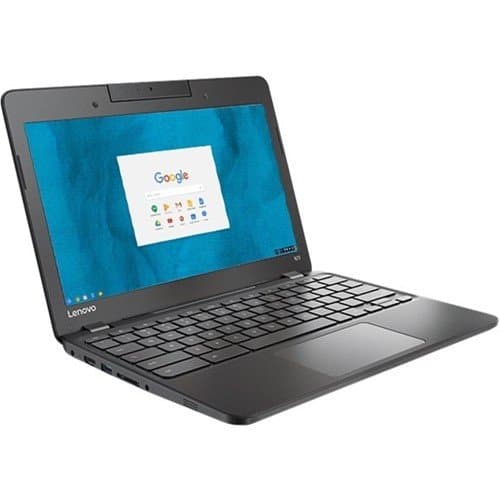
Best Laptops Under $500 for Every Budget in 2026: Ranked by Price & Performance
Finding the best laptops under $500 can be a challenge when balancing price and performance. Whether you're a student, a casual user, or someone who needs a reliable secondary device, there’s a perfect laptop tier for you. This guide breaks down the best options by budget, helping you buy smarter in