
Quick Summary
The Framework Laptop 13 is a rare mainstream laptop built like a desktop: two SO‑DIMM slots (up to 96 GB DDR5), a single user‑accessible M.2 NVMe slot (Gen4), and a swappable mainboard that can be bought separately to upgrade CPU families later. That modular design makes it the best option for buyers who care about repairability, long-term ownership, and component-level upgrades.
Out of the box, configurations range from sensible DIY starter kits to fully loaded prebuilt systems with high‑end Ryzen AI 300-series CPUs and a high‑resolution 2.8K 120 Hz display. The engineering is solid: a 13.5" 3:2 IPS panel option, ~2.87 lb (1.3 kg) chassis, and a 61 Wh battery in most modern builds. But expect tradeoffs: battery life fluctuates widely by CPU and panel choice, and practical day‑to‑day runtime tends to be in the 9–12 hour window on typical configs, shorter on the highest‑resolution 120 Hz display. ([frame.work](
Buy on Amazon: Framework Laptop 13. Click here
Alternative on Amazon: MacBook Air M4. Click here
Alternative on Amazon: Acer Swift Go 14. Click here
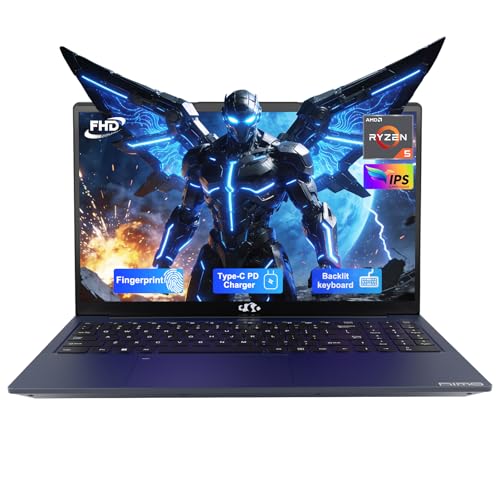
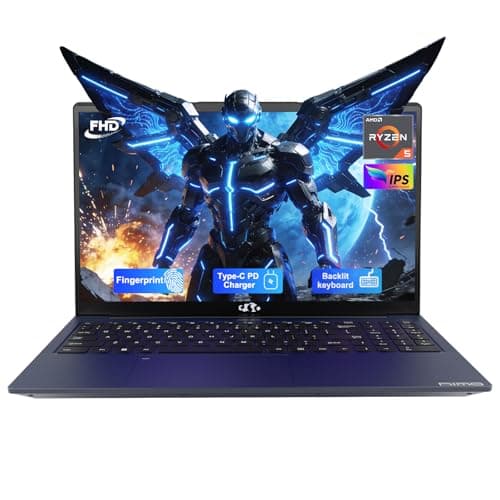
Photo 1: NIMO 15.6'' IPS FHD Laptop, 32GB RAM 1TB SSD AMD Ryzen 5(Beat i5-1135G7, 4 Cores Up to 3.7GHz) Student Computer with 65W Type-C, 2 Years Warranty, Fingerprint, Backlit Keyboard, BT5.2, Numpad product image.
If you want the last laptop you’ll buy (rather than the lightest or the longest‑lasting), Framework is a distinctive and defensible pick.
Price Range and Deal Timing
Framework’s buying model is unusual: there’s a DIY Edition (you supply RAM, storage, OS if you want) and prebuilt systems with installed memory, storage, and Windows.
• Typical price range (USD): DIY base to entry Ryzen boards start around $749–$899; prebuilt base systems typically begin near $1,099. Higher‑end Ryzen AI 7/9 prebuilt configurations reach $1,500–$2,100 depending on RAM, SSD, and warranty. Swappable mainboards start around $449. DIY customizations add $40–$80 per RAM module and $69–$149 for expansion storage cards. ([frame.work](
• Deal-watch guidance:
• If you value modularity and want to reduce long‑term cost, the DIY build windows (when RAM/SSD prices dip) are the best time to buy.
• If you need immediate, out‑of‑box reliability and support, watch for prebuilt discounts around back‑to‑school and holiday seasons; vendor price moves and inventory changes (including occasional tariff impacts) can temporarily make lower‑end SKUs unavailable in some markets. ([tomshardware.com](
• Buy‑now guidance:
• Buy now if repairability/upgradeability is a priority and you can live with midday charging on heavier configurations.
• Hold or wait for deals if battery endurance and peak mobile runtime are the top priorities — ARM‑based ultraportables and some Intel Core Ultra rivals can beat Framework’s real‑world runtime.
Technical Snapshot (Practical Numbers)
Core Hardware and Feature Profile
• Display: 13.5" 3:2 options — 2256×1504 (60 Hz) or 2880×1920 (2.8K, 120 Hz). Choose the lower‑res panel if runtime is critical. ([community.frame.work](
• Battery: Most modern kits use a 61 Wh battery; some early/low‑end SKUs used 55 Wh. Expect faster drain on the 2.8K/120 Hz panel. ([tomshardware.com](
• Weight & footprint: ~2.87 lb (1.3 kg); dimensions ~11.7 x 9.0 x 0.62 in — pocketable for a 13.5" productivity laptop. ([tomshardware.com](
• Memory: Two user‑replaceable SO‑DIMM slots; officially supports up to 96 GB DDR5 (5600 MT/s typically). ([frame.work](
• Storage: Single M.2 2280 PCIe Gen4 slot (user upgradable); vendor options up to 4 TB (and community reports of larger drives working). ([rtings.com](
• Ports & modularity: Four swappable expansion bays let you pick USB‑C/USB‑A/HDMI/ethernet/microSD or dedicated storage expansion cards. Mainboard swaps let you change CPU families later. Mainboard upgrades start at ~$449. ([frame.work](
Performance and Daily-Use Metrics
• CPU options: Intel Core Ultra series or AMD Ryzen AI 300 series (Ryzen AI 5/7/9 up to HX 370 in top configs). Expect multi‑core performance suitable for heavy productivity, light content creation, and accelerated AI tasks on Ryzen AI models. ([theverge.com](
• Real‑world battery ranges: Benchmark results and reviews cluster around 9 to 12 hours in standard web/video looping tests; heavy loads and the high‑res 120 Hz panel push runtime toward the lower end (~9–10 hours). Lighter configs with 60 Hz panels and conservative power settings can reach closer to 11–12 hours. ([tomshardware.com](
• Thermals and noise: Single‑fan designs can spin up under sustained CPU loads; expect elevated fan noise during heavy CPU/GPU work. The improved cooling system on newer AMD boards reduces thermal throttling compared to earlier generations but doesn’t match thicker enthusiast machines. ([tomshardware.com](
Value and Ownership Math
• Upfront vs long‑term: The DIY model lowers upfront cost if you already own RAM/SSD, and modular mainboards let you upgrade CPUs later — something no sealed ultraportable matches.
• Repairability savings: Replaceable battery, display, keyboard, webcam, and mainboard reduce repair costs over the machine’s life; expect a lower total cost of ownership if you keep the laptop 3–6+ years and perform upgrades yourself. ([frame.work](
• Tradeoffs: Premium sealed ultralights (particularly Apple silicon laptops) still beat Framework on power efficiency per watt and absolute battery life, while gaming laptops deliver better GPU performance for the size. Framework’s strength is longevity and configurability.
Head-to-Head Overview
Against the MacBook Air M4 (Apple):
• Strengths: Framework offers repairability, expandable RAM and storage, user‑serviceable components, and choice of Windows/Linux. It’s better for tinkerers and users who plan staged upgrades.
• Weaknesses: Apple M4 machines typically deliver significantly longer real‑world battery life (15–18 hours in Apple’s published video/web tests), superior sustained efficiency, and a more integrated ecosystem. If your priority is maximum mobile runtime with minimal tinkering, Apple remains the leader. ([support.apple.com](
Against the Acer Swift Go 14:
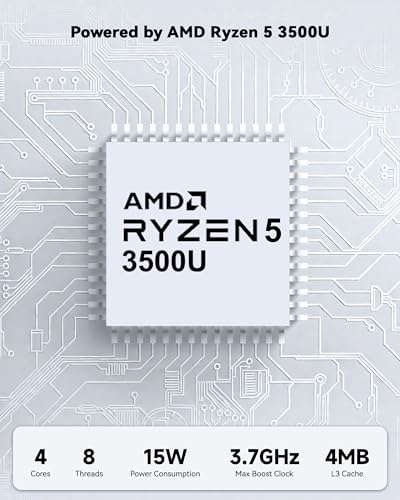
Photo 2: NIMO 15.6'' IPS FHD Laptop, 32GB RAM 1TB SSD AMD Ryzen 5(Beat i5-1135G7, 4 Cores Up to 3.7GHz) Student Computer with 65W Type-C, 2 Years Warranty, Fingerprint, Backlit Keyboard, BT5.2, Numpad product image.
• Strengths: The Framework’s modularity and upgrade paths are unique; its 3:2 display gives more vertical workspace for documents and code.
• Weaknesses: The Swift Go 14 often undercuts on price and can offer comparable or slightly better battery life in some configurations, plus more conventional port setups. If you want a straightforward, value‑oriented 14" laptop with good displays and less fiddling, the Swift Go is a strong alternative. ([pcworld.com](
Who Should Buy This
• Buyers who plan to keep one laptop for many years and want to upgrade components later.
• Developers, sysadmins, and power users who value Linux compatibility and easy component swaps.
• Environmentally conscious customers who prioritize repairability and reduced e‑waste.
• People who want a highly configurable laptop and don’t need the absolute longest battery life.
Comparison Snapshot
Framework Laptop 13 vs Typical Ultraportable (MacBook Air M4) and Thin Windows Ultrabook (Acer Swift Go 14):
• Upgradeability: Framework — unparalleled; MacBook — none; Acer — limited. ([frame.work](
• Battery life: MacBook Air M4 — best (15–18 hours claimed); Acer & Framework — midpack (9–12 hours typical). ([support.apple.com](
• Performance flexibility: Framework and Acer — multiple CPU choices including high‑power parts; MacBook M4 — great efficiency and strong single‑thread performance but less user serviceability. ([rtings.com](
• Price/ownership: Framework DIY lets you spread cost over time; prebuilt Frameworks cost more than many base ultrabooks but deliver salvageable hardware for years. ([frame.work](
Buying Advice and Value Check
• Pick the panel carefully: If you work unplugged a lot, choose the 60 Hz 2256×1504 option — it materially improves battery life over the 2.8K 120 Hz panel.
• DIY vs prebuilt: Go DIY if you have compatible RAM/SSD on hand or are comfortable sourcing parts. The DIY route saves money and is the most “Framework‑ish” way to own the laptop. ([frame.work](
• Memory and storage tiers: Reasonable buys are 16–32 GB for general productivity, 64–96 GB for heavy local builds/VMs. A 1–2 TB Gen4 NVMe is a good practical sweet spot for most creators; Framework supports up to 4 TB vendor options in marketplace listings. ([rtings.com](
• Warranty and firmware: Framework has improved its firmware and driver distribution pipeline and now offers LVFS/firmware update integration for many models, but historically updates were inconsistent; expect faster improvement but be prepared to check firmware pages if you rely on rapid patches. Plan for a 1–3 year warranty and factor DIY support into your decision. ([arstechnica.com](
Final Verdict
The Framework Laptop 13 is not a mass‑market replacement for an Air‑light, hold‑all day laptop. It’s a different kind of product: a platform. For buyers who prioritize longevity, repairability, modularity, and the freedom to upgrade CPU families or expand RAM and storage later, Framework delivers a singular value proposition few others match.
If your buying decision prioritizes peak battery life, minimal fuss, or the lightest possible carry weight, Apple’s M4 machines or certain thin Windows ultraportables are still better fits. But if you want a laptop you can evolve rather than replace — one that reduces long‑term upgrade spend and e‑waste — the Framework Laptop 13 is the most compelling 13‑inch Windows/Linux platform on the market today. ([frame.work](
FAQ
Q: How long will this laptop be supported with BIOS/driver updates? A: Framework’s model is to support hardware via modular upgrades and regular firmware updates; the company has improved update cadence and now distributes firmware through vendor channels (including LVFS). There’s no fixed end‑of‑life date — firmware support depends partly on upstream silicon vendor support — but the platform’s modularity lets you upgrade the mainboard to extend life. ([arstechnica.com](
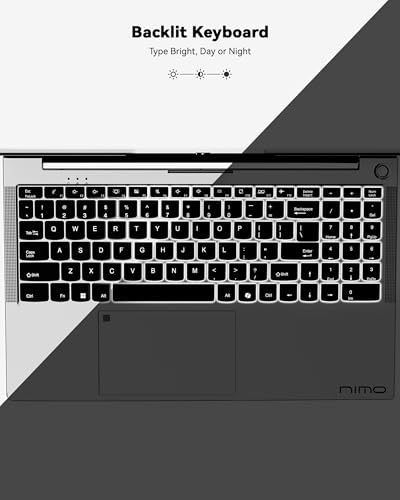
Photo 3: NIMO 15.6'' IPS FHD Laptop, 32GB RAM 1TB SSD AMD Ryzen 5(Beat i5-1135G7, 4 Cores Up to 3.7GHz) Student Computer with 65W Type-C, 2 Years Warranty, Fingerprint, Backlit Keyboard, BT5.2, Numpad product image.
Q: Is the DIY Edition worth it? A: Yes, if you already own compatible RAM/SSD or want to save money and control exact parts. DIY is the best way to maximize value, because Framework charges modest premiums for preinstalled modules and the DIY route lets you stagger upgrades over time. If you need immediate, factory‑configured warranty coverage and Windows preinstalled, choose a prebuilt SKU. ([frame.work](
Where to Check Pricing
Check latest Amazon listing for Framework Laptop 13. Click here
Get the Full Tech Buyer's Guide
Download our detailed comparison with specs, scores, and our honest verdict — delivered straight to your inbox.
Free. No spam. Unsubscribe anytime.
Was this review helpful?
Be the first to share your feedback on this review.
Sign in to vote and let us know what you think.
Discussion (0)
No comments yet. Be the first to start the discussion.
Related Reviews
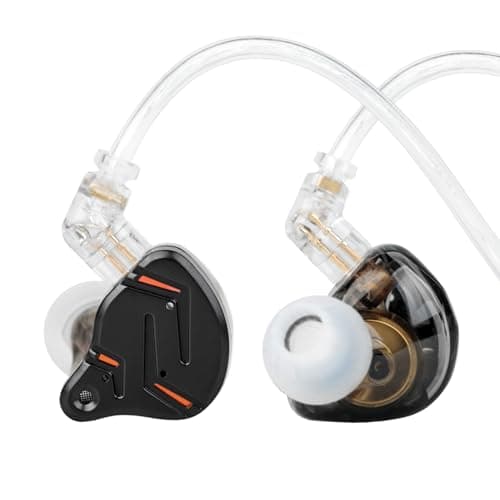
2026 Latest KZ ZST PRO X in Ear Monitor Headphones, 1BA 1DD Hybrid Driver Wired Gaming Earbuds, Deep Bass Sound Ear buds, HiFi IEM for Gaming Music Video Singer Musician Drummer (with mic, Black Gold)
Is the 2026 KZ ZST PRO X worth the hype? Let me break it down—tiny buds with big bass, mids, and a few quirks that might ruin your vibe if you overlook them.
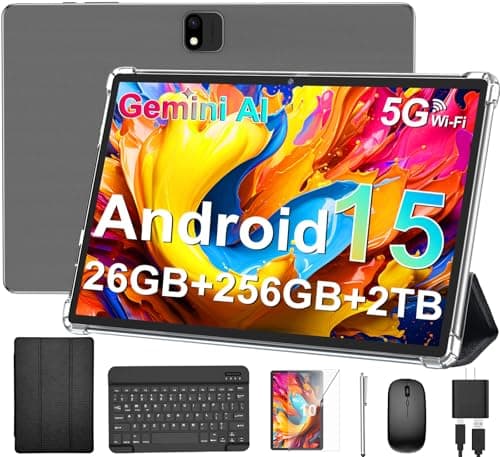
Android Tablet with Keyboard, 2026 Android 15 Tablet 10 inch, 26GB+256GB+2TB Expand, Electronic Tablet PC with Gemini, 8-Core, 8000mAh, 5G WiFi, GMS, 2 in 1 Tablet with Case/Mouse/Stylus(Black Case)
The buzz around Android Tablet with Keyboard and Gemini AI is real, but there’s a catch. Day one surprised me: it feels like a portable workstation in tablet fo
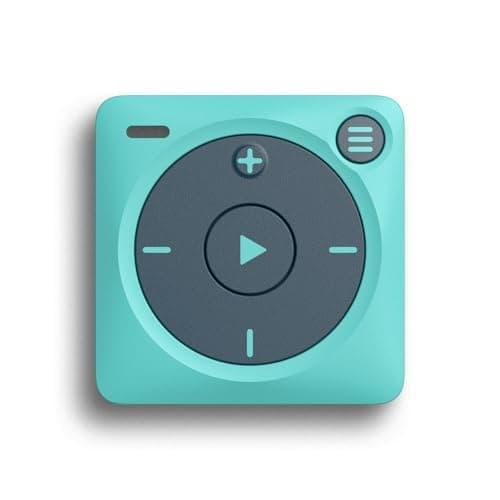
Mighty 3 Amazon Music Player – Portable Screen-Free Offline Music for Kids & Fitness, Bluetooth & Wired Headphones, Stores 1000+ Songs, No Phone or WiFi Needed for Playback - Blue
Mighty 3 isn't perfect, but it's the one I'd buy again. Tiny, screen-free music for on-the-go life—no phone, no wifi, just tunes.