
What is Alexa vs Google Assistant vs Siri? A Complete 2026 Guide
If you’re trying to choose between Alexa vs Google Assistant vs Siri, the real problem is not just which voice assistant sounds best — it’s which one fits your phone, speakers, smart home devices, and daily habits. The wrong choice can leave you with frustrating compatibility issues, missing features, or a system that feels clunky every day. This guide breaks down how each assistant works, where each one shines, and what to buy if you want the smartest ecosystem pick in 2026.
Alexa, Google Assistant, and Siri are the three major voice assistants people use to control smart homes, play music, set reminders, search the web, and automate everyday tasks. They all use voice recognition, cloud processing, and connected services to understand commands and respond in natural language. The best choice depends less on “which is smartest” and more on which ecosystem you already use most often.
How It Works
At a basic level, all three assistants work the same way: you speak a wake word, the device captures your request, the assistant sends your voice data to a cloud system for interpretation, and then it returns an answer or action. That action might be playing music, turning on a light, setting a timer, sending a message, or controlling a compatible smart device.
The differences come from the ecosystems behind them. Alexa is tied closely to Amazon devices and a huge range of smart-home products, Google Assistant is strongest with Google services and Android-friendly workflows, and Siri is built into Apple devices and works best inside the Apple ecosystem.
In practice, the assistant itself is only part of the experience. The device you use — phone, smart speaker, thermostat, garage controller, or audio streamer — determines how smoothly the assistant works, whether it supports automation, and whether it can control your home without extra hubs or apps.
Key Benefits & Use Cases
1. Hands-free convenience
All three assistants are designed to reduce friction. You can ask for weather, timers, music, reminders, or smart-home control without opening apps or touching a screen.
2. Smart home control
If your home has smart plugs, thermostats, garage controllers, or speakers, voice assistants make it easier to manage them from anywhere in the house.
3. Better routines and automation
These assistants can help you build routines like “good morning,” “leaving home,” or “bedtime,” so multiple actions happen with one command.
4. Media and entertainment
They are especially useful for music playback, multiroom audio, casting, and controlling TV or audio systems with your voice.
5. Accessibility and simplicity
For users who prefer voice over apps, assistants can make everyday tasks easier, especially for reminders, alarms, and home controls.
What to Look For When Buying
1. Ecosystem compatibility
Start with the devices you already use. If you own iPhone, HomePod, or Apple services, Siri may feel natural. If you live in Google services, Google Assistant is often smoother. If you want broad smart-home support, Alexa is often the most flexible.
2. Smart home device support
Check whether your lights, plugs, thermostat, garage opener, or speaker system works with the assistant you want. Compatibility matters more than brand loyalty.
3. Need for a hub or extra hardware
Some devices work without a hub, while others need a compatible controller or bridge. If you want a simpler setup, look for products that work directly over Wi-Fi or Matter.
4. Voice and app experience
Some people prefer voice-first control, while others rely on apps for scheduling and automation. Choose a system with an app you’ll actually use.
5. Privacy and household sharing
Consider who in your home will use the assistant, whether you want guest access, and how much control you want over voice history and permissions.
Top Recommended Products
Linkind Matter Smart Plug 4.7★ (reviews not provided) ✓ Prime 21% OFF — Was $32.99
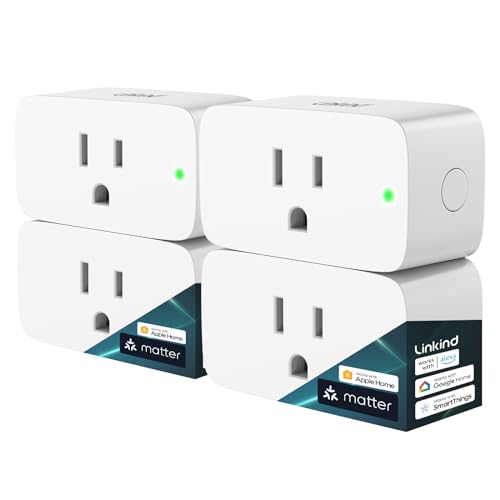


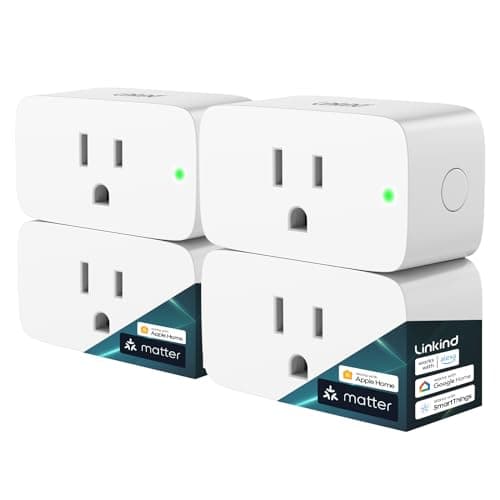
This is the best fit if you want one smart plug that plays nicely with all three ecosystems. Matter support makes it easier to avoid app overload, and it works with Apple Home, Alexa, Google Home, and SmartThings.
- ✓ Works with Apple Home, Siri, Alexa, Google Home, and SmartThings
- ✓ Matter support reduces app clutter and simplifies setup
- ✓ Offline-ready LAN control after setup
- ✓ Remote control, scheduling, and timer functions
- ✓ Voice control across multiple ecosystems
- ✗ Apple Home, Alexa, Google Home, and SmartThings may require a Matter-certified hub or controller
- ✗ 2.4G Wi-Fi only
Smart WiFi Garage Door Opener Remote 4.7★ (reviews not provided) ✓ Prime
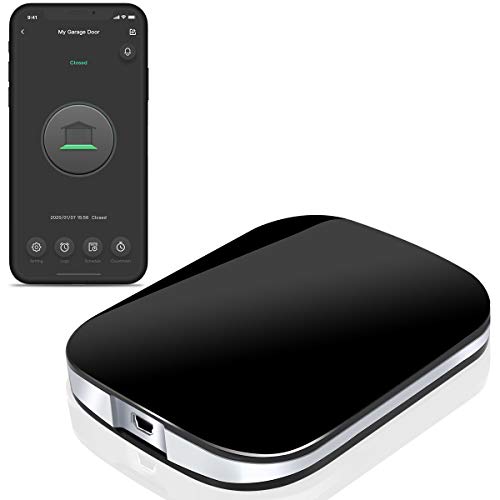


This is a strong choice if your main goal is voice-enabled garage access and real-time alerts. It works with Alexa, Google Assistant, and Siri, and it doesn’t require a hub.
- ✓ Works with Alexa, Google Assistant, and Siri
- ✓ Open and close your garage from anywhere
- ✓ Real-time notifications and custom alerts
- ✓ Multi-user access and activity log
- ✓ No hub needed
- ✗ Compatibility must be checked before ordering
- ✗ 2.4GHz Wi-Fi required
WiiM Pro AirPlay 2 Receiver 4.7★ (reviews not provided) ✓ Prime
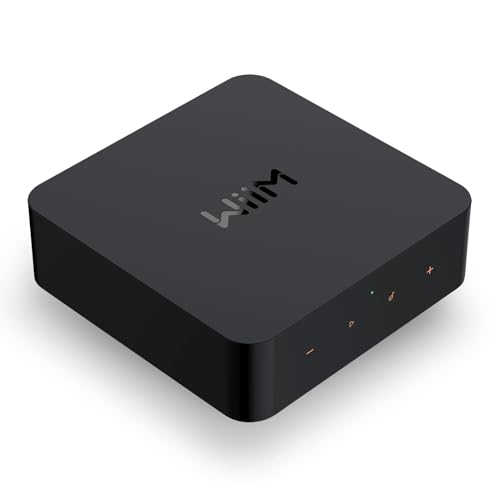


If your priority is audio quality and cross-platform music streaming, this is the most compelling pick in the list. It bridges Apple, Google, and Alexa ecosystems while adding hi-res audio and multiroom playback.
- ✓ AirPlay 2 and Google Cast support
- ✓ Works with Alexa, Siri, and Google Assistant
- ✓ Hi-res 192 kHz / 24-bit playback
- ✓ Spotify Connect, TIDAL Connect, and Amazon Music casting
- ✓ Multiroom streaming across compatible speakers
- ✗ Best for users who already have audio gear to upgrade
- ✗ More expensive than basic smart-home accessories
ecobee Smart Thermostat Essential 4.7★ (reviews not provided) ✓ Prime
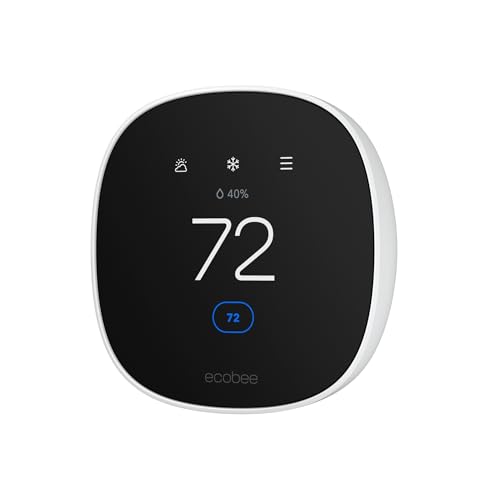
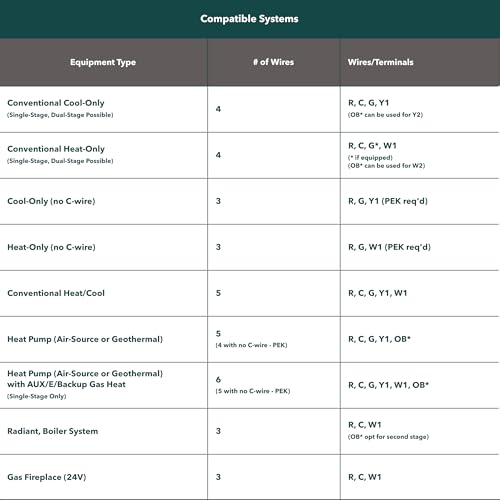
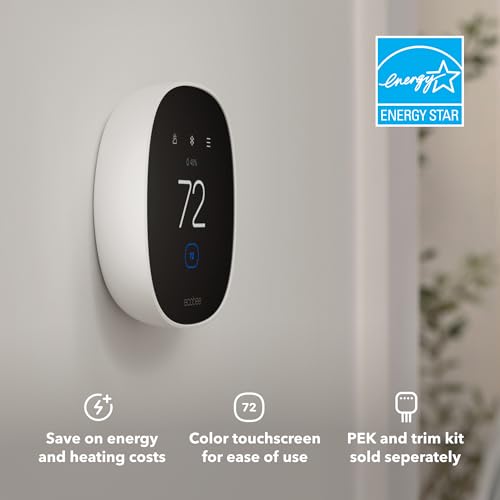
This is the best pick if you want voice control to translate into real energy savings. It works with Siri, Alexa, and Google Assistant, and it’s designed to optimize comfort automatically.
- ✓ Works with Siri, Alexa, and Google Assistant
- ✓ Energy Star certified
- ✓ Can save up to 23% yearly on heating and cooling costs
- ✓ Easy app and touchscreen control
- ✓ No C-wire required in many homes with the PEK accessory
- ✗ Compatibility should be checked before buying
- ✗ Power Extender Kit and trim kit are sold separately
Common Mistakes to Avoid
1. Choosing the assistant before checking your ecosystem. If you already use Apple devices heavily, Siri may be the easiest fit. If you’re deep into Android and Google services, Google Assistant may feel more natural. If you want the broadest smart-home compatibility, Alexa often wins.
2. Ignoring device compatibility. A voice assistant is only useful if your smart plug, thermostat, or garage opener actually supports it. Always confirm support before buying.
3. Assuming “works with” means the same level of support everywhere. Some products support all three assistants, but setup quality and feature depth can vary by platform.
4. Forgetting about Wi-Fi and hub requirements. Some devices need 2.4GHz Wi-Fi only, some need a hub, and some work best with Matter-certified controllers.
5. Overlooking what you really want to control. If you only need alarms and reminders, a phone-based assistant may be enough. If you want whole-home automation, choose devices that match your smart-home goals.
Frequently Asked Questions
Is Alexa better than Google Assistant vs Siri?
It depends on your ecosystem and use case. Alexa is often strongest for smart-home breadth, Google Assistant is often strongest for search and Android users, and Siri is best for Apple-first households.
Which is more accurate: Alexa vs Google Assistant vs Siri?
Google Assistant is often seen as the strongest for general answers and search-style queries, but all three are good for everyday commands. Accuracy also depends on your accent, device microphone, and internet connection.
Which assistant works best with Apple devices?
Siri is the native choice for Apple devices and usually offers the smoothest integration with iPhone, iPad, Apple Watch, HomePod, and Apple services.
Can Alexa, Google Assistant, and Siri control the same smart home devices?
Many modern smart-home products support more than one assistant, especially Matter-certified devices. However, support and setup can still differ by platform.
What should I buy if I want Alexa vs Google Assistant vs Siri compatibility?
Look for products that explicitly list support for all three assistants, like the Linkind Matter Smart Plug, the smart garage door opener remote, the WiiM Pro, and the ecobee Smart Thermostat Essential.
Get the Full Smart Home & Security Buyer's Guide
Download our detailed comparison with specs, scores, and our honest verdict — delivered straight to your inbox.
Free. No spam. Unsubscribe anytime.
Was this review helpful?
Be the first to share your feedback on this review.
Sign in to vote and let us know what you think.
Discussion (0)
No comments yet. Be the first to start the discussion.
Related Reviews
8 Best Alexa Devices in 2026 — Smarter Voice Control, Better Sound, and the Right Screen for Every Room
If you’re trying to find the best Alexa devices 2026 , the hard part isn’t choosing an Echo—it’s choosing the right Echo for your room, routine, and budget. Some shoppers need a compact speaker for a bedroom, while others want a smart display for recipes, calls, or home monitoring. This list narrows
Ring Battery Doorbell Pro field test Review (2026): Honest Verdict After Testing
The Ring Battery Doorbell Pro field test starts with the basics: this is a premium-looking battery doorbell that feels more upscale than the average smart doorbell. The Deep Silver finish gives it a modern, clean look, and the body is compact enough to sit neatly beside most front doors without feel
Best Smart Bulbs Under $20 for Every Budget in 2026: Ranked by Price & Performance
If you’re shopping for the best smart bulbs under $20, the real challenge isn’t finding something cheap—it’s finding a bulb that actually connects reliably, works with your voice assistant, and doesn’t turn into a frustrating app experiment. The good news is that budget smart lighting can still deli