

Who this is for: Best for shoppers comparing laptop operating systems for school, work, gaming, and everyday use.
Check PriceWhat is ChromeOS vs Windows vs MacOS? A Complete 2026 Guide
If you’re trying to choose between ChromeOS vs Windows vs MacOS, the hardest part is usually not the price—it’s figuring out which system actually fits how you work, study, stream, game, and travel. Each platform is built around a different philosophy, so the “best” choice depends on whether you want simplicity, flexibility, or premium polish. This guide breaks down how they differ, what they’re best at, and which laptops make the most sense if you’re buying in 2026.
Related Reviews
ChromeOS is Google’s lightweight, cloud-first operating system; Windows is the most flexible mainstream desktop platform; and MacOS is Apple’s tightly integrated system for Mac computers. In practical terms, the difference comes down to app compatibility, hardware choice, security model, and how much setup you want to deal with. If you’re comparing devices for school, work, or everyday use, understanding these tradeoffs can save you from buyer’s remorse.
This is a research-based explainer built from published specs, owner feedback patterns, and platform comparisons—not hands-on testing.
How It Works
All three operating systems manage the same basic things: they run apps, handle files, connect to the internet, control peripherals, and keep your data organized. The big difference is the design philosophy behind each one.
ChromeOS: cloud-first and simple
ChromeOS is built around the Chrome browser and Google services. Many tasks happen in the cloud, so it can feel fast even on modest hardware, and it tends to boot quickly with fewer background processes. It also supports Android apps and, on many models, Linux tools, which expands what you can do beyond basic web browsing.
Windows: broad compatibility and flexibility
Windows is the most widely supported desktop operating system, which is why it dominates business, school, and gaming PCs. It runs the broadest range of software, from productivity suites to creative tools and games, and it comes on many different laptop styles at every budget. That flexibility is a major advantage, but it also means quality can vary a lot from one machine to another.
MacOS: polished integration with Apple hardware
MacOS is designed to run on Apple’s own computers, which lets hardware and software work together very tightly. That usually means a smooth interface, strong battery efficiency on newer Macs, and a consistent user experience across devices. The tradeoff is less hardware choice and fewer options outside Apple’s ecosystem.
Key Benefits & Use Cases
The right operating system depends on what you do most often.
ChromeOS is best for lightweight everyday use
ChromeOS is a strong fit for students, casual users, and families who mainly browse, stream, write documents, and use web apps. It’s also a good option if you want low maintenance, quick startup, and simpler security management. If most of your life already lives in Google Drive, Gmail, and web-based tools, ChromeOS can be the easiest system to live with.
Windows is best for maximum compatibility
Windows is ideal if you need access to the widest possible app library, including specialized school, business, engineering, or creative software. It’s also the clear winner for PC gaming and for shoppers who want choices across price points, screen sizes, and performance levels. If you want one platform that can do almost everything, Windows is usually the safest bet.
MacOS is best for premium productivity and creative work
MacOS appeals to users who value a refined interface, strong ecosystem features, and seamless syncing with iPhone or iPad. It’s especially popular with creatives, professionals, and people who prefer a stable, low-friction experience. If you’re already invested in Apple devices, MacOS often feels like the most cohesive choice.
What to Look For When Buying
When comparing ChromeOS vs Windows vs MacOS devices, focus on these five criteria before you buy.
1. App compatibility
Start with the software you actually need. If your school, job, or hobby depends on a specific desktop program, Windows or MacOS may be required. ChromeOS works well for web-first users, but it is not the best fit for every specialized workflow.
2. Performance headroom
Consider how many tabs, apps, and multitasking tasks you run at once. ChromeOS can feel responsive on lighter hardware, while Windows and MacOS often benefit from more RAM and faster storage if you multitask heavily. If you edit media, game, or run demanding apps, performance matters more than the operating system label alone.
3. Battery life and portability
If you carry your laptop all day, battery life and weight can matter more than raw specs. ChromeOS devices often prioritize efficiency, while MacBooks are known for strong battery performance, and Windows laptops vary widely. Look for a machine that matches your travel or campus routine.
4. Security and maintenance
ChromeOS is generally low-maintenance, with automatic updates and a simpler attack surface. MacOS also has a strong reputation for stability and security. Windows offers more customization, but that flexibility can require more attention to updates, permissions, and software hygiene.
5. Budget and total value
Don’t just compare sticker price—compare what you’re getting for the money. A cheaper Windows laptop may include more ports and a bigger screen, while a premium Mac may deliver better build quality and battery life. ChromeOS can be the best value for basic tasks, but only if it supports everything you need.
Top Recommended Products
Below are four research-backed laptop options that help illustrate how ChromeOS vs Windows vs MacOS decisions play out in the real world. Since the provided product list includes Windows laptops only, these picks are best viewed as Windows-based alternatives for buyers deciding whether Windows is the right path.
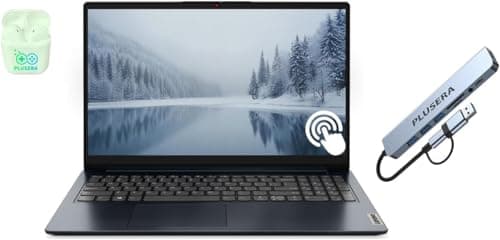
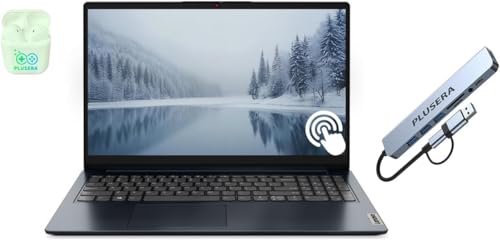 Lenovo IdeaPad 15.6” FHD Touchscreen Laptop Windows 11 Pro ✓ Prime | $1059.99


This Lenovo IdeaPad is the most overbuilt option in the list, with a strong focus on multitasking, storage, and office-ready productivity. It makes the case for Windows when you want desktop-style flexibility, plenty of RAM, and a machine that can handle school, business, and general work without feeling cramped.
- ✓ 40GB RAM and 2TB SSD for heavy multitasking and large file storage
- ✓ Windows 11 Pro plus Microsoft Office lifetime license
- ✓ 10-core Intel Core i5 with Iris Xe graphics for everyday productivity
- ✓ Touchscreen FHD display, Wi-Fi 6, and plenty of ports
- ✓ Up to 10 hours of battery life with rapid charge support
- ✗ Higher price than the other Windows options here
- ✗ Overkill for users who only browse, stream, and write documents
- ✗ Not the most portable choice if you want a very light travel laptop
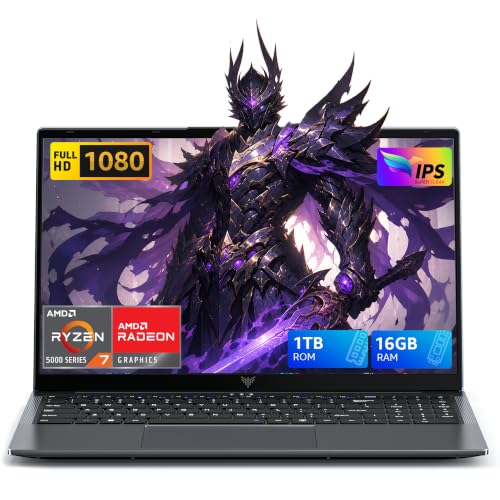 MALLRACE Gaming Laptop Windows ✓ Prime | $599.99 40% OFF — Was $999.99


This MALLRACE model is a practical example of why Windows dominates value gaming and performance-per-dollar comparisons. It combines a Ryzen 7 processor, 16GB RAM, and a 1TB SSD, making it appealing for buyers who want a single machine for schoolwork, media, and lighter gaming without paying premium-brand prices.
- ✓ Ryzen 7 5825U with 8 cores and 16 threads
- ✓ 16GB RAM and 1TB NVMe SSD for fast loading and multitasking
- ✓ Radeon RX Vega 8 graphics for casual gaming and media work
- ✓ Wi-Fi 6 and a backlit keyboard for modern everyday use
- ✓ Strong value thanks to the discounted price
- ✗ Less premium brand support than some major competitors
- ✗ Integrated graphics are fine for light gaming, not demanding AAA play
- ✗ Not a clear fit if you want the simplest out-of-box experience
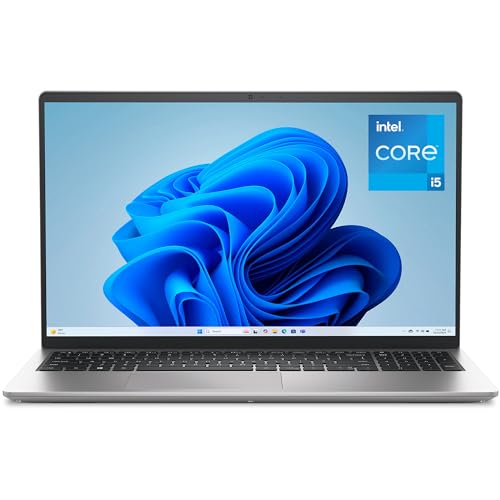 Dell 15 Laptop DC15250 Windows 11 Home ✓ Prime | $549.99 14% OFF — Was $639.99


The Dell 15 is the most balanced mainstream Windows option in the group. It offers a good mix of modern performance, a 120Hz display, and practical everyday features, which makes it a strong fit for buyers who want a dependable laptop without jumping into premium pricing.
- ✓ Intel Core i5-1334U with 16GB RAM for smooth daily multitasking
- ✓ 120Hz FHD display for a noticeably smoother feel
- ✓ 512GB SSD for fast startup and enough space for most users
- ✓ ComfortView software and ergonomic hinge design for easier long sessions
- ✓ Onsite service adds peace of mind
- ✗ Storage is smaller than the Lenovo or MALLRACE options
- ✗ Intel UHD graphics are basic for gaming
- ✗ Windows 11 Home is less feature-rich than Windows Pro for business users
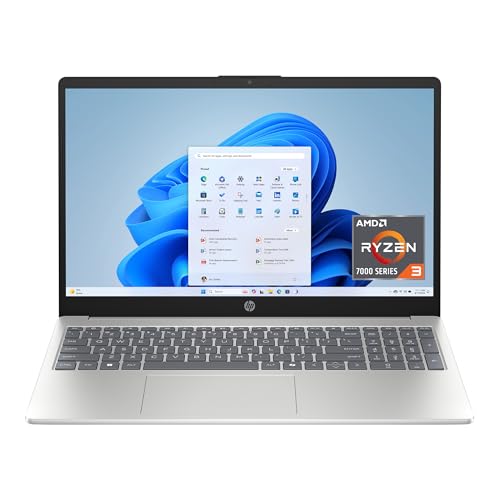 HP 15.6 inch Laptop Windows 11 Home in S Mode ✓ Prime | $409.99


The HP 15.6-inch laptop is the budget-focused choice here, aimed at buyers who mainly want a simple Windows machine for browsing, streaming, and light productivity. It’s a good reminder that Windows can scale down to lower-cost hardware, though that usually means more compromises than ChromeOS or premium MacOS devices.
- ✓ Lowest price in this roundup
- ✓ Touchscreen display for more intuitive use
- ✓ Ryzen 3 processor and 8GB RAM for basic everyday tasks
- ✓ Windows 11 Home in S Mode adds extra security restrictions
- ✓ Lightweight option for casual users
- ✗ 128GB storage is limited for long-term use
- ✗ HD resolution is less sharp than FHD alternatives
- ✗ S Mode can feel restrictive if you want to install broader software
Common Mistakes to Avoid
Choosing between ChromeOS vs Windows vs MacOS gets easier when you avoid these common buyer mistakes.
- Buying for the logo instead of the workflow. A beautiful laptop is not helpful if it can’t run the software you need.
- Ignoring app compatibility. Some school, business, and creative tools are platform-specific.
- Underestimating storage needs. Cloud storage helps, but local files, photos, and app installs still add up.
- Overpaying for performance you won’t use. If you only browse and stream, a high-end machine may be wasted money.
- Forgetting about ecosystem fit. iPhone users may prefer MacOS, while Google-heavy users may find ChromeOS simpler.
Frequently Asked Questions
Is ChromeOS better than Windows for students?
ChromeOS can be better for students who mainly use web apps, Google Workspace, and cloud storage. Windows is better if a class requires specific desktop software or heavier multitasking.
Is MacOS safer than Windows?
MacOS is often viewed as more secure by default because of Apple’s controlled hardware and software ecosystem. Windows is also secure when updated properly, but it offers more flexibility, which can mean more user responsibility.
Can ChromeOS replace Windows for most people?
For many casual users, yes, especially if their work happens in the browser. But if you rely on specialized desktop apps, gaming, or advanced local software, Windows is usually the better fit.
Which is best for gaming: ChromeOS, Windows, or MacOS?
Windows is the best choice for gaming because it supports the widest range of games and hardware. ChromeOS and MacOS are much more limited for mainstream PC gaming.
Which operating system is easiest to use?
ChromeOS is usually the easiest for beginners because it is simple and low-maintenance. MacOS is also user-friendly, while Windows offers the most options but can feel more complex.
Pros
- + ChromeOS is simple and low-maintenance
- + Windows has the widest app compatibility
- + MacOS offers polished integration and strong ecosystem fit
- + Windows laptops cover every budget and use case
Cons
- – ChromeOS can be too limited for specialized software
- – Windows quality varies widely by laptop
- – MacOS has fewer hardware choices and higher entry cost
- – Some budget Windows laptops compromise on storage or display
Frequently asked questions
- Is ChromeOS better than Windows for students?
- ChromeOS can be better for students who mainly use web apps, Google Workspace, and cloud storage. Windows is better if a class requires specific desktop software or heavier multitasking.
- Is MacOS safer than Windows?
- MacOS is often viewed as more secure by default because of Apple’s controlled hardware and software ecosystem. Windows is also secure when updated properly, but it offers more flexibility, which can mean more user responsibility.
- Can ChromeOS replace Windows for most people?
- For many casual users, yes, especially if their work happens in the browser. But if you rely on specialized desktop apps, gaming, or advanced local software, Windows is usually the better fit.
- Which is best for gaming: ChromeOS, Windows, or MacOS?
- Windows is the best choice for gaming because it supports the widest range of games and hardware. ChromeOS and MacOS are much more limited for mainstream PC gaming.
- Which operating system is easiest to use?
- ChromeOS is usually the easiest for beginners because it is simple and low-maintenance. MacOS is also user-friendly, while Windows offers the most options but can feel more complex.
Get the Full Tech Buyer's Guide
Join our free newsletter — we'll send our latest Tech picks, specs and verdicts straight to your inbox.
Free. No spam. Unsubscribe anytime.
Was this review helpful?
Be the first to share your feedback on this review.
Sign in to vote and let us know what you think.
Discussion (0)
No comments yet. Be the first to start the discussion.
Related Reviews
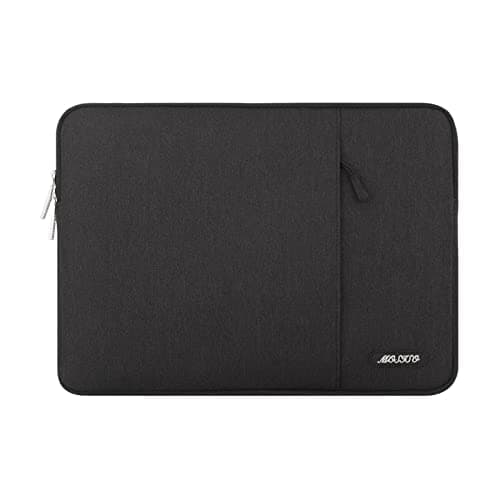
8 Best Laptop Sleeves 16 Inch in 2026 — Slim Protection, Better Organization
If you’re shopping for the best laptop sleeves 16 inch, the hardest part is finding one that actually fits a modern 16-inch laptop without feeling bulky or flimsy. The right sleeve should protect against scratches, bumps, and daily commutes while still sliding easily into a backpack or briefcase. Be
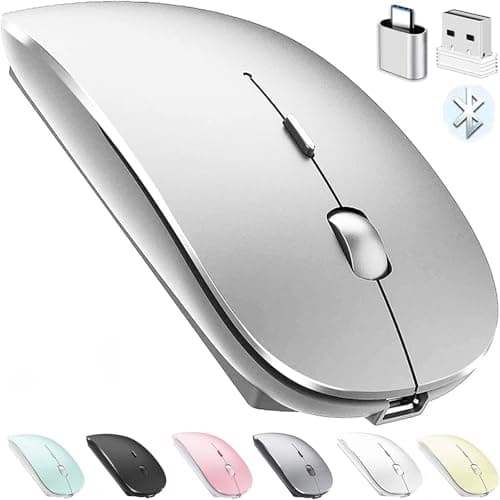
8 Best Wireless Mice for MacBook in 2026 — Quiet, Portable Picks That Work Better with macOS
If your MacBook’s trackpad is slowing you down, the right wireless mouse can make everyday work faster, quieter, and far more comfortable. The best wireless mice for MacBook should connect easily, feel good in the hand, and avoid the lag or compatibility headaches that ruin productivity. In this res
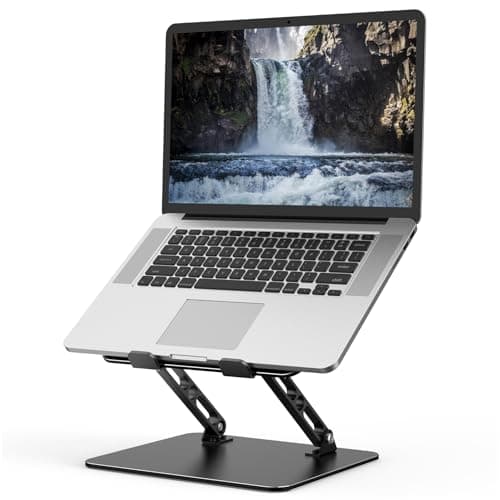
8 Best Laptop Stands Ergonomic in 2026 — Better Posture, Cooler Laptops, and More Comfortable Desk Time
If your laptop setup leaves you with a stiff neck, sore shoulders, or a screen that sits too low, the right stand can make an immediate difference. This roundup of the best laptop stands ergonomic shoppers can buy in 2026 focuses on adjustable height, stability, airflow, portability, and value. Thes