

Best Laptops for Every Budget in 2026: Ranked by Price & Performance
If you’re shopping for the best laptops under $300, the hard truth is that “cheap” usually means Chromebook-first, refurbished, and built for basics like browsing, schoolwork, email, and streaming. The good news is that you do not need to overspend to get a usable machine if you match the laptop tier to your real needs. Below, I’ve ranked the best options by price and performance so you can buy the right one the first time—whether you want the absolute cheapest pick, the best balance, or the strongest value near the top of this budget.
Related Reviews
Best Budget Pick


acer Chromebook 11 N7 11.6" Traditional Laptop $35.00 ✓ Prime
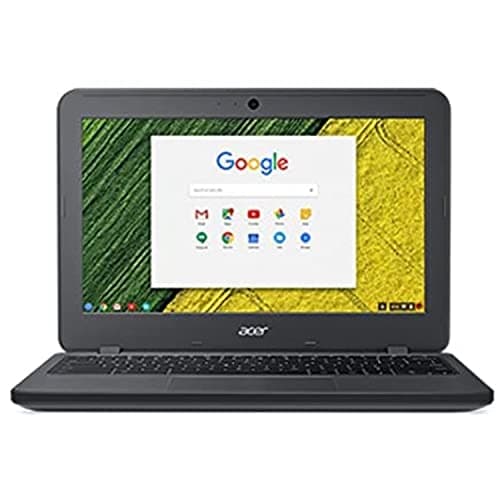
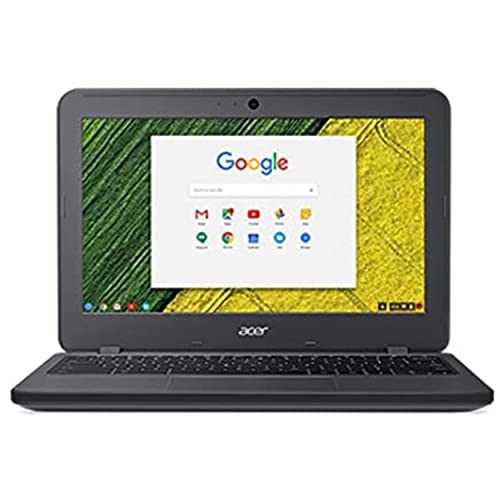
If your goal is to spend as little as possible and still get a working laptop for browsing, Google Docs, email, and light streaming, this is the most affordable way in. The acer Chromebook 11 N7 11.6" Traditional Laptop is the cheapest pick in this guide, and it fits the “bare-minimum but functional” lane better than anything else here.
Why it fits the budget tier
With an 11.6-inch display, Intel Celeron N3060 processor, 4GB of RAM, and Chrome OS, this model is built for simple tasks rather than heavy multitasking. It’s ideal for students, parents, or anyone who needs a backup machine and wants to keep the spend extremely low.
- ✓ 11.6" display keeps the laptop compact and easy to carry
- ✓ Intel Celeron N3060 is enough for basic web-based work
- ✓ 4GB DDR3L SDRAM handles light Chrome OS use
- ✓ Google Chrome OS is simple, fast to boot, and low-maintenance
- ✓ Best price in the lineup at $35.00
- ✗ Very limited storage and power for demanding tasks
- ✗ Smaller screen is less comfortable for long work sessions
- ✗ Not a good choice for Windows software or heavy multitasking
Best Mid-Range Pick


Dell Chromebook 3180 Laptop Computer $54.99 ✓ Prime
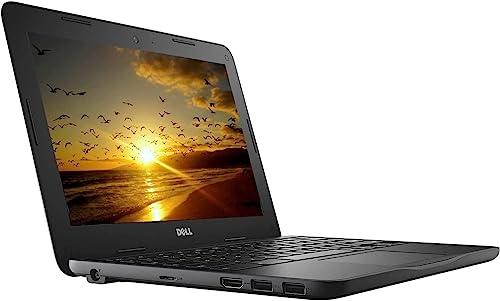
For most shoppers looking for the best laptops under $300, the sweet spot is a refurbished Chromebook that adds just enough reliability and features without pushing the budget. The Dell Chromebook 3180 Laptop Computer is the most balanced option here because it keeps the price low while adding a web camera, Bluetooth, HDMI, and SSD storage.
Why it’s the sweet spot
This model uses the Intel Celeron N3060, 4GB RAM, and 16GB SSD, which is still modest, but the SSD and extra connectivity make it easier to use for school, video calls, and everyday browsing. The renewed condition also includes professional inspection and a 90-day warranty, which adds peace of mind at this tier.
- ✓ 11.6-inch HD display is fine for school and web tasks
- ✓ 16GB SSD is a practical step up from bare-bones storage
- ✓ Includes web camera, Wi-Fi, Bluetooth, and HDMI
- ✓ Chrome OS boots quickly and is easy to maintain
- ✓ Renewed unit is tested, cleaned, and backed by a 90-day warranty
- ✗ Still limited to basic Chrome OS workloads
- ✗ 11.6-inch screen may feel small for productivity
- ✗ Not meant for heavy apps or local file storage needs
Best Premium Pick
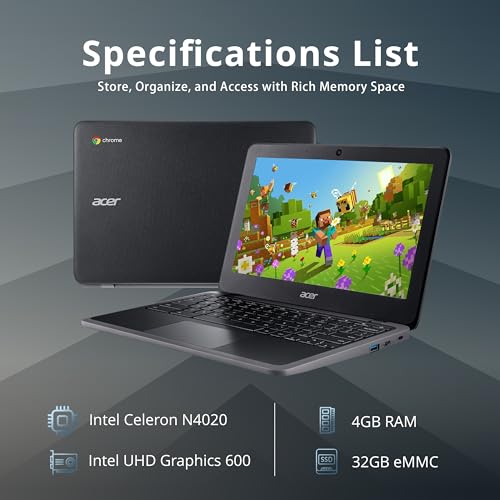

acer Chromebook 311 11.6" HD IPS Laptop $59.95 ✓ Prime
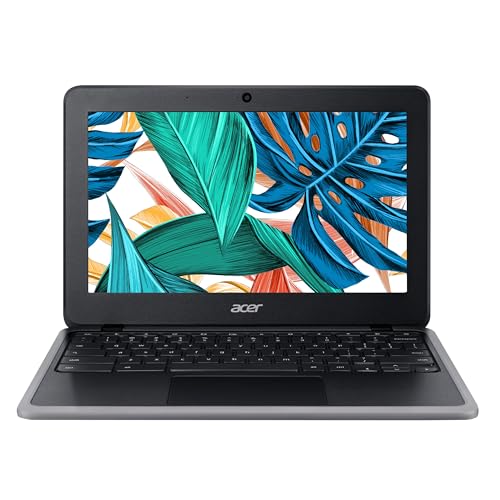
If you want the strongest overall spec sheet without leaving budget territory, this is the best “premium” choice in the lineup. The acer Chromebook 311 11.6" HD IPS Laptop offers the most modern-feeling package here with a newer Celeron N4020, 32GB eMMC storage, Wi-Fi 5, USB-C support, and a sharper feature set than the ultra-cheap options.
Why it’s the best-in-class pick
Even though it is still a Chromebook, the combination of 4GB LPDDR4 RAM, 32GB storage, Intel UHD Graphics 600, and a 720p camera gives it the best overall usability for everyday work and entertainment. If you want the closest thing to a “buy once, feel good about it” choice under $60, this is it.
- ✓ Intel Celeron N4020 is a newer, more efficient chip
- ✓ 32GB eMMC gives you more room than the 16GB models
- ✓ HD IPS display is the most appealing screen in the group
- ✓ USB 3.1 Type-A and Type-C ports improve flexibility
- ✓ Wi-Fi 5 and Bluetooth 5.0 help it feel more current
- ✗ Still not a performance laptop for advanced workloads
- ✗ 11.6-inch size remains compact rather than spacious
- ✗ Renewed condition may not appeal to every buyer
Is Spending More Actually Worth It?
For the best laptops under $300, spending more is only worth it if you are trying to reduce compromises, not unlock dramatically better performance. At this budget, the biggest differences come from storage size, screen quality, port selection, and how “fresh” the Chromebook feels—not from raw speed.
If all you need is a laptop for Google Classroom, web browsing, YouTube, and basic documents, the cheapest option can be enough. But if you want a smoother daily experience, the mid-range and premium picks are worth the small jump because they usually give you better storage, newer internals, and a more usable feature set.
Here’s the honest breakdown:
- Go cheapest if you only need a backup laptop or a very light-use device.
- Go mid-range if you want the best balance of price, reliability, and features.
- Go premium if you want the best Chromebook-style experience without breaking the $300 ceiling.
In this category, “more money” does not buy a dramatic leap in performance. It mainly buys convenience, storage, and a better day-to-day feel—so the sweet spot is usually the smartest purchase.
All Picks Compared
| Pick | Price | Best For | Core Specs |
|---|---|---|---|
| acer Chromebook 11 N7 11.6" Traditional Laptop | $35.00 | Lowest-cost basic use | Celeron N3060, 4GB RAM, Chrome OS, 11.6" |
| Dell Chromebook 3180 Laptop Computer | $54.99 | Best balance | Celeron N3060, 4GB RAM, 16GB SSD, webcam, HDMI |
| acer Chromebook 311 11.6" HD IPS Laptop | $59.95 | Best overall value | Celeron N4020, 4GB LPDDR4, 32GB eMMC, Wi-Fi 5, USB-C |
| Dell Chromebook 3120 Laptop Computer | $54.99 | Alternative budget refurb | Intel Dual Core, 4GB RAM, 16GB SSD, HDMI |
| Lenovo 14" IdeaPad N42-20 Chromebook | $54.99 | Larger 14" screen | N3060, 4GB DDR3, 16GB eMMC, Bluetooth, ChromeOS |
| Acer Chromebook 14 CB3-431-12K1 | $62.24 | Bigger 14" display | Atom x5 E8000, 4GB LPDDR3, 32GB eMMC, HDMI, sleeve |
Frequently Asked Questions
Are there any good laptops under $300?
Yes, but most of the best laptops under $300 are Chromebooks or refurbished models designed for basic tasks. If you want browsing, schoolwork, and streaming, they can be a smart buy.
Should I buy a Chromebook under $300?
If your work is mostly web-based, a Chromebook is often the best choice under $300. Chrome OS is simple, secure, and fast for everyday use.
What is the best cheap laptop for students?
The best cheap laptop for students in this list is the one that balances price and usability. For most students, the Dell Chromebook 3180 Laptop Computer or acer Chromebook 311 11.6" HD IPS Laptop is the better fit.
Can a laptop under $300 run Windows well?
Usually no. At this price, Windows laptops tend to be slower and less satisfying than Chromebooks, especially if they have limited RAM and storage.
Which is better: 16GB or 32GB storage on a budget Chromebook?
32GB is better if you want more room for apps, downloads, and offline files. If you only use cloud-based tools, 16GB can still be enough.
Cons
- – Very limited storage and power for demanding tasks
- – Smaller screen is less comfortable for long work sessions
- – Not a good choice for Windows software or heavy multitasking
- – Still limited to basic Chrome OS workloads
- – 11.6-inch screen may feel small for productivity
- – Not meant for heavy apps or local file storage needs
- – Still not a performance laptop for advanced workloads
- – 11.6-inch size remains compact rather than spacious
Frequently asked questions
- Are there any good laptops under $300?
- Yes, but most of the best laptops under $300 are Chromebooks or refurbished models designed for basic tasks. If you want browsing, schoolwork, and streaming, they can be a smart buy. Should I buy a Chromebook under $300?
- Should I buy a Chromebook under $300?
- If your work is mostly web-based, a Chromebook is often the best choice under $300. Chrome OS is simple, secure, and fast for everyday use. What is the best cheap laptop for students?
- What is the best cheap laptop for students?
- The best cheap laptop for students in this list is the one that balances price and usability. For most students, the Dell Chromebook 3180 Laptop Computer or acer Chromebook 311 11.6" HD IPS Laptop is the better fit. Can a laptop under $300 run Windows well?
- Can a laptop under $300 run Windows well?
- Usually no. At this price, Windows laptops tend to be slower and less satisfying than Chromebooks, especially if they have limited RAM and storage. Which is better: 16GB or 32GB storage on a budget Chromebook?
- Which is better: 16GB or 32GB storage on a budget Chromebook?
- 32GB is better if you want more room for apps, downloads, and offline files. If you only use cloud-based tools, 16GB can still be enough.
Get the Full Tech Buyer's Guide
Join our free newsletter — we'll send our latest Tech picks, specs and verdicts straight to your inbox.
Free. No spam. Unsubscribe anytime.
Was this review helpful?
Be the first to share your feedback on this review.
Sign in to vote and let us know what you think.
Discussion (0)
No comments yet. Be the first to start the discussion.
Related Reviews
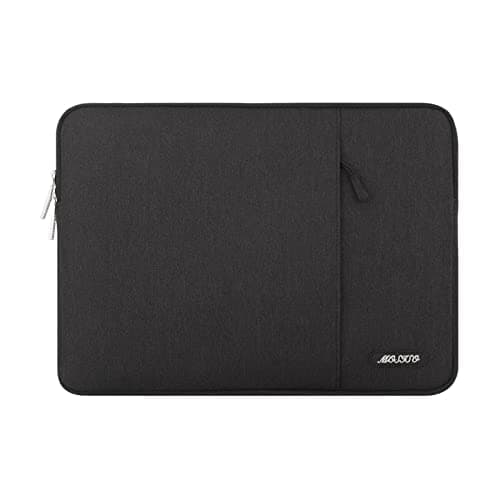
8 Best Laptop Sleeves 16 Inch in 2026 — Slim Protection, Better Organization
If you’re shopping for the best laptop sleeves 16 inch, the hardest part is finding one that actually fits a modern 16-inch laptop without feeling bulky or flimsy. The right sleeve should protect against scratches, bumps, and daily commutes while still sliding easily into a backpack or briefcase. Be
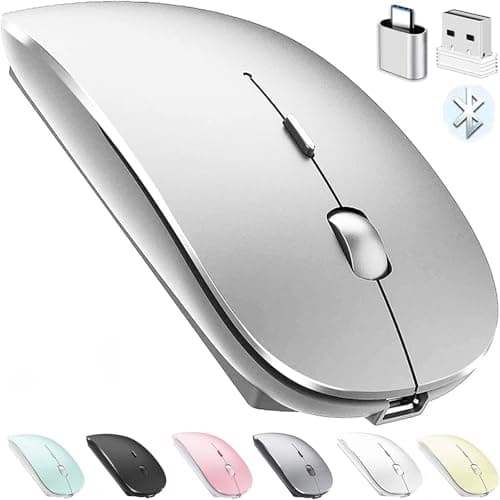
8 Best Wireless Mice for MacBook in 2026 — Quiet, Portable Picks That Work Better with macOS
If your MacBook’s trackpad is slowing you down, the right wireless mouse can make everyday work faster, quieter, and far more comfortable. The best wireless mice for MacBook should connect easily, feel good in the hand, and avoid the lag or compatibility headaches that ruin productivity. In this res
What is ChromeOS vs Windows vs MacOS? A Complete 2026 Guide
If you’re trying to choose between ChromeOS vs Windows vs MacOS, the hardest part is usually not the price—it’s figuring out which system actually fits how you work, study, stream, game, and travel. Each platform is built around a different philosophy, so the “best” choice depends on whether you wan