

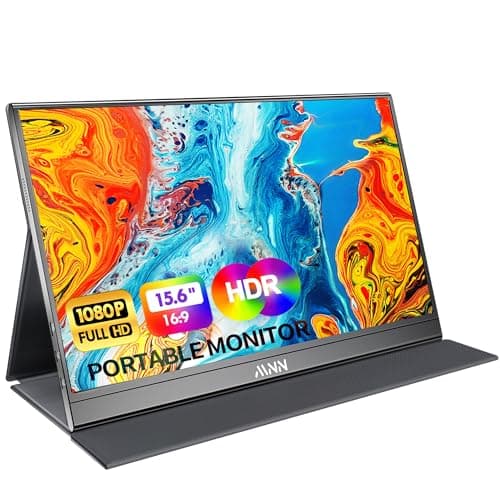
8 Best External Monitors for MacBook in 2026 — Better Screen Space, Sharper Color, and Easier Plug-and-Play Setup
If your MacBook screen feels cramped for multitasking, photo work, or long work sessions, the right external monitor can make an immediate difference. The best external monitors for MacBook should be easy to connect, look sharp, and fit the way you actually work—whether that means a lightweight portable display or a more premium desktop setup. In this roundup, we focused on Mac-friendly connectivity, color quality, portability, and value so you can buy once and use it confidently every day.
Related Reviews
Quick Picks
| Rank | Product | Price | Best For |
|---|---|---|---|
| 1 | BenQ MA270U 27” 4K | $549.99 | Premium MacBook desktop setup |
| 2 | cocopar Portable Monitor 15.6 Inch | $109.99 | Portable productivity with better build quality |
| 3 | KYY Portable Monitor 15.6inch | $59.49 | Balanced portable pick |
| 4 | InnoView Portable Monitor, 15.6 Inch | $49.99 | Budget-friendly travel monitor |
| 5 | MNN Portable Monitor 15.6inch | $49.99 | Ultra-light travel use |
| 6 | InnoView Portable Monitor 15.6" | $49.99 | Easy setup with built-in stand |
| 7 | ForHelp 15.6inch Portable Monitor | $39.99 | Lowest-cost option with solid basics |
| 8 | Anyuse Portable Monitor for Laptop 15.6 Inch | $39.99 | Simple, inexpensive second screen |
1. BenQ MA270U 27” 4K — Best Premium MacBook Monitor


4K clarity, Mac color matching, and single-cable convenience make this the most polished external monitor here for a MacBook desk setup.
- ✓ Calibrated for MacBook with exclusive color tuning and a vibrant P3 wide color gamut
- ✓ Single USB-C connection for expanding your MacBook display
- ✓ 90W USB-C power delivery helps charge your MacBook while in use
- ✓ Height, tilt, swivel, and pivot adjustments for comfortable all-day use
- ✗ Much more expensive than portable alternatives
- ✗ Not ideal if you need a travel-friendly second screen
- ✗ Overkill for users who only need basic email and browsing
✓ Prime
2. cocopar Portable Monitor 15.6 Inch — Best Portable Monitor for MacBook Users
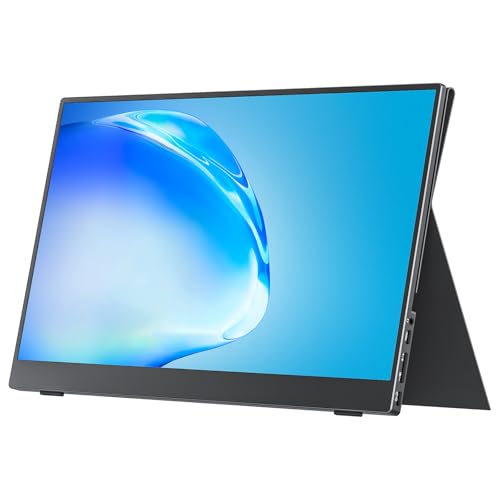


A strong pick if you want a travel monitor that feels a little more premium, with VESA support and a useful smart stand case.
- ✓ 1080p IPS panel with 85% color gamut and HDR support
- ✓ Two full-featured USB-C ports plus mini HDMI for flexible MacBook connectivity
- ✓ VESA mountable for a more permanent desk setup
- ✓ Lightweight design with smart stand case for travel and remote work
- ✗ More expensive than the cheapest portable monitors
- ✗ Still a 15.6-inch 1080p screen, so it won’t match a 4K desktop display
- ✗ Requires compatible USB-C DP Alt Mode for easiest setup
✓ Prime
3. KYY Portable Monitor 15.6inch — Best All-Around Value



If you want a reliable portable monitor that covers the essentials without feeling stripped down, KYY is one of the safest buys.
- ✓ 15.6-inch 1080p IPS screen with wide viewing angles
- ✓ USB-C and mini-HDMI compatibility for MacBook and other devices
- ✓ Built-in speakers and 3.5mm audio input for media use
- ✓ Smart cover doubles as a stand and protection during travel
- ✗ Not as premium-looking as the BenQ desktop monitor
- ✗ Audio is useful, but not a replacement for real speakers
- ✗ Best for portability, not color-critical creative work
✓ Prime
4. InnoView Portable Monitor, 15.6 Inch — Best Budget-Friendly Travel Monitor
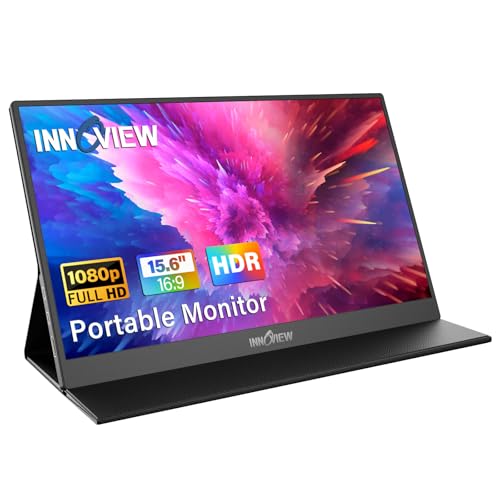


A straightforward portable monitor that keeps the price low while still offering the core MacBook-friendly features most buyers need.
- ✓ 1080p IPS panel with HDR and low blue light support
- ✓ Two full-function USB-C ports and HDMI for broad compatibility
- ✓ Protective cover doubles as a stand for travel use
- ✓ Good fit for remote work, study, and casual dual-screen setups
- ✗ HDMI power cable may be needed depending on your device
- ✗ Not the most advanced option for color accuracy
- ✗ Basic design compared with higher-end portable monitors
✓ Prime
5. MNN Portable Monitor 15.6inch — Best Ultra-Slim Option
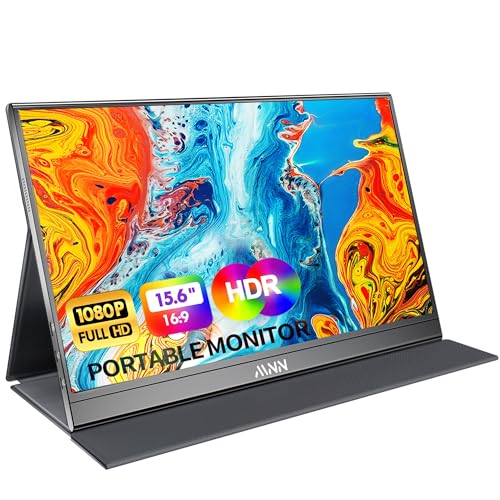


This is a strong pick for travelers who want a very light second screen that slips easily into a backpack.
- ✓ Full HD IPS matte display with 178° viewing angle
- ✓ Dual full-featured USB-C ports for plug-and-play convenience
- ✓ Ultra-slim and lightweight for travel, school, or remote work
- ✓ Smart cover doubles as a protective stand in landscape or portrait mode
- ✗ Best experience depends on USB-C DP Alt Mode support
- ✗ Speakers are convenient, but not a main selling point
- ✗ More portable than premium in image quality
✓ Prime
6. InnoView Portable Monitor 15.6" — Best for Built-In Stand Convenience
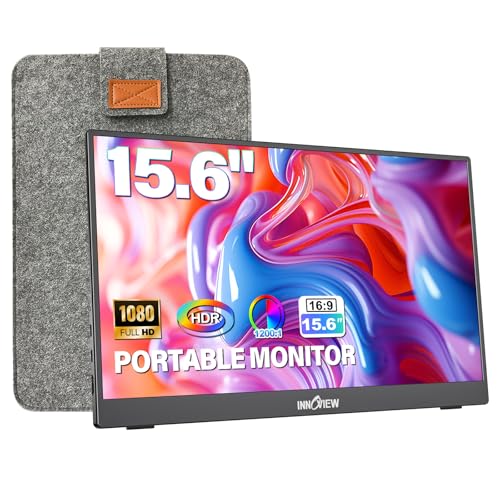


The built-in 90° adjustable stand and included sleeve make this one especially easy to live with day to day.
- ✓ Integrated stand with up to 90° adjustment
- ✓ Protective sleeve helps reduce wear during commuting
- ✓ 1080p IPS A+ screen with HDR and low blue light
- ✓ Standard HDMI plus dual USB-C for flexible MacBook connections
- ✗ Still aimed at casual and productivity use rather than pro-level color work
- ✗ Needs compatible USB-C or external power in some setups
- ✗ Slightly bulkier than the thinnest travel monitors
✓ Prime
7. ForHelp 15.6inch Portable Monitor — Best Cheap External Monitor for MacBook
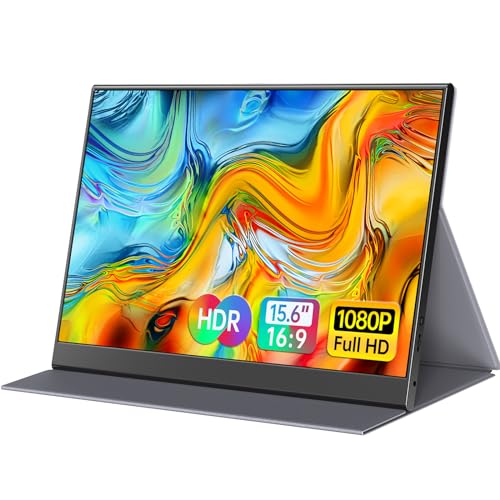


If your main goal is to add a second screen to your MacBook for as little money as possible, this is one of the most affordable options worth considering.
- ✓ 1080p IPS matte panel with 178° viewing angle
- ✓ Ultra-slim aluminum alloy body at a very low price
- ✓ Two built-in speakers and HDR mode for casual media use
- ✓ Smart cover doubles as a stand and protection
- ✗ Basic feature set compared with more polished portable monitors
- ✗ Audio and image quality are fine, not standout
- ✗ Best suited to budget buyers rather than demanding users
✓ Prime
8. Anyuse Portable Monitor for Laptop 15.6 Inch — Best Minimalist Budget Pick


For a simple second display that keeps costs down, Anyuse gets the job done without adding much complexity.
- ✓ 15.6-inch Full HD display for basic productivity
- ✓ USB-C and mini HDMI support for common MacBook setups
- ✓ Ultra-slim travel-friendly design
- ✓ Good entry-level option for casual dual-screen use
- ✗ Fewer standout extras than similarly priced alternatives
- ✗ No major premium features for creative professionals
- ✗ Best for light use, not color-sensitive work
✓ Prime
How We Chose These Products
To find the best external monitors for MacBook, we prioritized the factors that matter most to Mac users: simple USB-C connectivity, display quality, portability, and overall value. We gave extra weight to monitors that support plug-and-play setup with MacBook Air and MacBook Pro models, especially those with full-featured USB-C ports and power pass-through.
We also considered screen quality features like IPS panels, 1080p or 4K resolution, HDR support, viewing angles, and color tuning. For portable options, we looked for lightweight bodies, protective covers or sleeves, and stands that make them easy to use on the road. For the desktop category, we favored a monitor that better matches the Mac experience with stronger color handling and a more ergonomic stand.
Frequently Asked Questions
What is the best external monitor for MacBook overall?
The BenQ MA270U 27” 4K is the best overall choice if you want a premium desktop monitor built for MacBook use. It offers 4K resolution, P3 color, USB-C connectivity, and 90W charging.
What is the best portable monitor for MacBook?
The cocopar Portable Monitor 15.6 Inch is the best portable monitor for MacBook users who want a stronger mix of portability, features, and usability.
Do these monitors work with MacBook Air and MacBook Pro?
Yes, most of these monitors work with MacBook Air and MacBook Pro models as long as your Mac supports USB-C video output or you use the proper cable/adapter. For the easiest setup, look for full-featured USB-C support.
Is 1080p enough for a MacBook external monitor?
For portable monitors, 1080p is usually enough for productivity, travel, and general use. If you want the sharpest desktop experience, a 4K monitor like the BenQ MA270U 27” 4K is the better pick.
What should I look for when buying an external monitor for MacBook?
Look for USB-C compatibility, good color quality, a panel size that fits your workspace, and whether you need portability or a permanent desk setup. If you use your MacBook for work all day, ergonomics and charging support matter a lot too.
Frequently asked questions
- What is the best external monitor for MacBook overall?
- The BenQ MA270U 27” 4K is the best overall choice if you want a premium desktop monitor built for MacBook use. It offers 4K resolution, P3 color, USB-C connectivity, and 90W charging. What is the best portable monitor for MacBook?
- What is the best portable monitor for MacBook?
- The cocopar Portable Monitor 15.6 Inch is the best portable monitor for MacBook users who want a stronger mix of portability, features, and usability. Do these monitors work with MacBook Air and MacBook Pro?
- Do these monitors work with MacBook Air and MacBook Pro?
- Yes, most of these monitors work with MacBook Air and MacBook Pro models as long as your Mac supports USB-C video output or you use the proper cable/adapter. For the easiest setup, look for full-featured USB-C support. Is 1080p enough for a MacBook external monitor?
- Is 1080p enough for a MacBook external monitor?
- For portable monitors, 1080p is usually enough for productivity, travel, and general use. If you want the sharpest desktop experience, a 4K monitor like the BenQ MA270U 27” 4K is the better pick. What should I look for when buying an external monitor for MacBook?
- What should I look for when buying an external monitor for MacBook?
- Look for USB-C compatibility, good color quality, a panel size that fits your workspace, and whether you need portability or a permanent desk setup. If you use your MacBook for work all day, ergonomics and charging support matter a lot too.
Get the Full Tech Buyer's Guide
Join our free newsletter — we'll send our latest Tech picks, specs and verdicts straight to your inbox.
Free. No spam. Unsubscribe anytime.
Was this review helpful?
Be the first to share your feedback on this review.
Sign in to vote and let us know what you think.
Discussion (0)
No comments yet. Be the first to start the discussion.
Related Reviews
8 Best Laptop Sleeves 16 Inch in 2026 — Slim Protection, Better Organization
If you’re shopping for the best laptop sleeves 16 inch, the hardest part is finding one that actually fits a modern 16-inch laptop without feeling bulky or flimsy. The right sleeve should protect against scratches, bumps, and daily commutes while still sliding easily into a backpack or briefcase. Be
8 Best Wireless Mice for MacBook in 2026 — Quiet, Portable Picks That Work Better with macOS
If your MacBook’s trackpad is slowing you down, the right wireless mouse can make everyday work faster, quieter, and far more comfortable. The best wireless mice for MacBook should connect easily, feel good in the hand, and avoid the lag or compatibility headaches that ruin productivity. In this res
What is ChromeOS vs Windows vs MacOS? A Complete 2026 Guide
If you’re trying to choose between ChromeOS vs Windows vs MacOS, the hardest part is usually not the price—it’s figuring out which system actually fits how you work, study, stream, game, and travel. Each platform is built around a different philosophy, so the “best” choice depends on whether you wan